Introduction to 3D visual guidance solution
1. Solution introduction
The 3D vision guidance solution captures and understands the three-dimensional information of Target Object and Scene Object in the actual environment through 3DCamera, determines the relative pose relationship between 3DCamera and Robot through Eye-hand calibration, and relies on the Pickwiz vision system to establish real-time and reliable data transmission between 3DCamera and Robot to achieve precise grabbing by Robot and meet various industrial scene needs such as sack carton depalletizing, disordered grabbing, orderly loading and unloading, positioning and assembly, etc.
Dexforce adopts 2D recognition and detection methods to extract instances from the Scene, uses 3D positioning to extract feature information from the instances and accurately matches them, configures recognition and grabbing related functions according to actual needs, and customizes appropriate visual guidance solutions for different TaskScenes.
The currently supported 2D recognition schemes and 3D matching schemes are shown in the table below:
| scheme | model | Features | defect | Example |
|---|---|---|---|---|
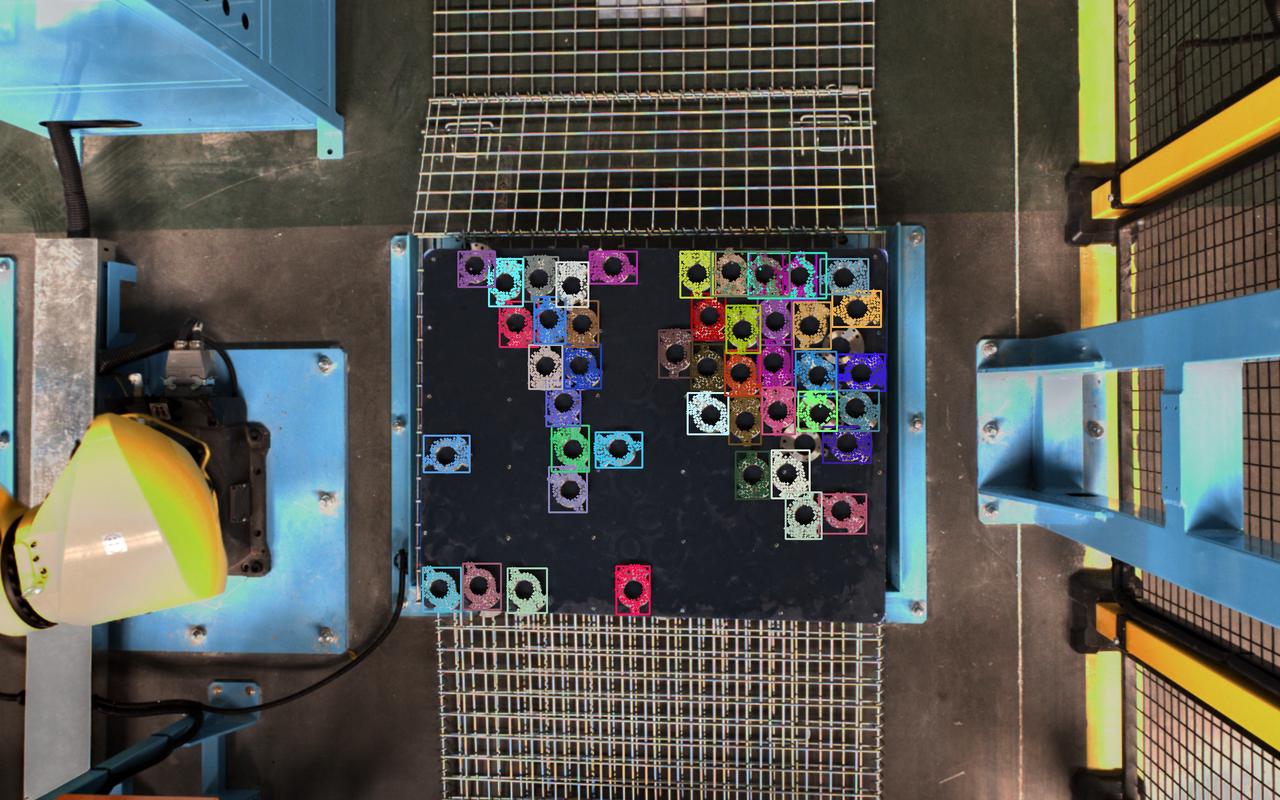
| 2D recognition scheme: splits the instance | from the Scene Universal model |
| The general model will detect unnecessary Targets. In order to retain only the Targets that you want to recognize, instance filtering is required. | 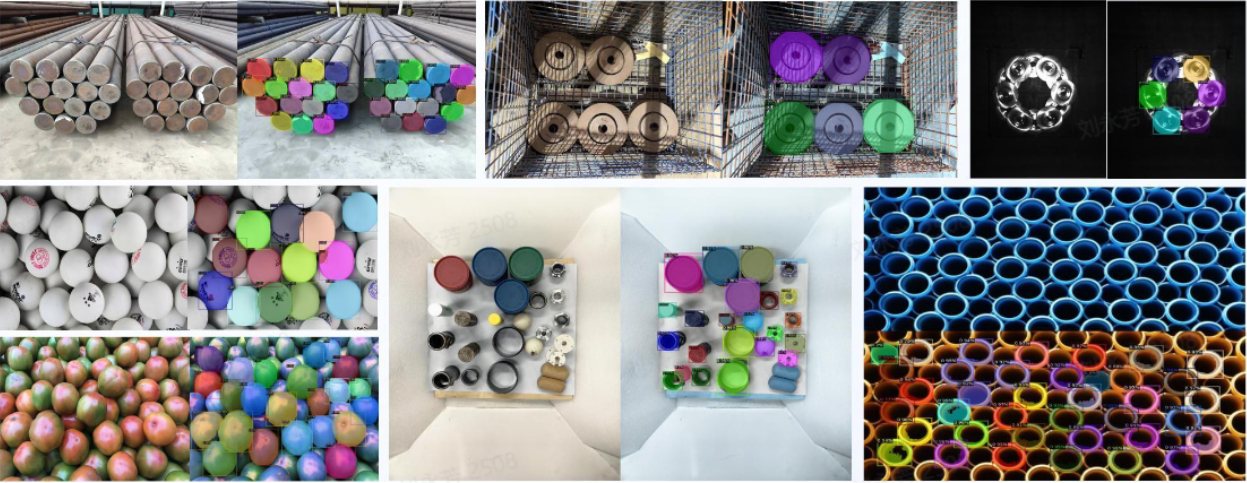 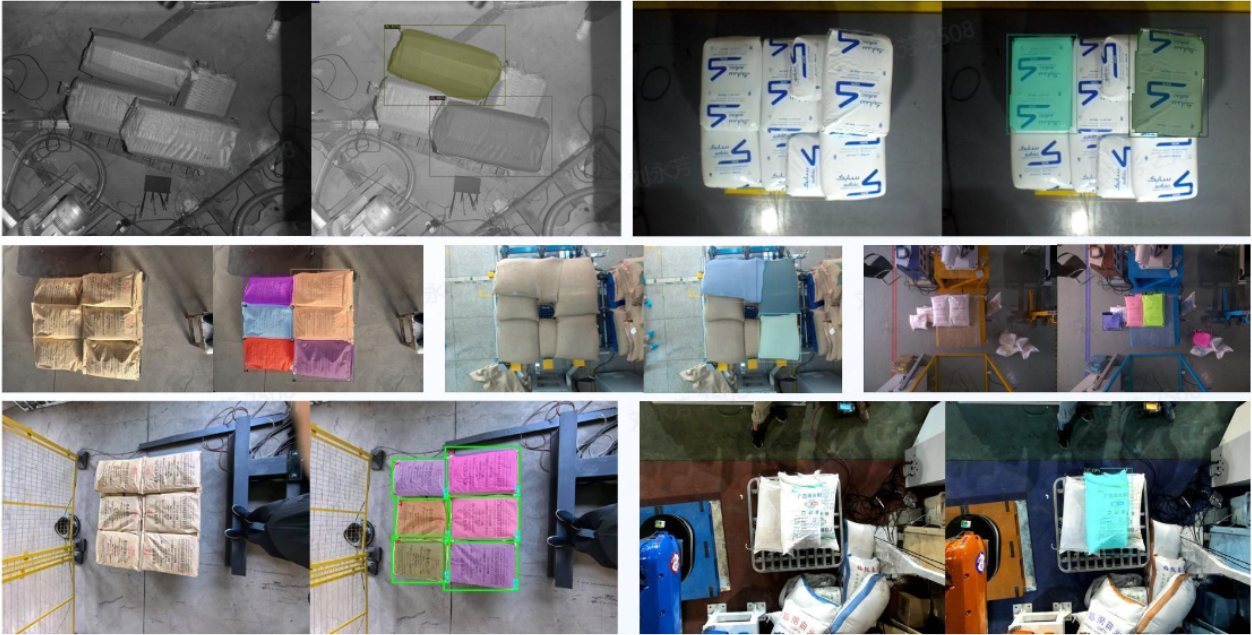 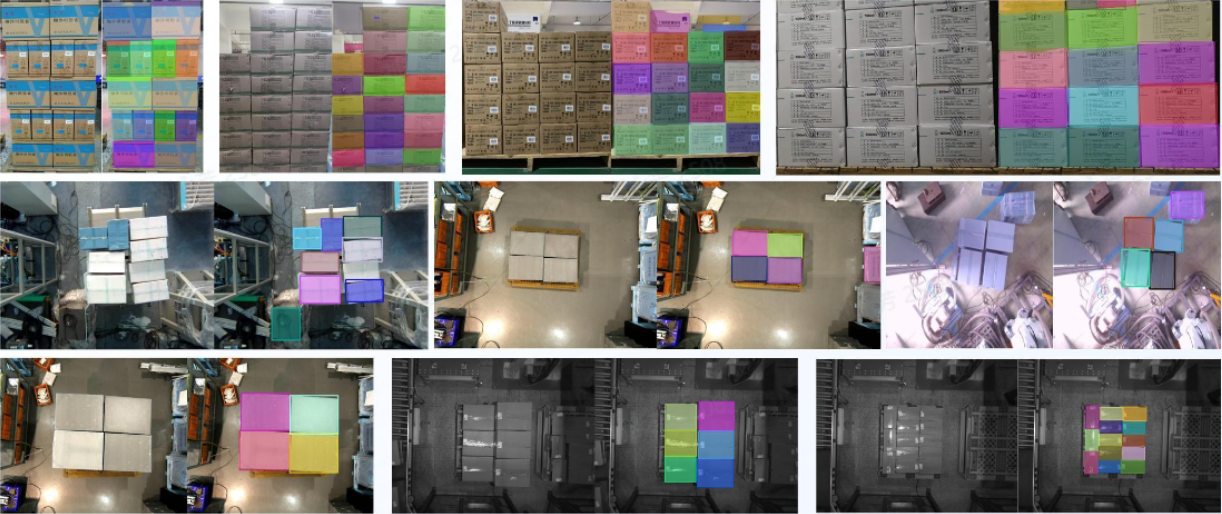 |
| CAD-based synthetic data training (one-click connection) |
|
| data rendering: 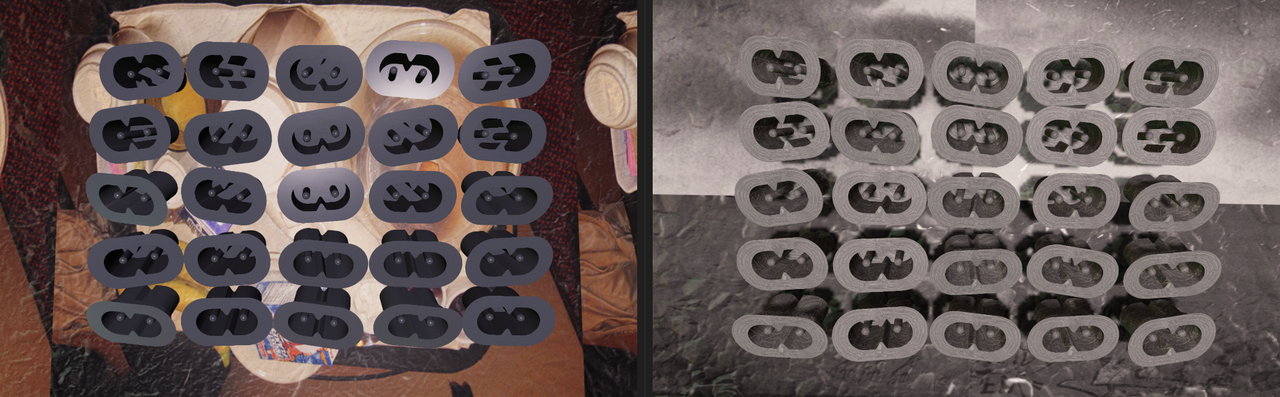 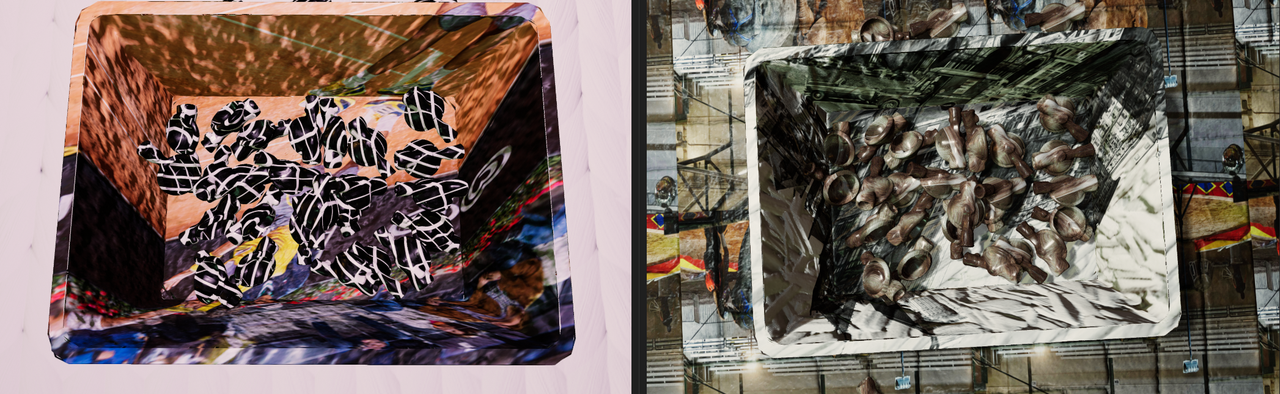 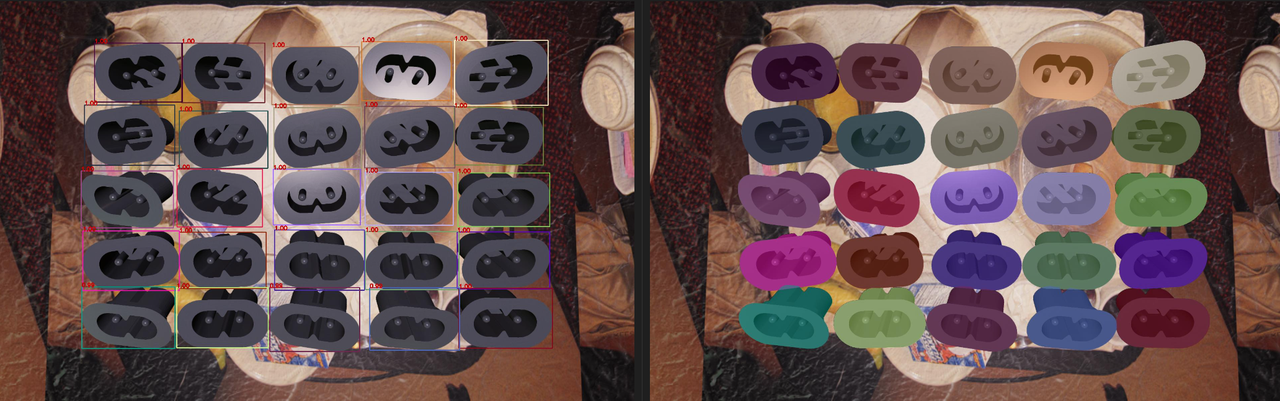 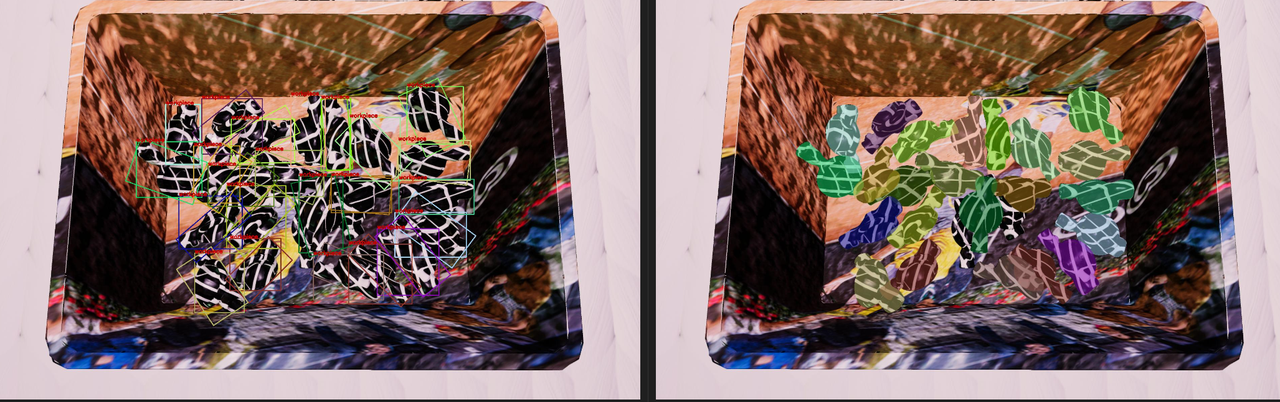 Real Inference: 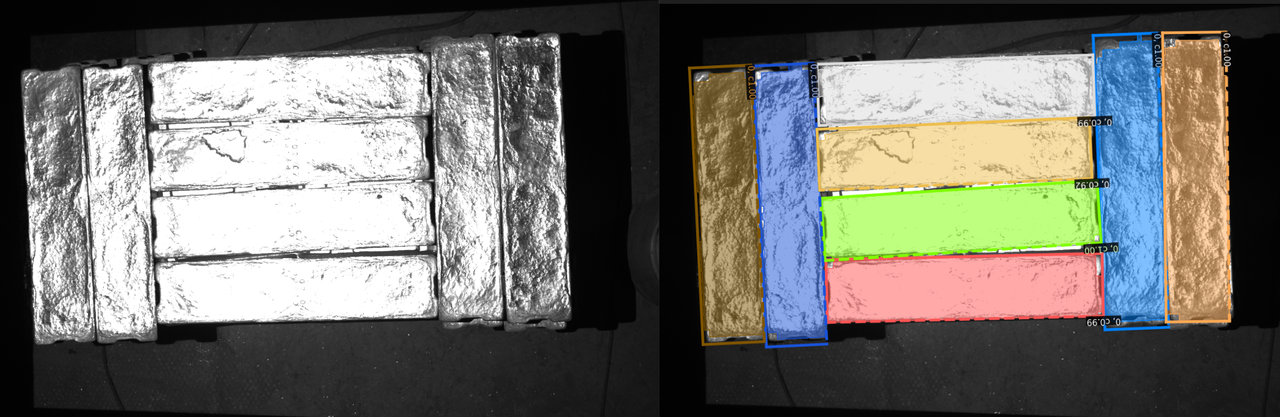 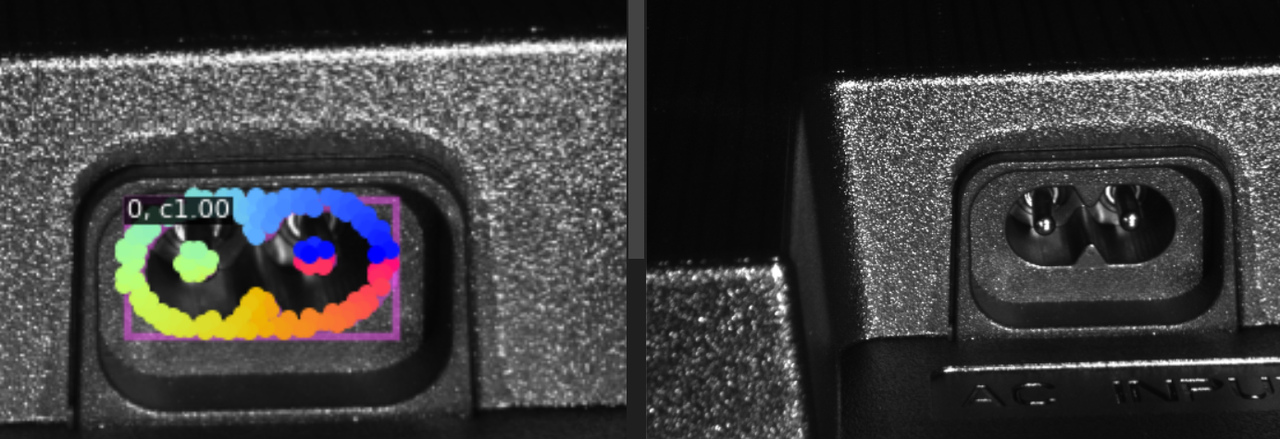 | |
| Point Cloud split |
|
| 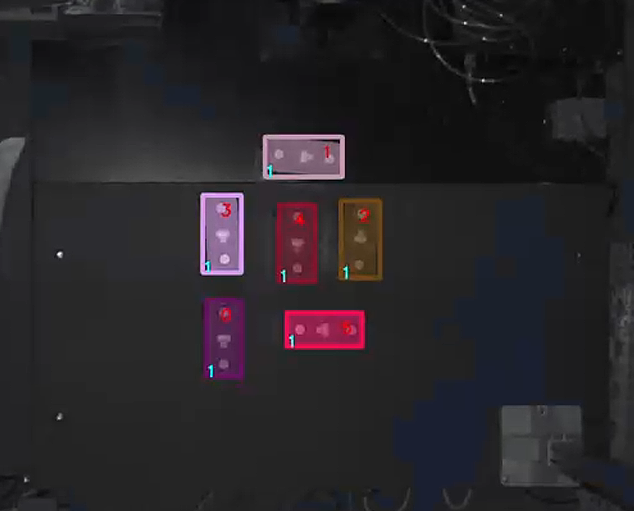 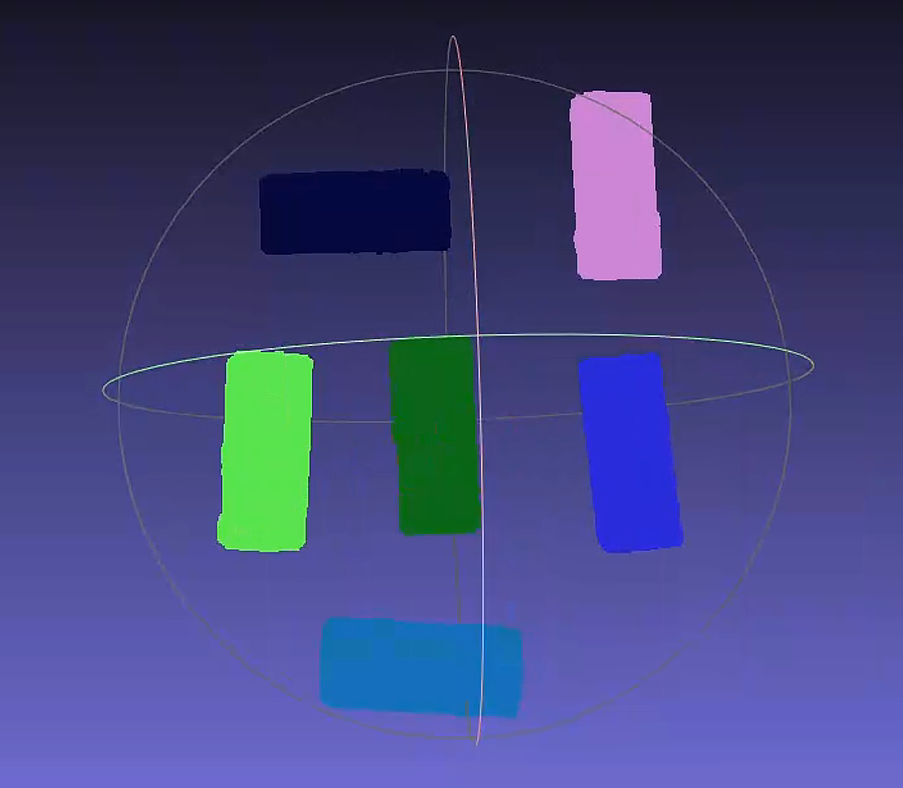 | |
| 3D matching scheme: Calculate the attitude of the instance in the Camera coordinate system | Mask-based Pick Point generation |
| / | 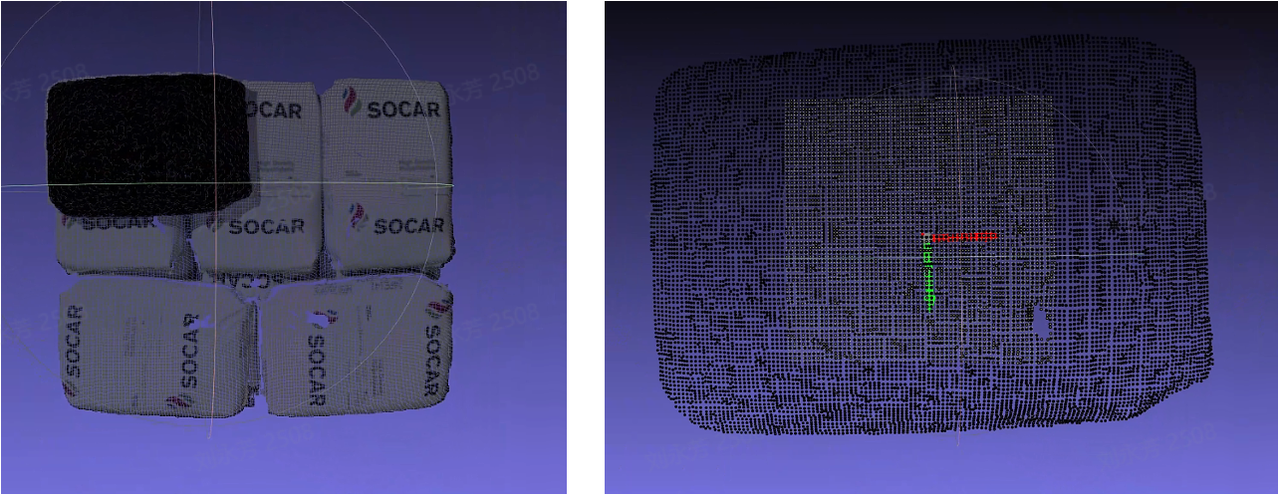 |
| Basic geometric shape fitting |
| / | 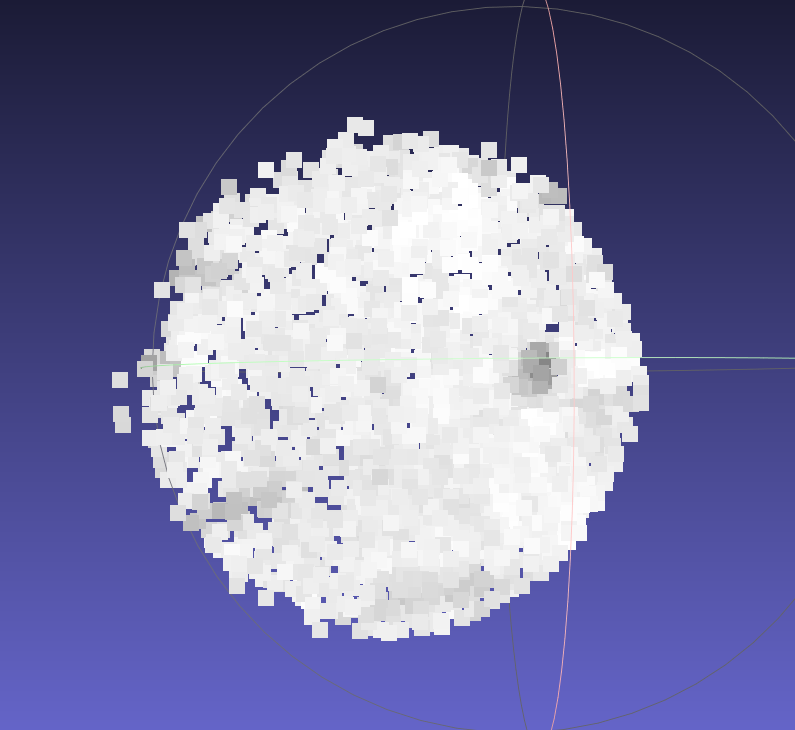 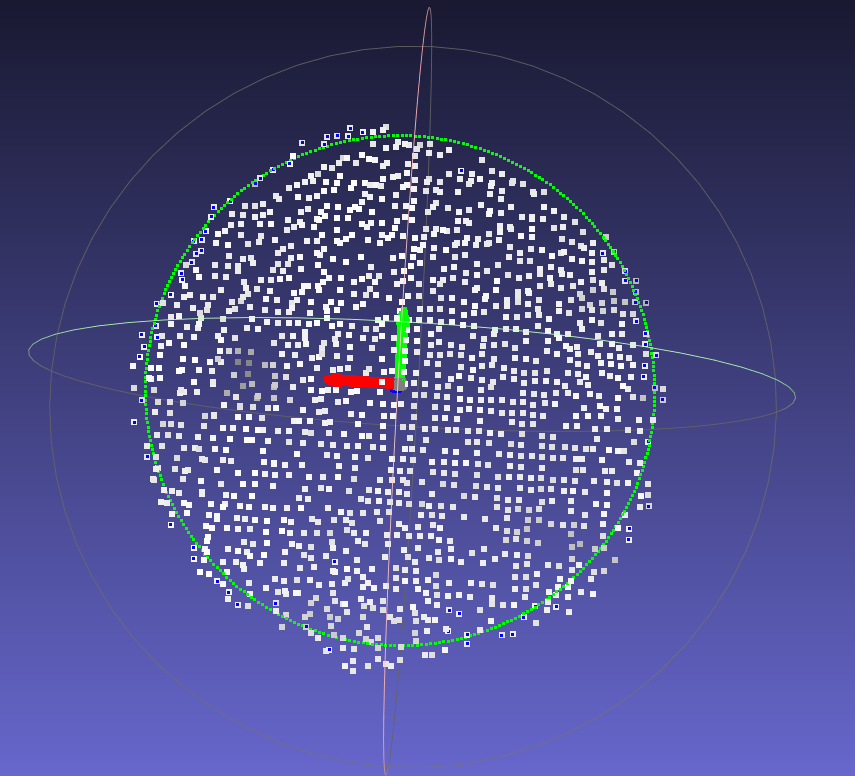 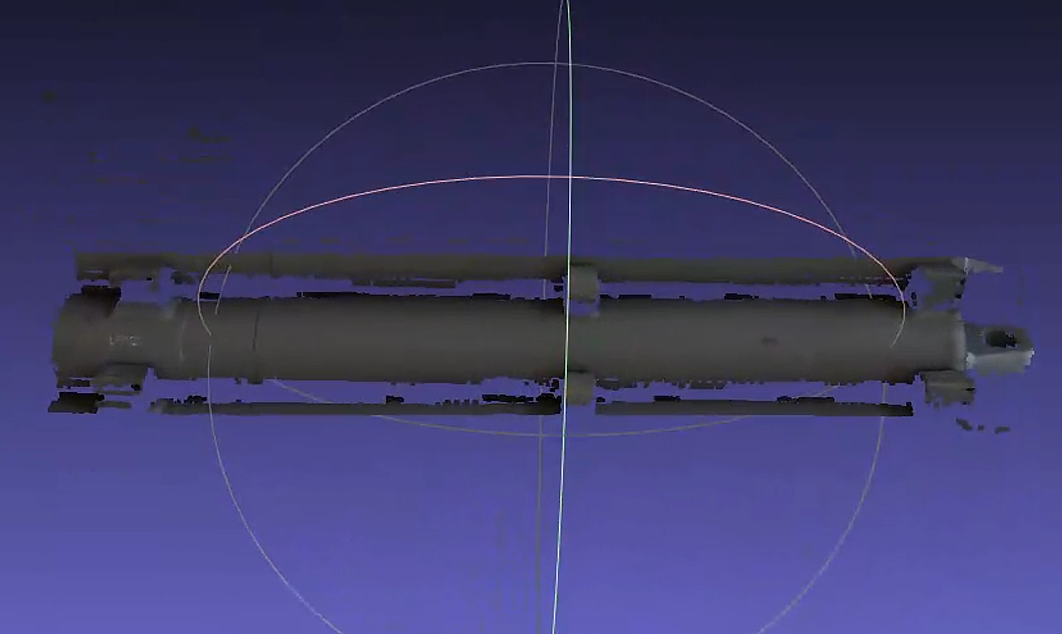 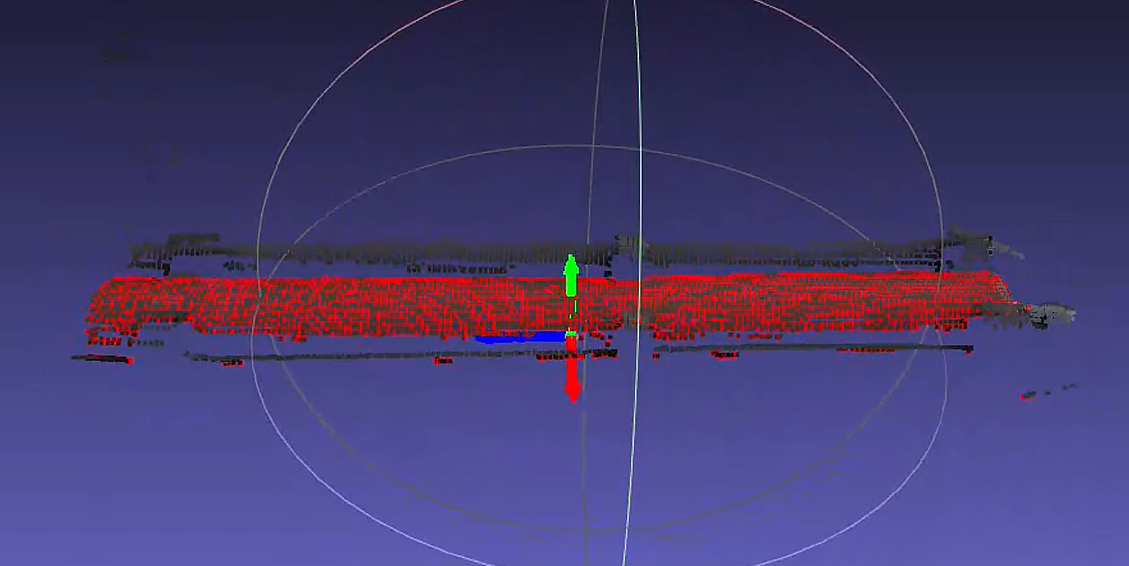 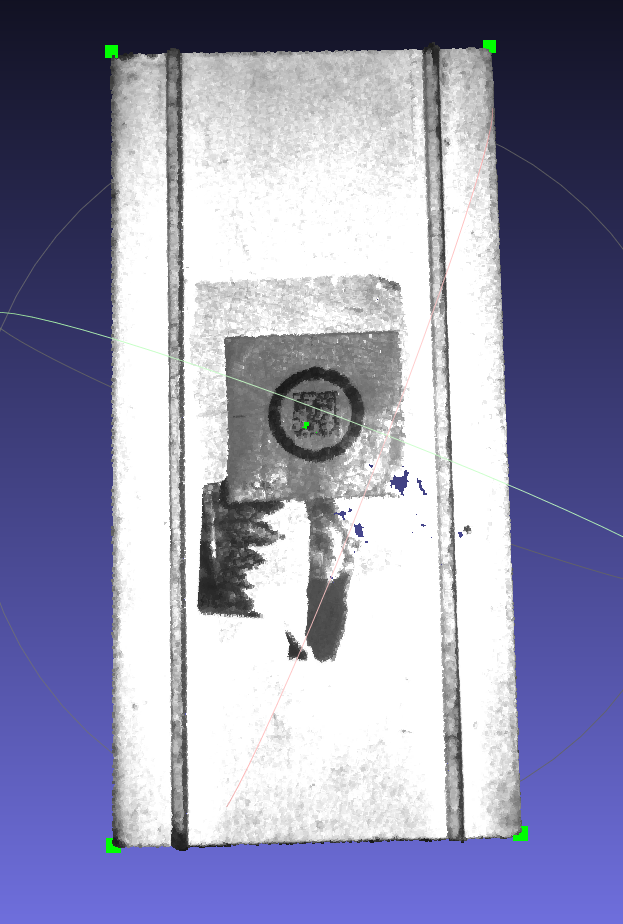 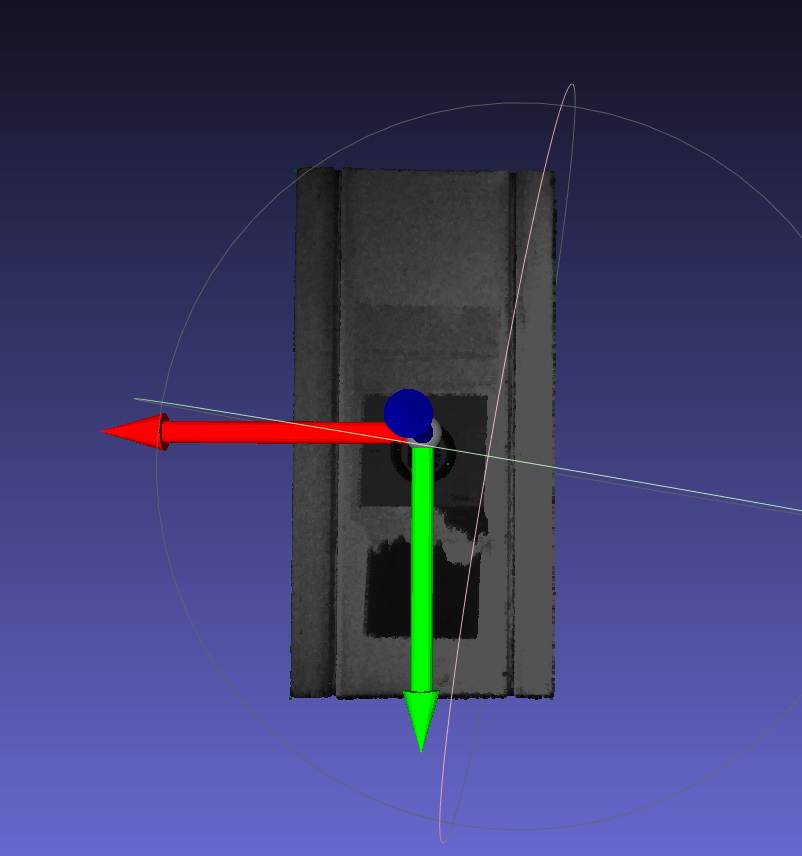 | |
| Rigid body transformation |
|
| 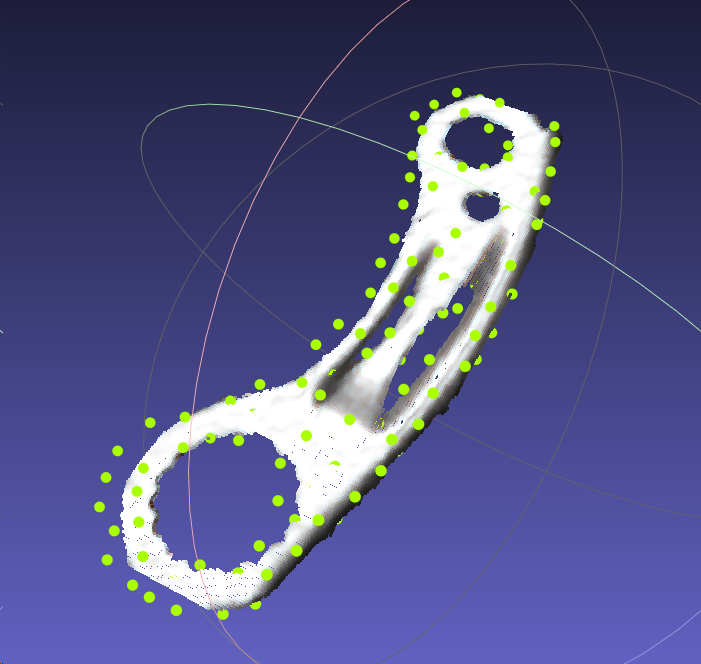 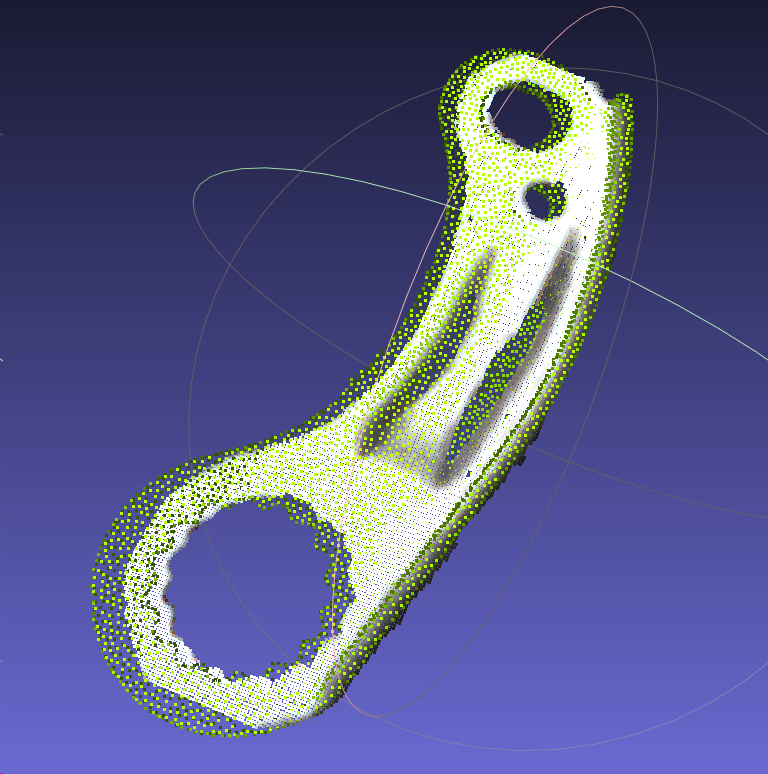      is not suitable for Scene: the front and back are the same shape 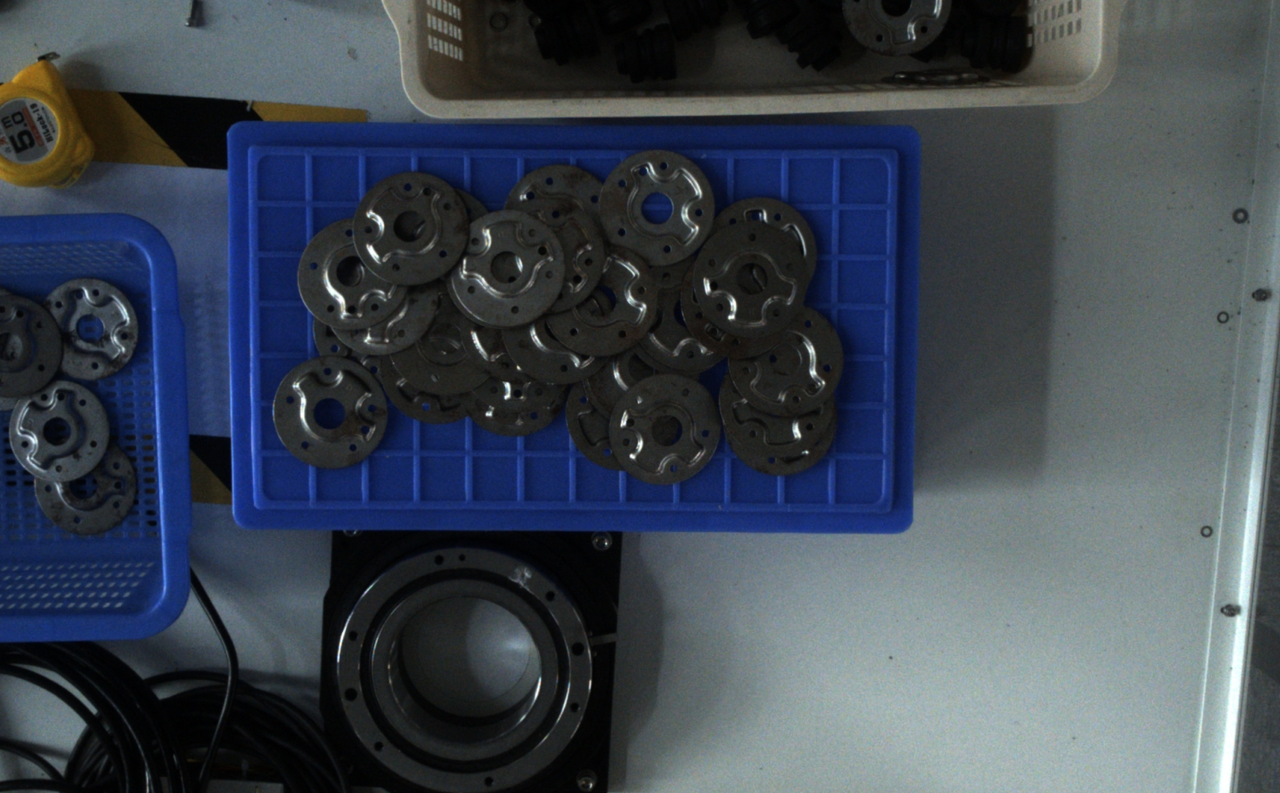 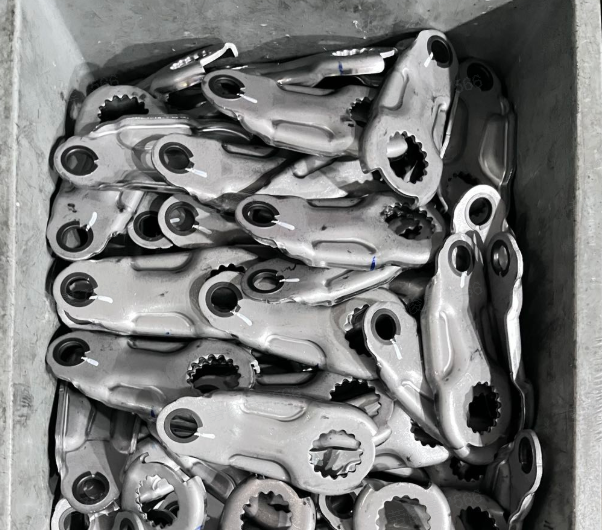 | |
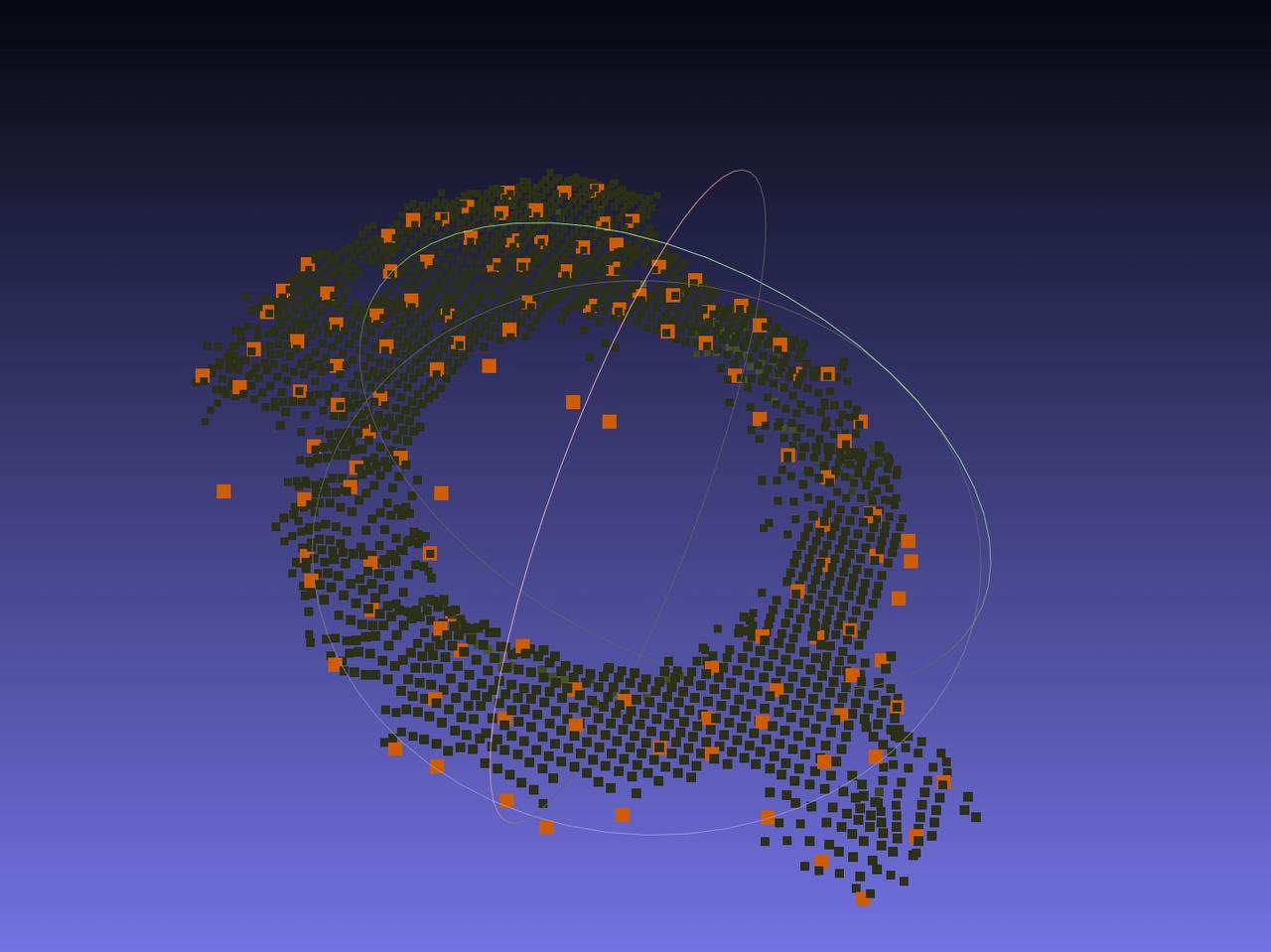
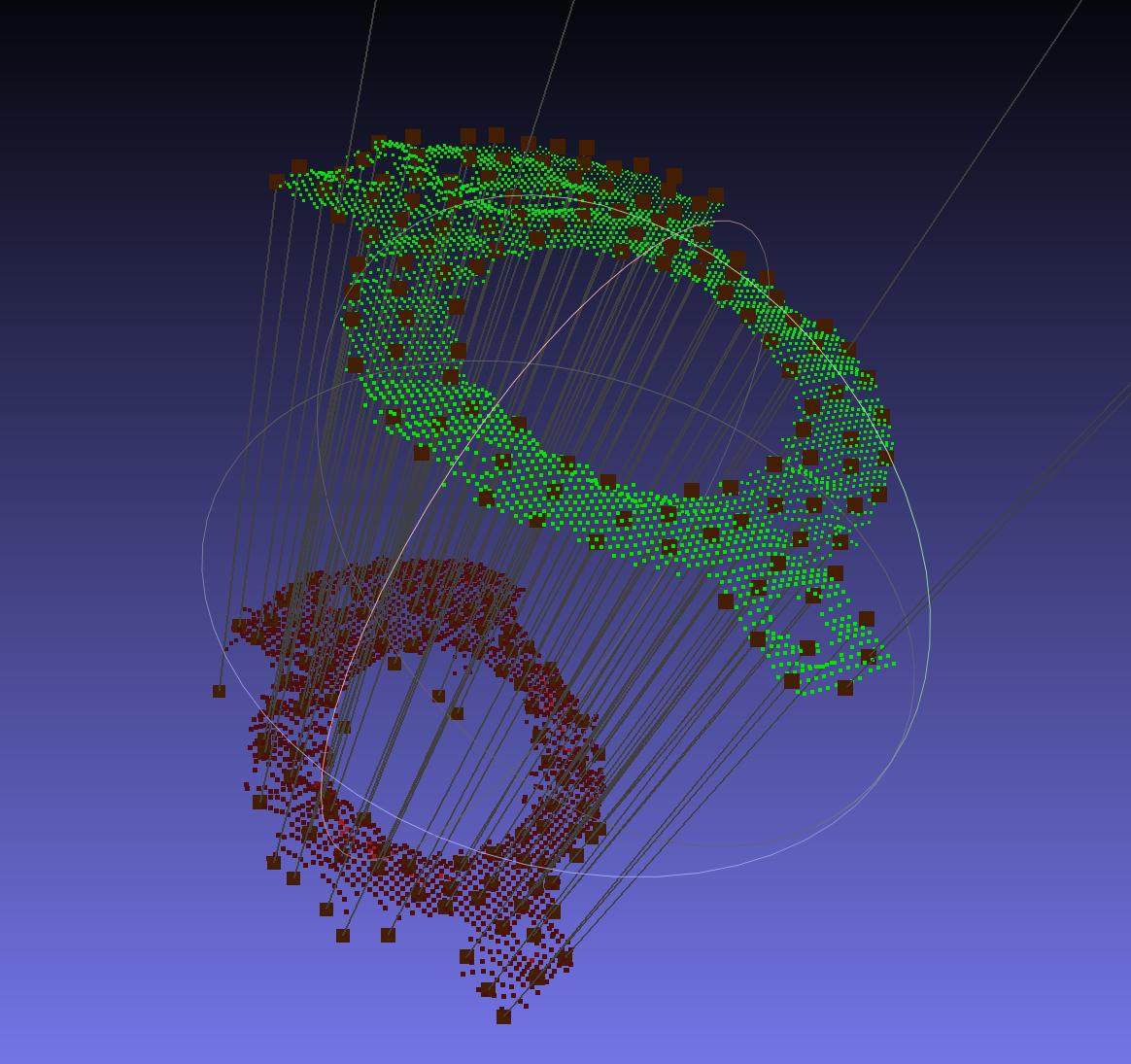
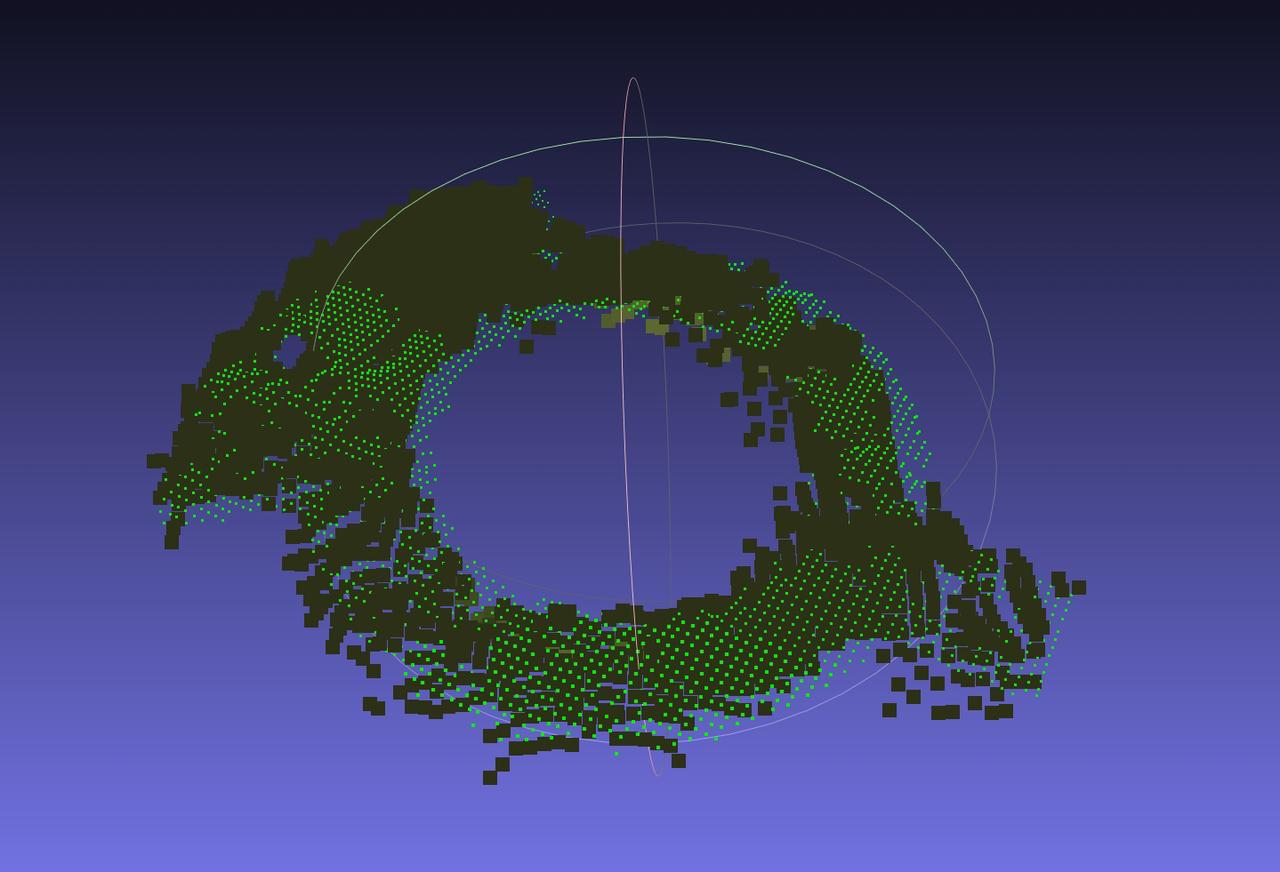
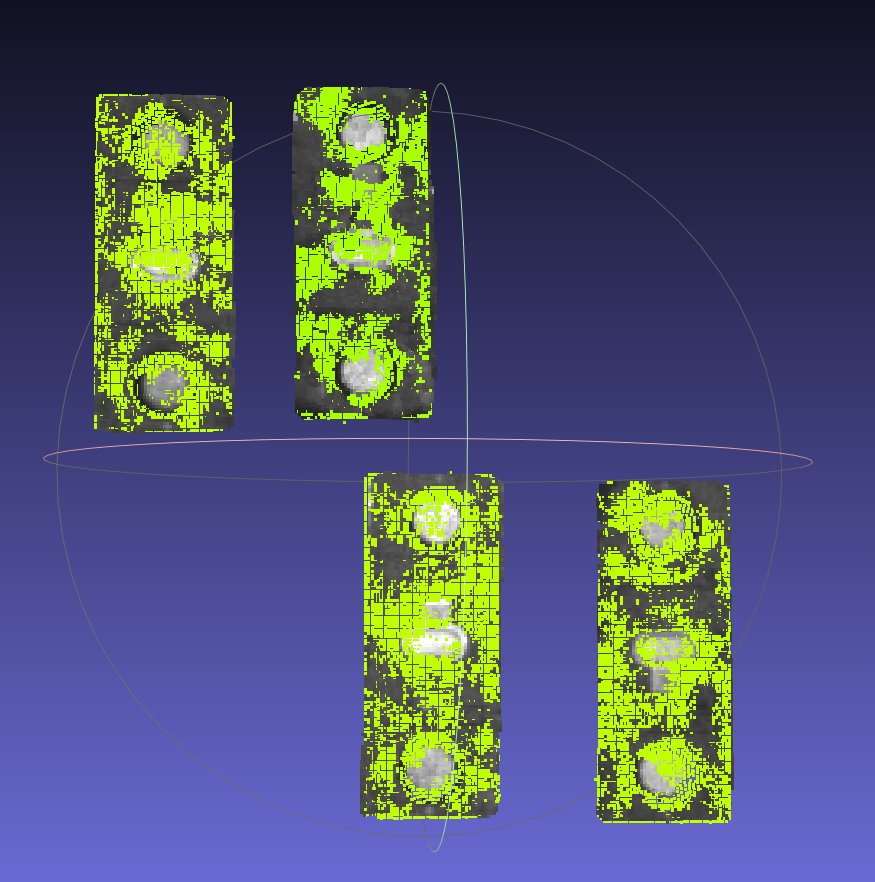
| 3D registration | Suitable for different types, shapes or sizes of Target, suitable for almost all Scenes |
|   |
In addition, Dexforce fully considers the special needs of different industrial scenes and provides some optional functions for 3D visual guidance solutions:
Visual classification: Use 2D depth features to classify instances. For usage, please refer to [Visual Classification User Guide] (../../PickWiz/V1.8.2/功能选项/视觉分类使用指南.md)
Principle: When calling PickWiz for recognition, images are manually selected and classified, the depth feature information of the images is extracted, and a category database is established. When calling PickWiz for recognition, the features of the input image are extracted and compared with the features of the database to find the category that best matches the instance image.
Application Scene: sack/carton classification, Target orientation classification, Target positive and negative classification, etc.
Type Identification: Use one-click connection to train a deep learning model that can identify a variety of materials. It is suitable for scenes with many types of targets and similar shapes. For usage, please refer to Type Identification User Guide
Collision detection: Detect the collision between the End-effector and the material frame to avoid collision with the material frame during the Robot grabbing process. For usage, please refer to [Collision Detection Usage Guide] (../../PickWiz/V1.8.2/功能选项/碰撞检测使用指南.md)
Principle: Extract the material frame Point Cloud of the actual Scene, calculate the template Point Cloud of the material frame using quadrilateral fitting based on the material frame size input in the Scene Object, and then conduct Fine matching between the fitted template Point Cloud and the material frame Point Cloud of the actual Scene to obtain the final material frame posture.
It allows the material frame to move within a wider range.
Deformable material frames (concave or convex) are not supported.
Front-Back Identification (via Point Cloud template): Set up two Target templates Point Cloud, estimate the postures of the two templates, and finally output the posture with the highest score. It is often used in scenes where the Target orientation is inconsistent when incoming materials are facing up, or the reverse side is facing up. For usage, please refer to [Front-Back Identification (via Point Cloud template) User Guide] (../../PickWiz/V1.8.2/功能选项/识别正反(通过点云模板)使用指南.md).
Local Identification: Between different Targets and the same Target under different deformations, a certain local feature on the Target is basically unchanged, so the Target can be located through this local feature. For usage, please refer to Local Identification User Guide
Instance Optimization: Use a large model to optimize the mask after model recognition. It is often used for scenes where the instance mask is incomplete/too many after recognition of the general model/one-click connection with the Visual Model. For usage, please refer to Instance Optimization User Guide
Partition and Pallet Detection: After the Target grabbing is completed, the partition and bottom bracket are grabbed. For usage, please refer to Partition and Pallet Detection User Guide
2. Solution selection
Please select the appropriate Task type in PickWiz according to the production Scene and Target types:
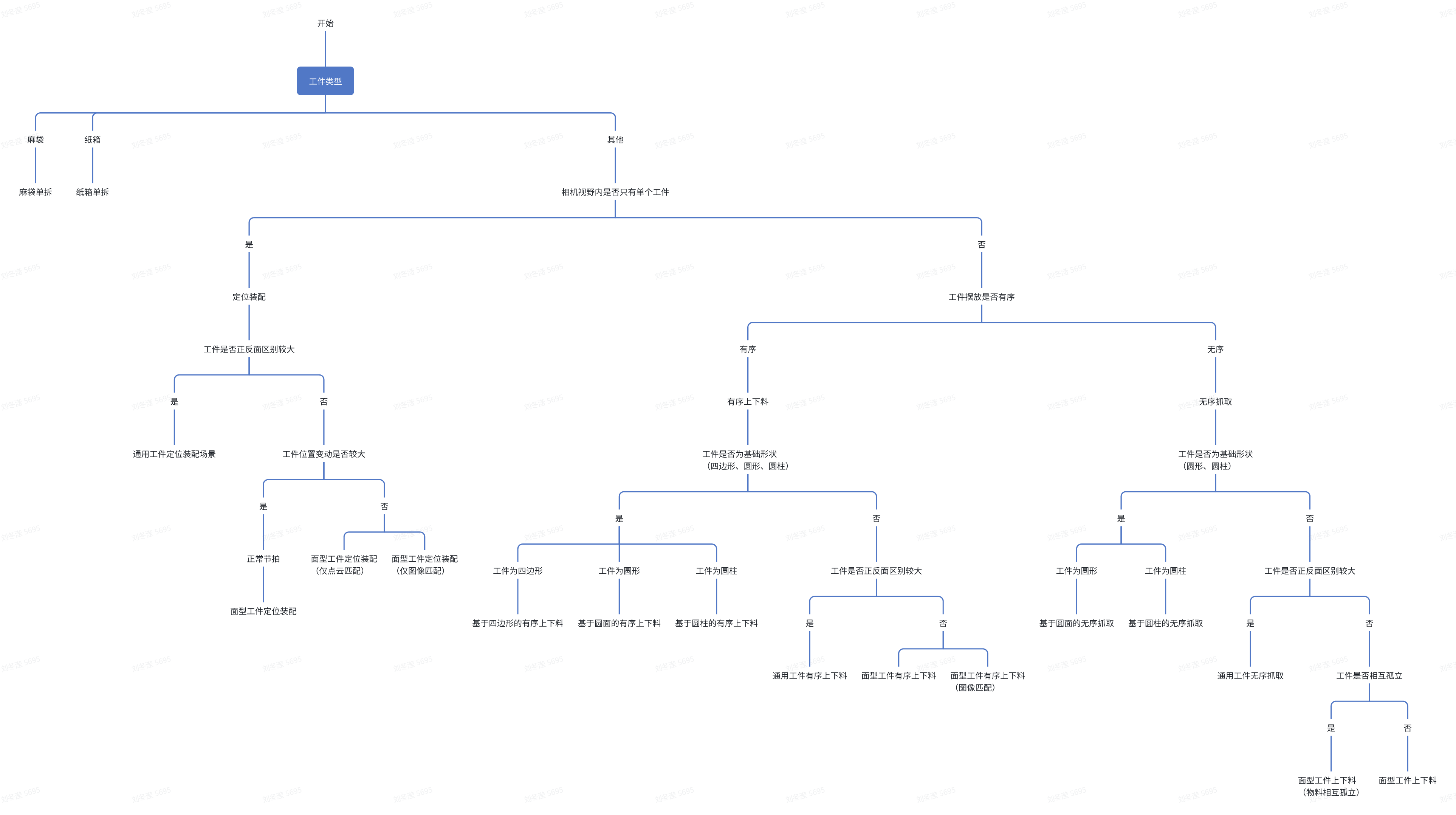
The 2D recognition scheme and 3D matching scheme applied to each Task type are as follows:
| Scene | Task type | Site requirements | 2D identification scheme | 3D matching solution | |
|---|---|---|---|---|---|
| Depalletizing | sack single disassembly | Single type of sack, filled inside to avoid empty bags | Universal sack model | Mask-based Pick Point generation | |
| carton single disassembly | Single type carton, avoid tight fit, high reflective tape | universal carton single disassembly model | Mask-based Pick Point generation | ||
| Orderly loading and unloading | Loading and unloading of neatly arranged general type target objects | There is a big difference between the front and back ofTarget. They are arranged in an orderly manner. The incoming materials are single and the Target has high consistency. You can get Target CAD | .CAD-based synthetic data training (one-click connection) | rigid body transformation | |
| Loading and unloading of Circle type target objects | Round Target, arranged in an orderly manner, Point Cloud has high quality and clear edges Target | universal circle model | circle shape fitting | ||
| surface type Target orderly loading and unloading | surface type Target, placed in order, high target consistency, can obtain Target CAD | CAD-based synthetic data training (one-click connection) | 3D registration | ||
| Surface Target Orderly loading and unloading (parallelization) | surface type Target, orderly placement, high target consistency, can obtain Target CAD | CAD-based synthetic data training (one-click connection) | 3D registration | ||
| Loading and unloading of neatly arranged plane type target objects (image matching) | surface type Target, orderly placement, high target consistency, can obtain Target CAD | Example-based Instance Segmentation | feature matches | ||
| Loading and unloading of Cylinder type target objects | Cylindrical Target, arranged in an orderly manner, Point Cloud is of high quality and has clear edges Target | The ratio of the height to the radius of the cylinder does not exceed 4: 1 | Universal short cylindrical model | cylindrical shape fitting | |
| cylinder exceeds 4:1 | Universal long cylindrical model | cylindrical shape fitting | |||
| Orderly loading and unloading based on quadrilateral | Flat quadrilateral Target, arranged in an orderly manner, single incoming materials, flat surface, clear edges Target | universal quad model | Quadrilateral fitting | ||
| disorderly capture | Picking randomly arranged general type target objects | There is a big difference between the front and back of Target, and they are arranged in disorder. The target has high consistency, and the target CAD | can be obtained. CAD-based synthetic data training (one-click connection) | rigid body transformation | |
| Picking of randomly arranged plane type target objects | surface type Target, arranged in disorder, with high target consistency, and can obtain Target CAD | CAD-based synthetic data training (one-click connection) | 3D registration | ||
| surface type Target loading and unloading (materials are isolated from each other) | Targets are separated from each other and TargetPoint Cloud has no adhesion. | Point Cloud split | 3D registration/ Mask-based Pick Point generation | ||
| Picking of randomly arranged Circle type target objects | Round Target, arranged in disorder, Point Cloud has high quality and clear edges Target | universal circle model | circle shape fitting | ||
| Picking of randomly arranged Cylinder type target objects | cylindrical Target, arranged in disorder, Point Cloud has high quality and clear edges Target | The ratio of the height to the radius of thecylinder does not exceed 4:1 | Universal short cylindrical model | cylindrical shape fitting | |
| cylinder exceeds 4:1 | Universal long cylindrical model | cylindrical shape fitting | |||
| positioning assembly | General Target positioned assembly | There is only a single Target in the field of view of Camera. The front and back sides of the Target are quite different. Target CAD | can be obtained.CAD-based synthetic data training (one-click connection) | rigid body transformation | |
| Plane type Target positioned assembly | Camera has only a single surface Target in the field of view, and its position changes greatly. Target CAD | can be obtained.CAD-based synthetic data training (one-click connection) | 3D registration | ||
| Plane type Target positioned assembly (only Point Cloud matches) | Camera has only a single surface Target in the field of view, and the position changes slightly | / | 3D registration | ||
| Plane type Target positioned assembly (image matching only) | Camera has only a single surface Target in the field of view, and the position changes slightly | / | feature matches | ||
*Remark:
Top corner grabbing solution:
- The model identifies the carton and obtains the mask of the carton
- Image/Point Cloud preprocessing adjusts the mask to remove noise parts
- Perform quadrilateral fitting on the mask to obtain the fitted quadrilateral information (vertices, length and width information)
- Extract the four vertices of the quadrilateral, sort them according to the xy of the image, and distinguish the upper left, upper right, lower left, and lower right
- If the carton body vertex is checked, the upper left vertex where the long side of the carton is located will be the upper left vertex of the body, and the vertices will be reordered according to the length and width information.
- Perform plane fitting on the mask to obtain the plane equation
- The image coordinates are projected onto the fitting plane based on the Intrinsic Parameter to obtain the final 3D coordinates of the vertex to be grasped.