V1.8.1 Release Notes
Preface
| Version | Camera SDK | ||
|---|---|---|---|
| PickWiz: | 1.8.1 | Xema: | 1.5.4.9 |
| PickLight: | 1.8.1 | Finch: | 1.3.0 |
| GLIA: | 0.5.0 | Sparrow: | 3.5.3 |
| RLIA: | 0.3.4 | Kingfisher-R: | 0.1.1 |
| MixedAI: | 0.6.0 | Stereo: | 4.3.4 |
| DexSim: | 0.3.1 | Enumerate: | 1.0 |
PickWiz 1.8.1 is an optimized version based on versions 1.8.0 and 1.8.0.1. It adds the Point Cloud noise removal and abnormal data filtering in Shadow Mode features, supports the newly launched KINGFISHER-S-601 Camera, and includes related optimizations to major functions such as the binocular imaging model, Camera configuration Parameters, one-click connectivity for bin imaging, vision Parameters, vision classification module, and Instance Segmentation and pose estimation in planar target object scenarios. The detailed updates are as follows:
Note
PickWiz 1.8+ does not support opening Project configurations from PickWiz 1.7+ or earlier versions. If you need to upgrade, reconfigure the Project based on PickWiz V1.8+.
If upgrading from PickWiz 1.7+ to 1.8+, please upgrade to at least PickWiz 1.8.0.1 or the more stable version PickWiz 1.8.1.
New Features
1. Welcome Page
- For ordered loading and unloading scenarios, the feature option "Point Cloud noise removal" has been added to resolve instance sorting errors caused by Point Cloud noise and improve Pick Point accuracy;
- The "Point Cloud noise removal" option currently supports only ordered loading and unloading scenarios, and does not support front/back recognition or the "vision accelerated computing" feature;
2. Camera
Supports the newly launched KINGFISHER-S-601 Camera, and future Projects can follow the normal supply process.
- Camera Overview
KINGFISHER-S-601 is a pure-vision 3D Camera product from Dexforce for higher precision and more refined positioning. It supports a shorter working distance and a smaller Camera size, making it suitable for Eye in hand tasks; this Camera mainly has the following advantages:
Flexible choice: provides more working distance options, making up for the gap in high-precision positioning for close-range scenarios caused by left/right Camera occlusion;
Outstanding as always: inherits the natural advantages of AI pure vision and performs excellently in charging pile plug-in and unplugging scenarios;
The detailed introduction and feature usage can be found in:
Camera Specifications
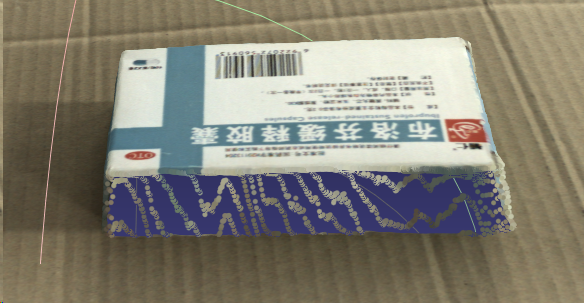
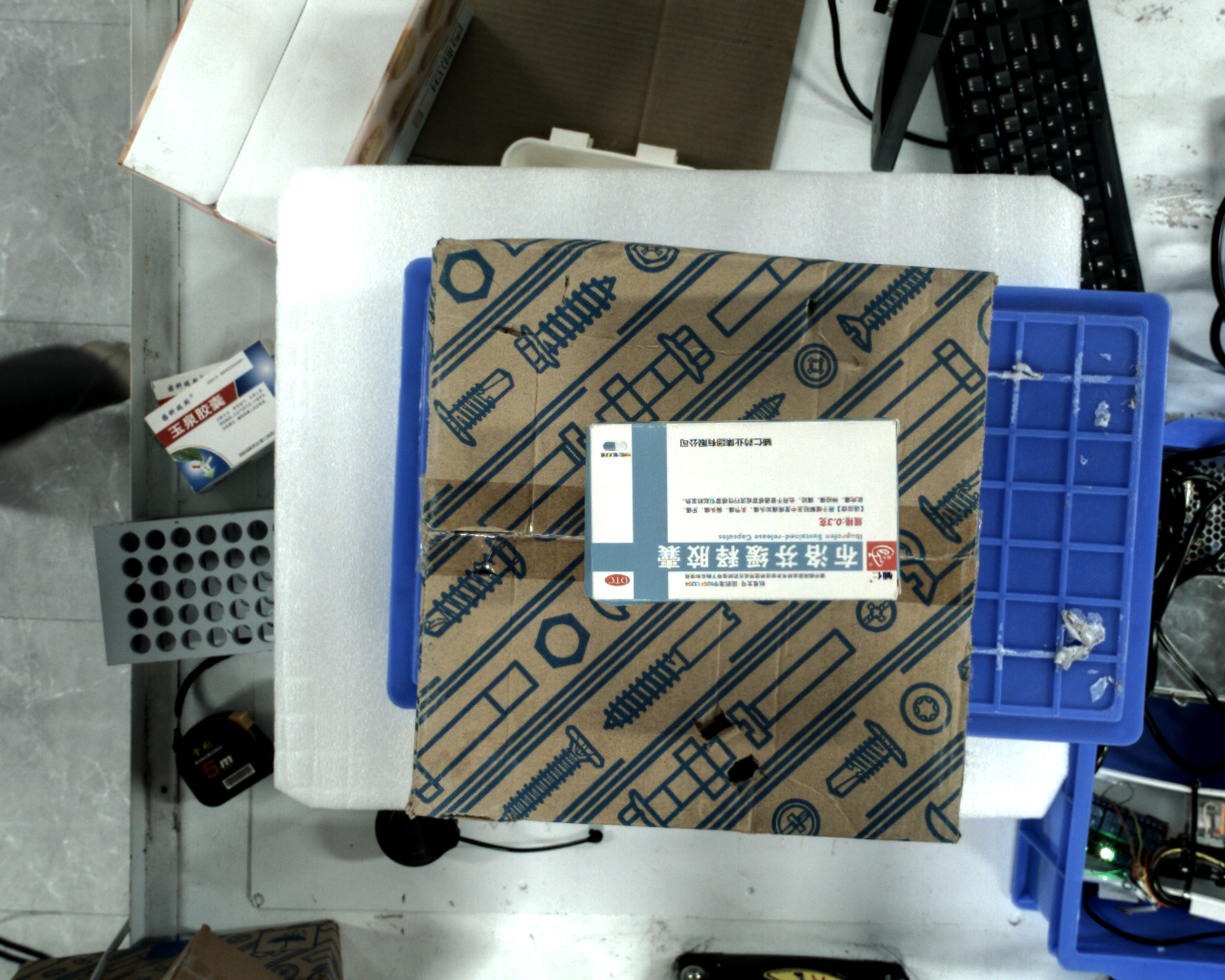
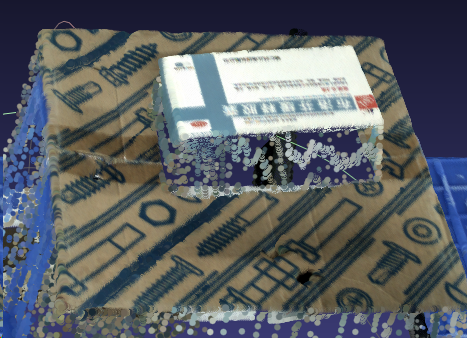
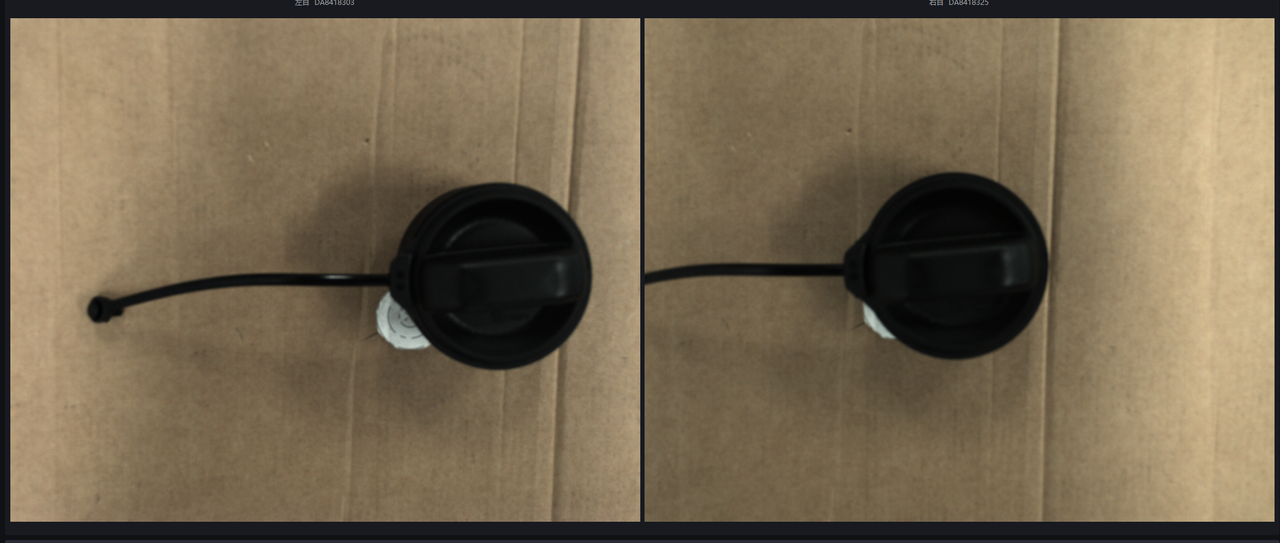
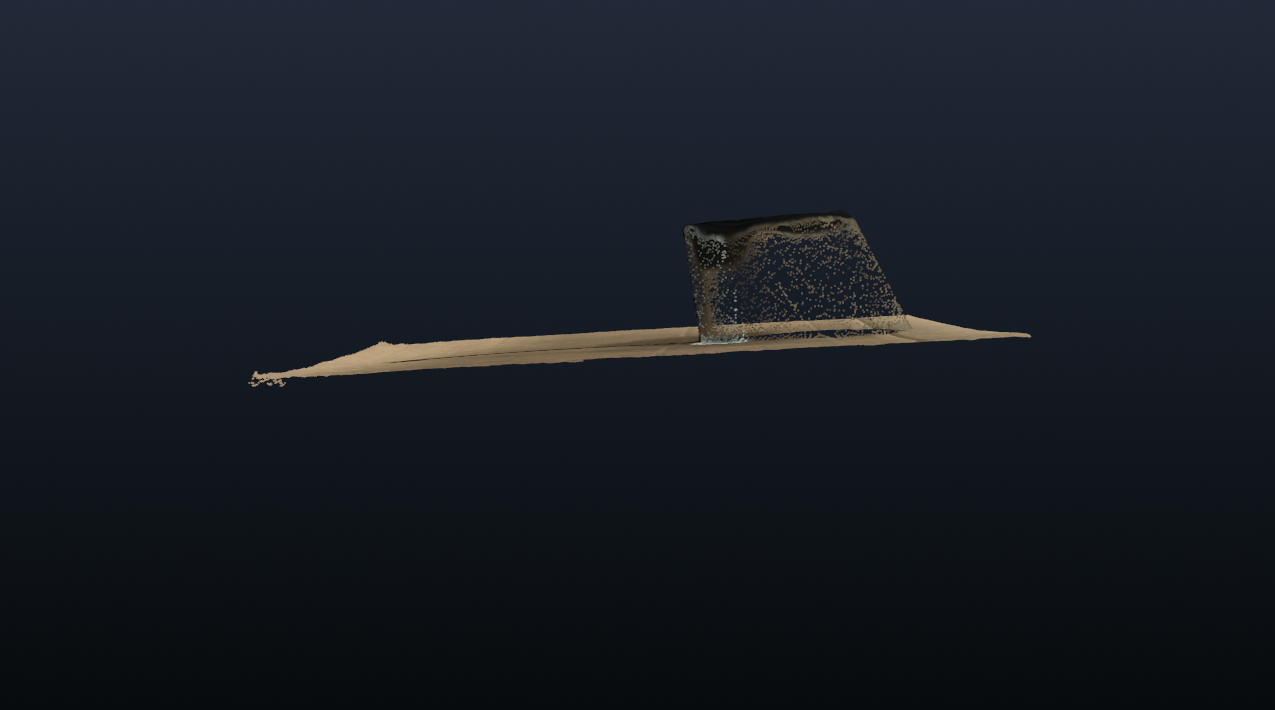
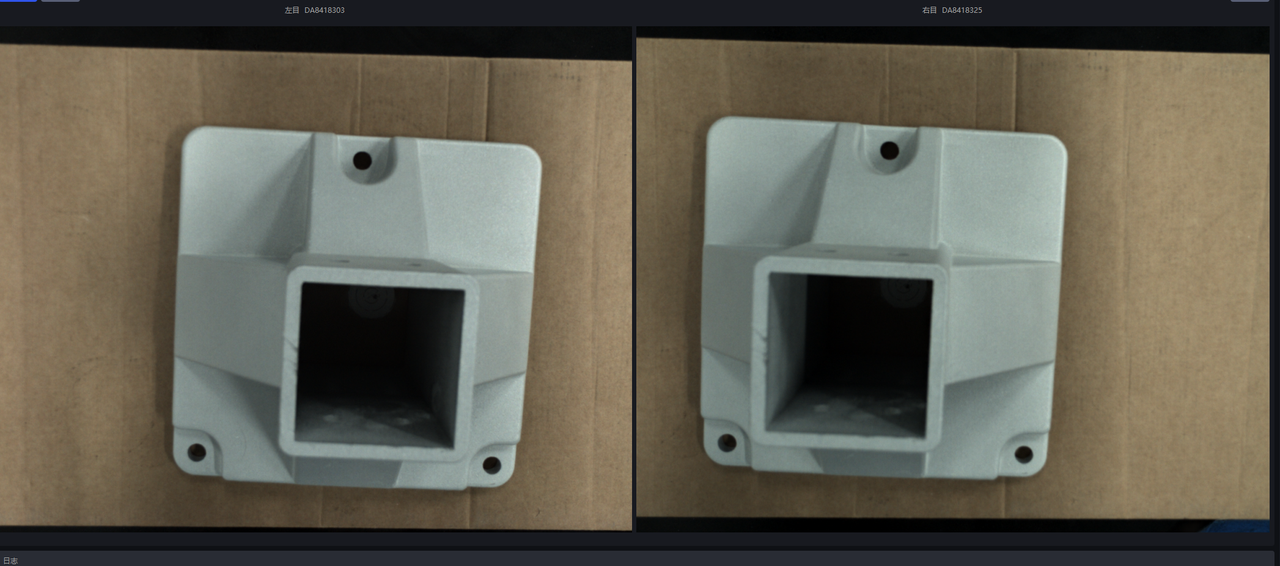
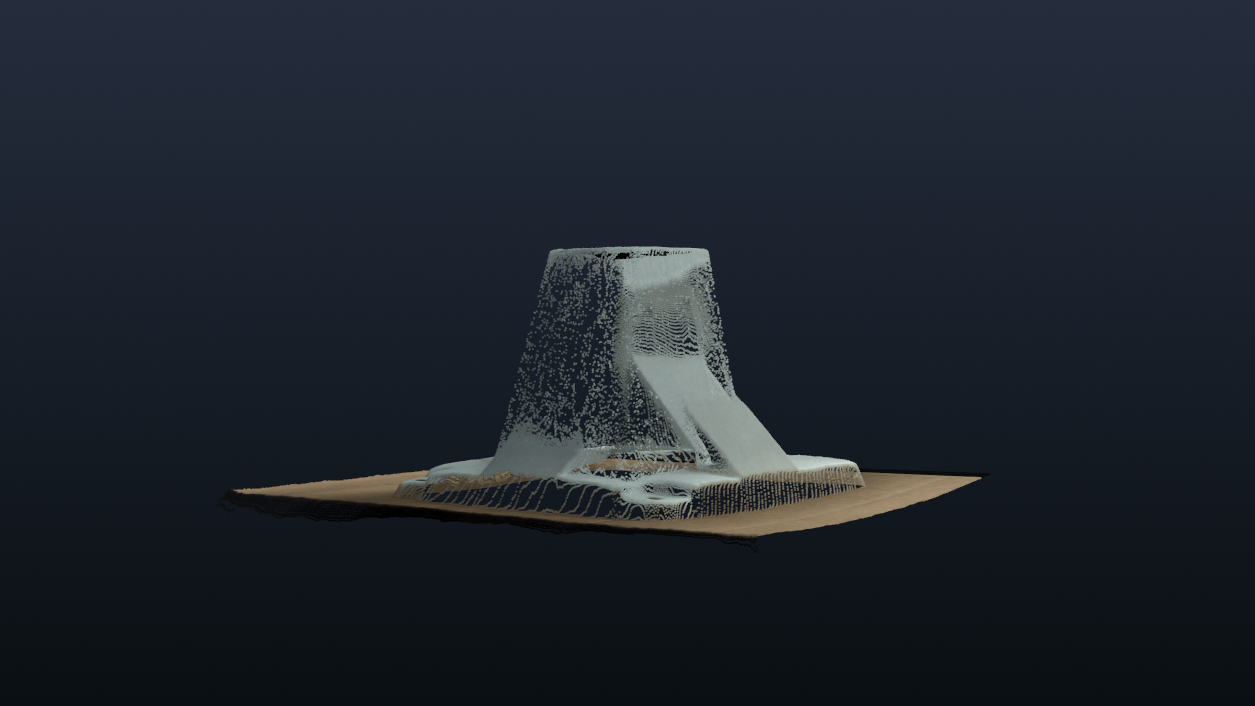
Specification Item KINGFISHER-S-601 Weight (Kg) 1.1 Recommended working distance (mm) 200~500 Camera mounting method during testing Eye in hand Repeatability (μm) 136 Typical imaging results Imaging model: General-purpose depalletizing model Medicine Box
- 200mm
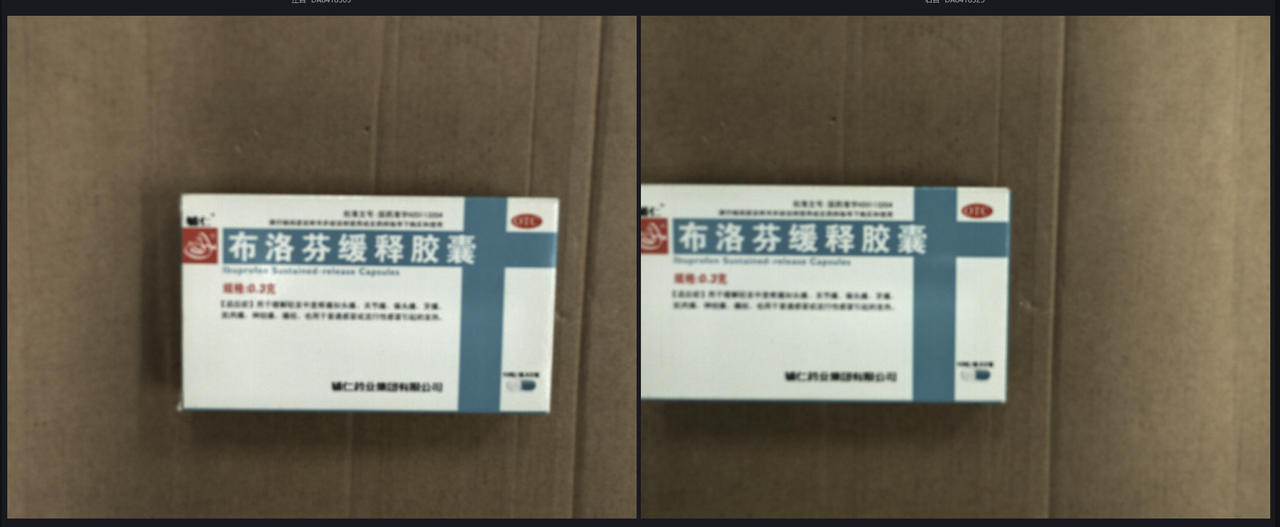
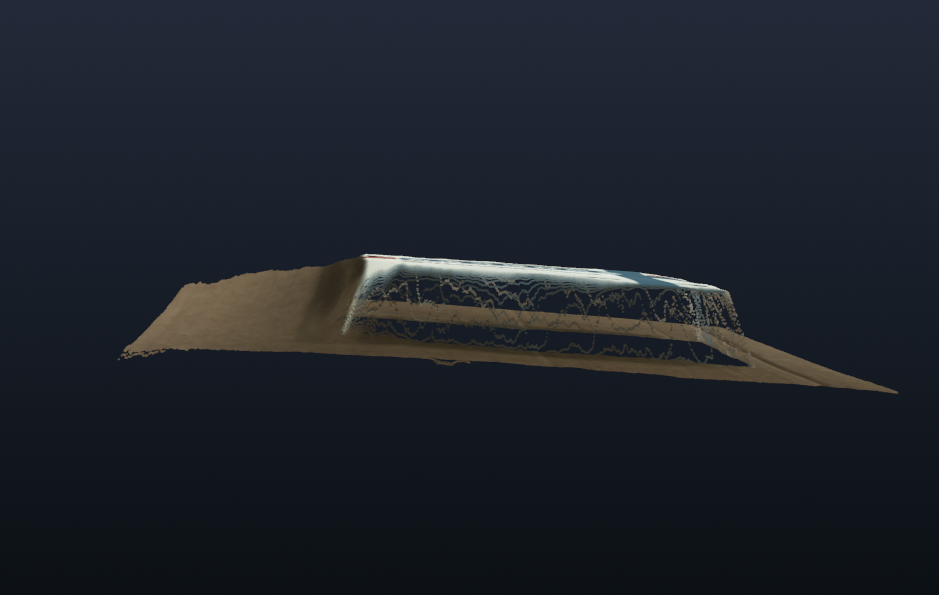
- 350mm
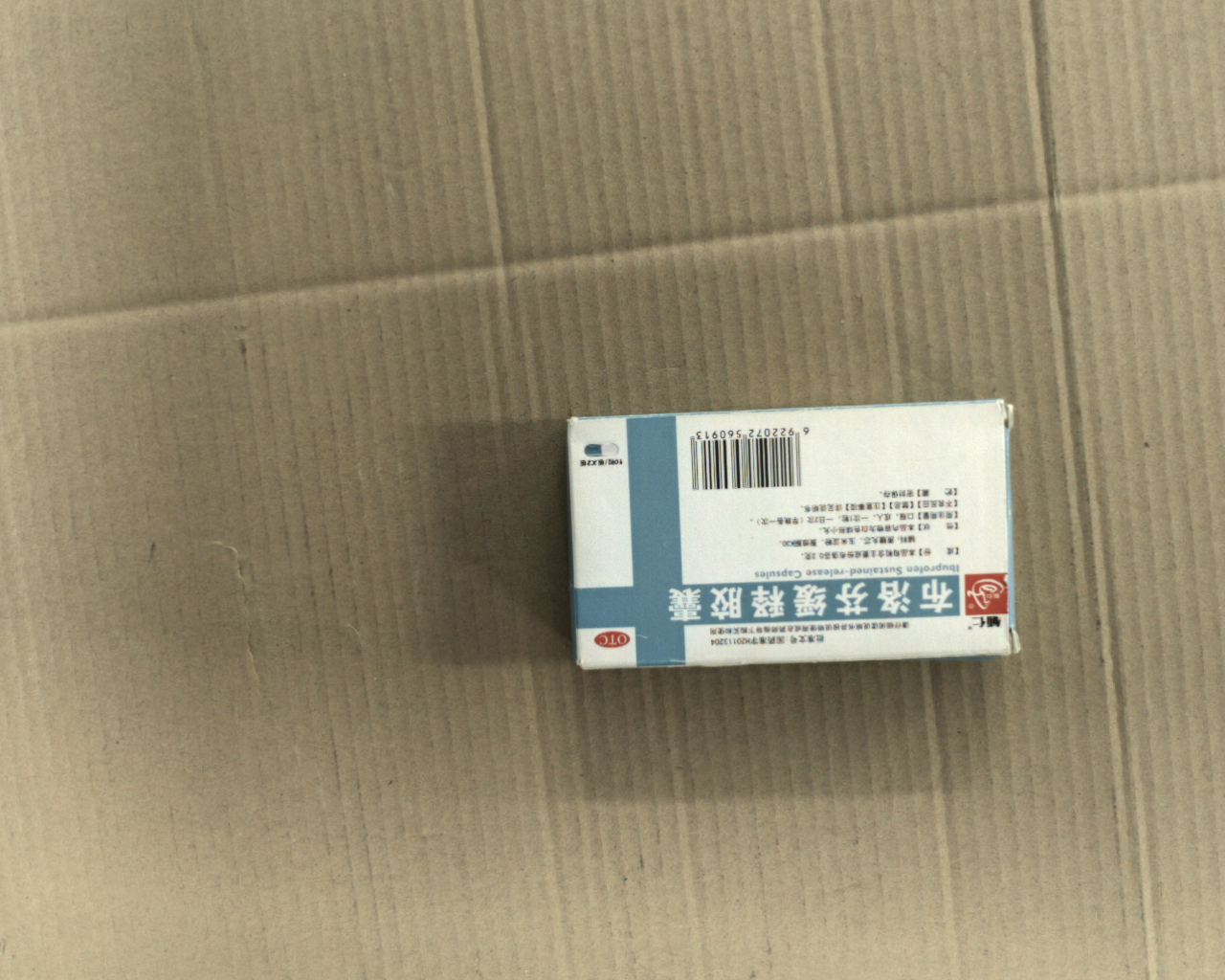
- 500mm
Fuel Cap
- 200mm
Test Tube Rack
- 200mm
Calibration accuracy Calibration method: random pose sampling 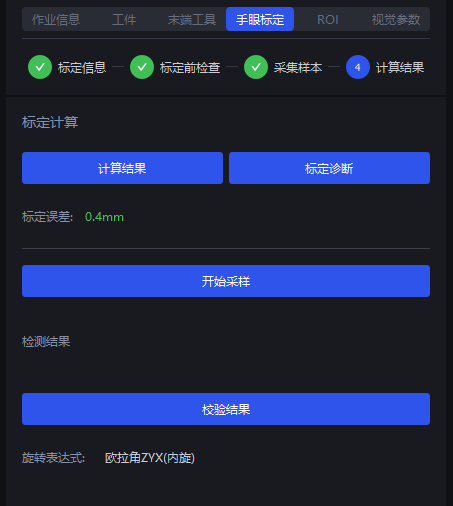
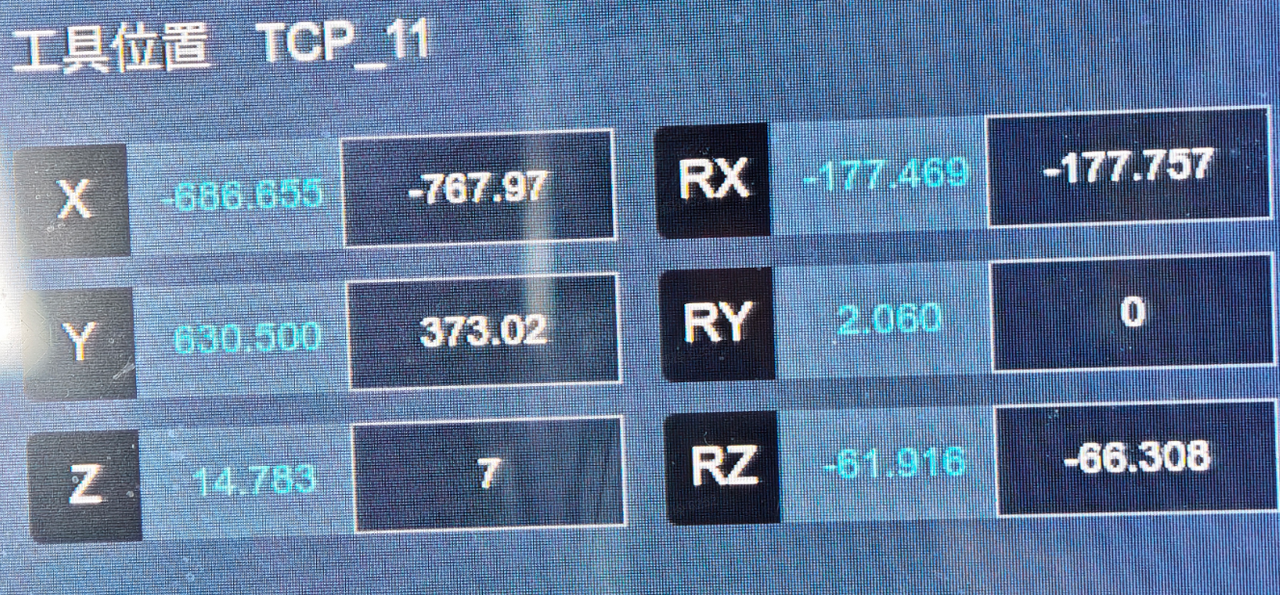
Calibration verification - Camera-to-target object distance: 500mm
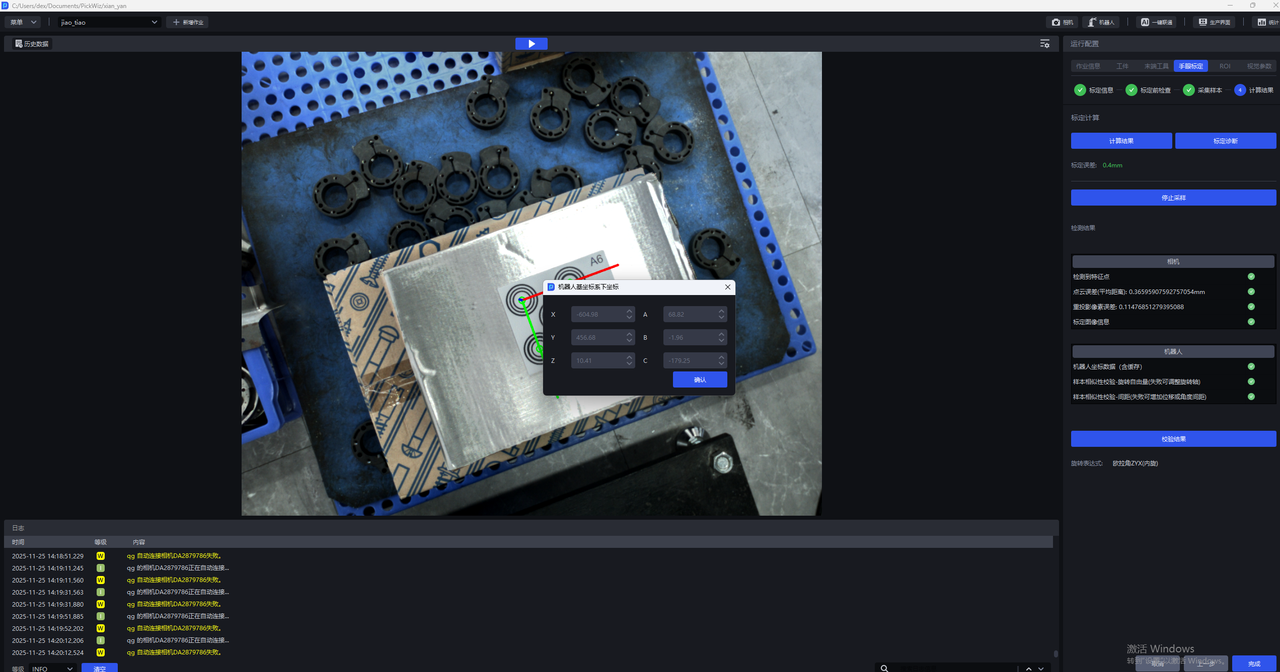
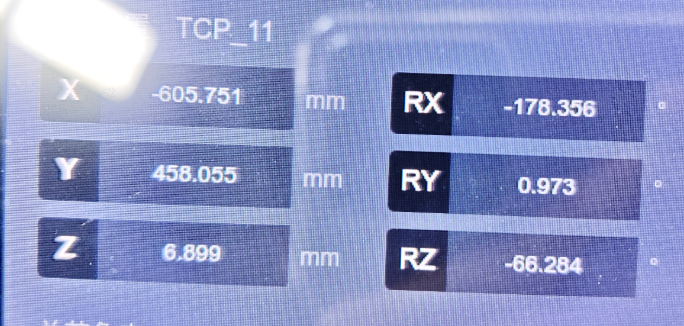 Robot actual point 1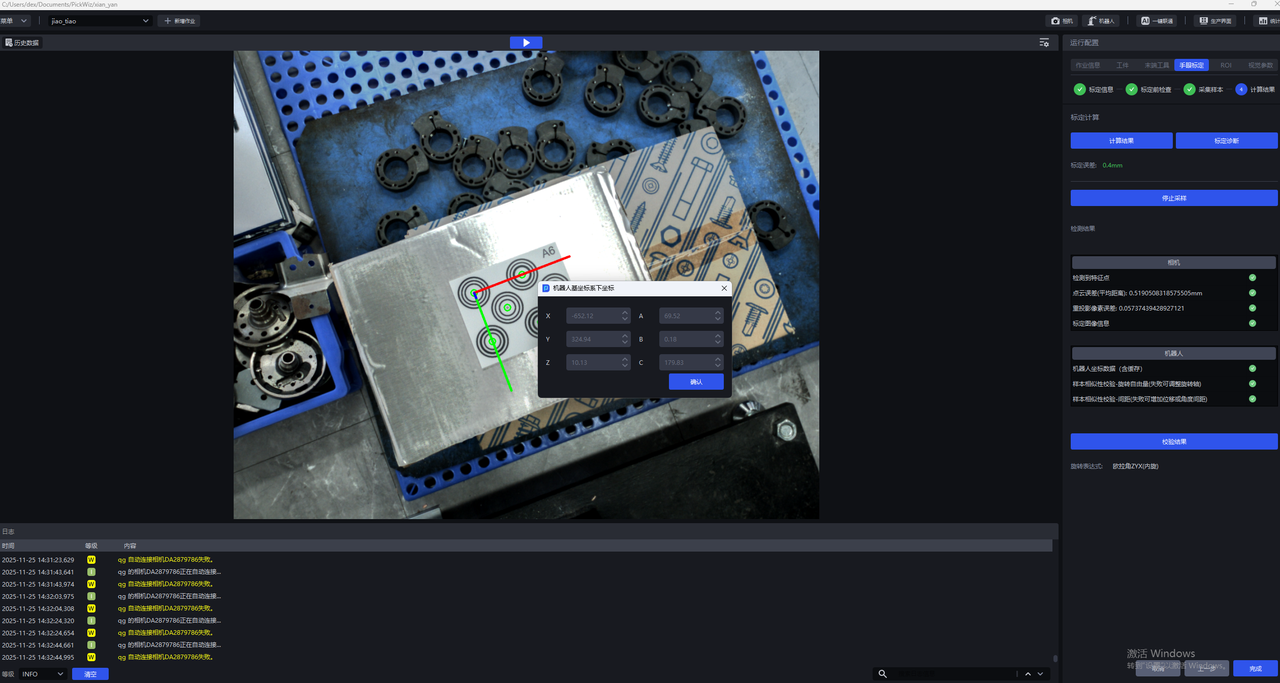
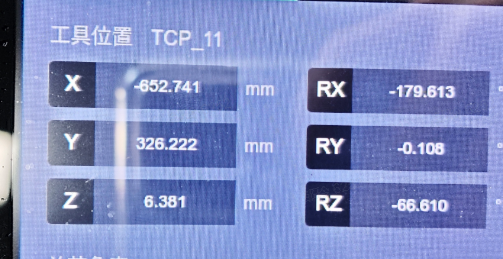 Robot actual point 2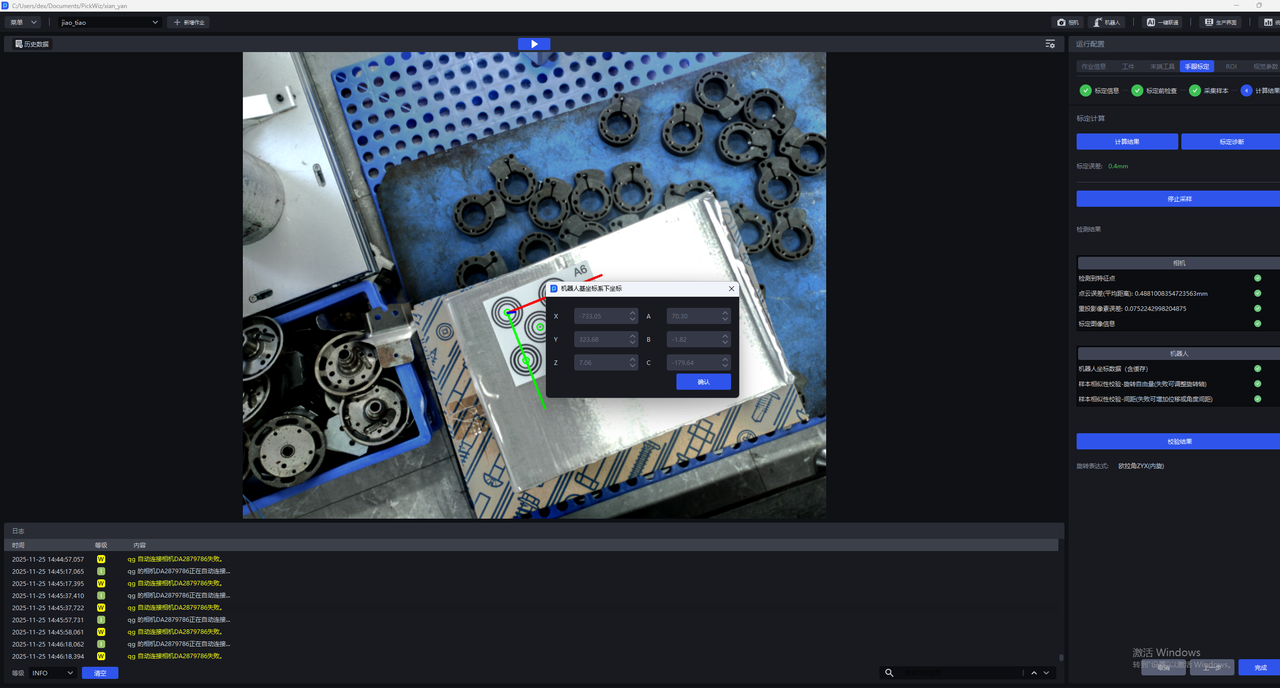
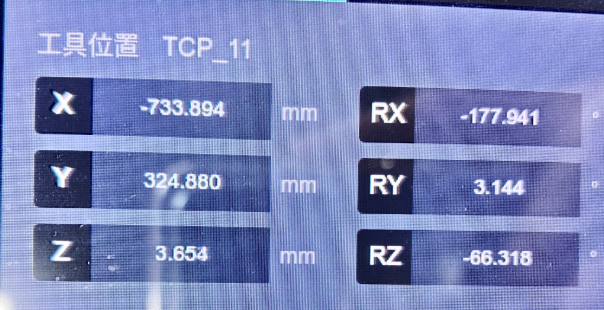 Robot actual point 3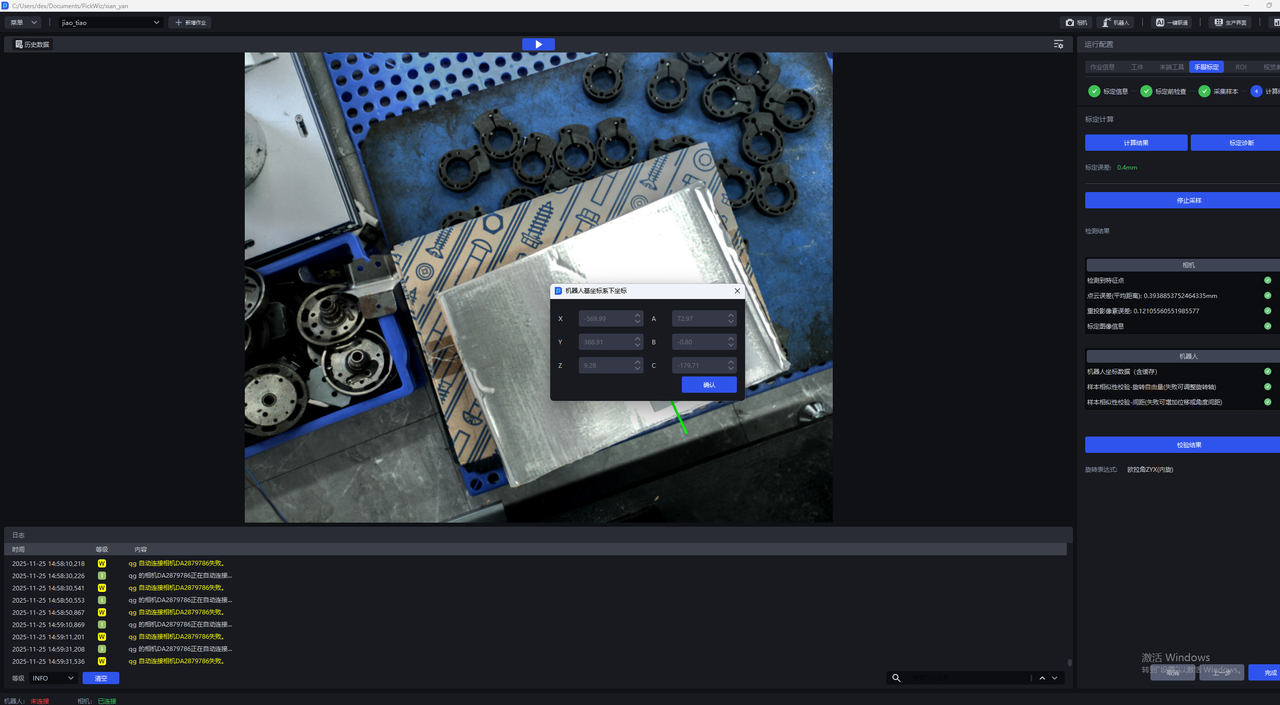
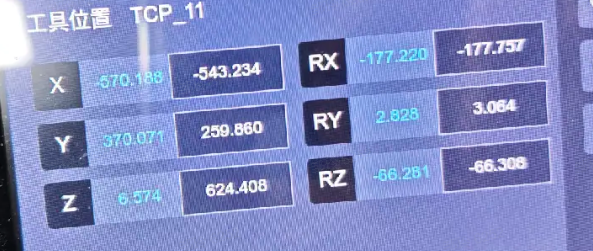 Robot actual point 4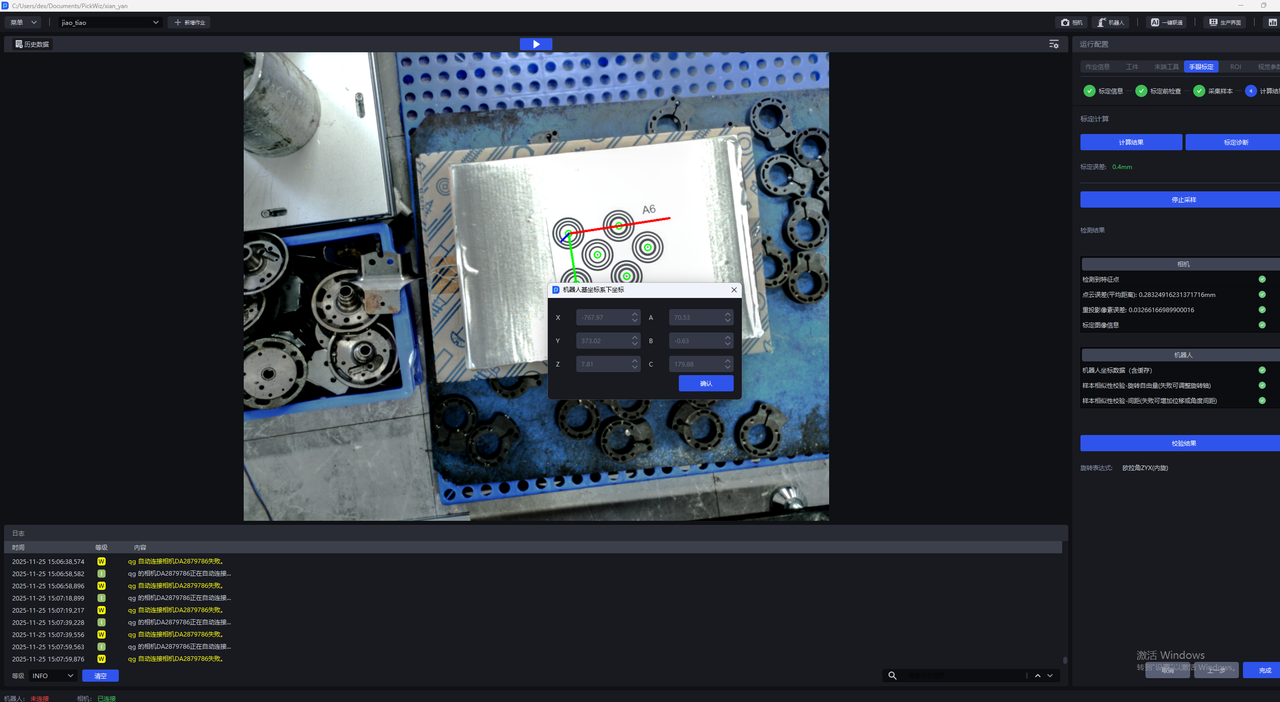
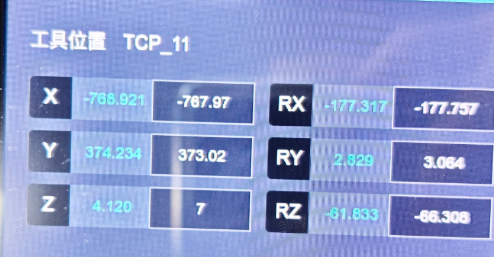
Robot actual point 5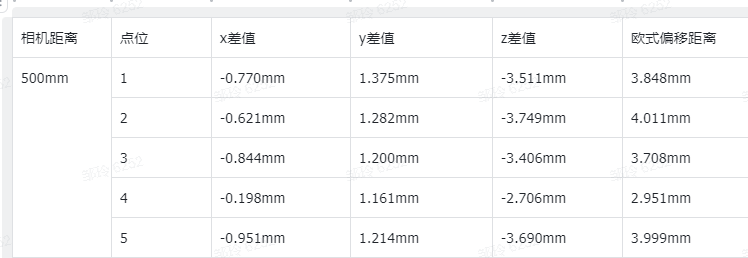
- Camera-to-target object distance: 350mm
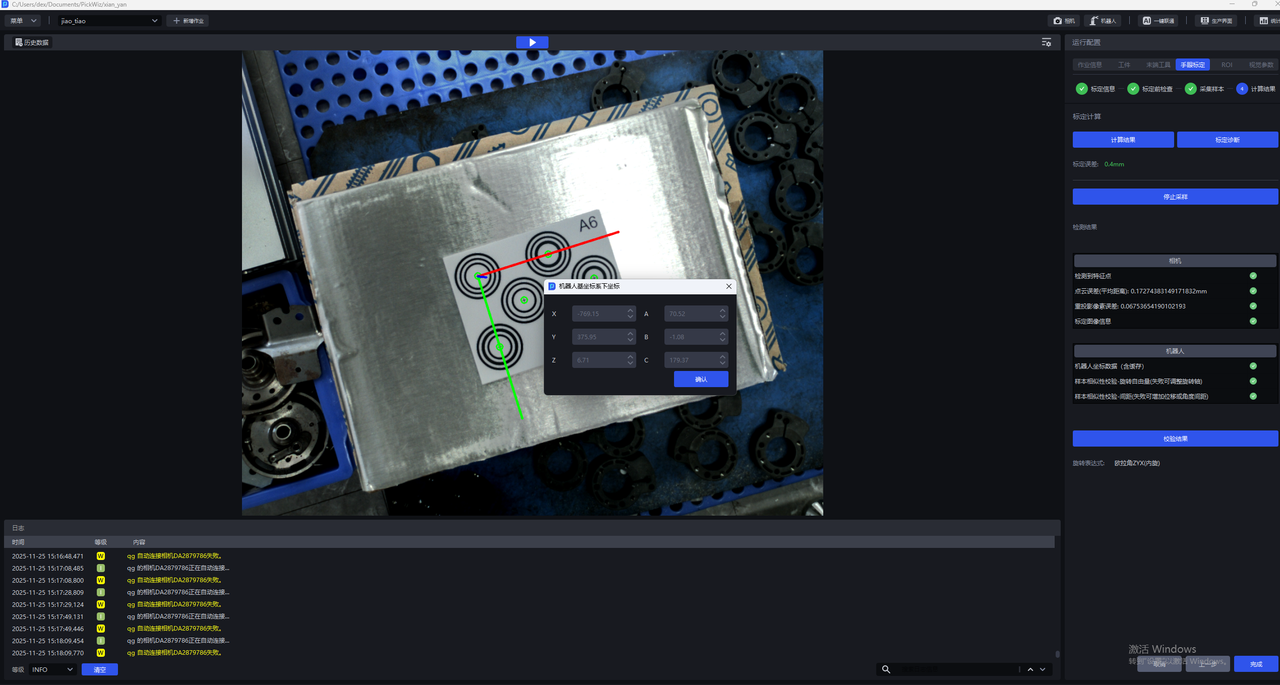
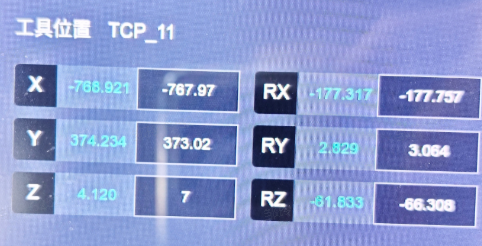
Robot actual point 1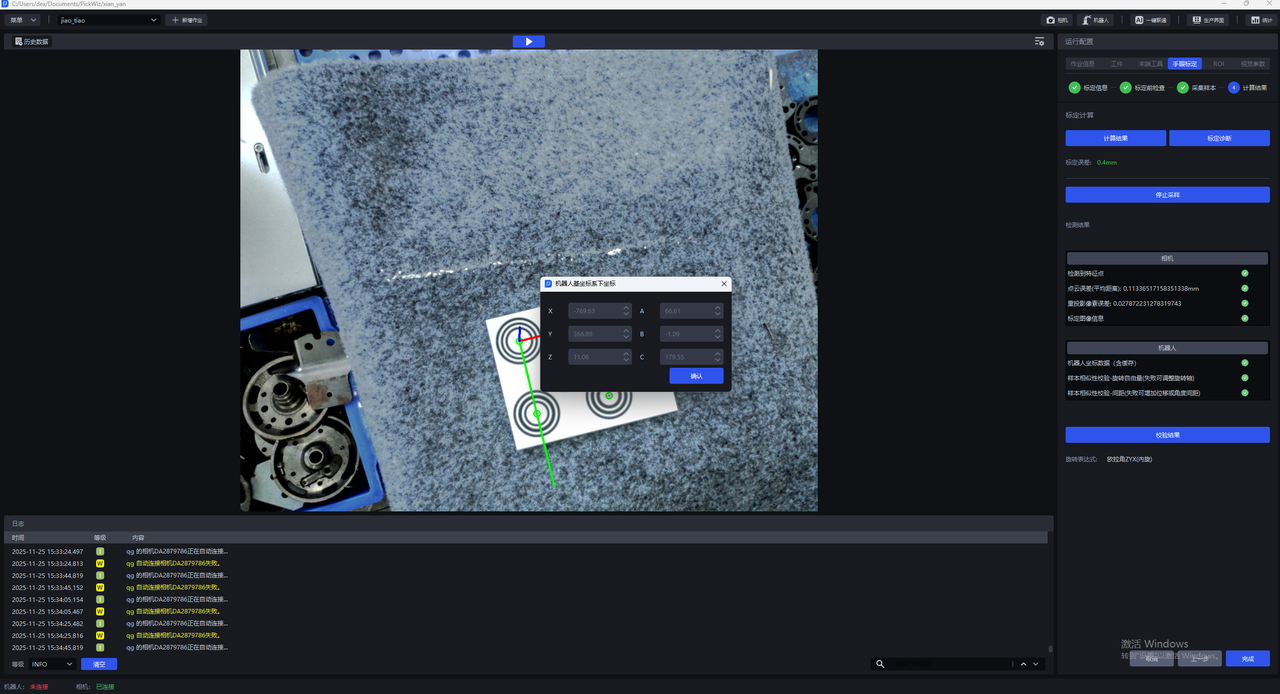
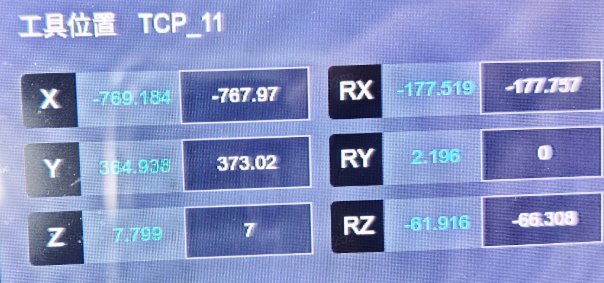
Robot actual point 2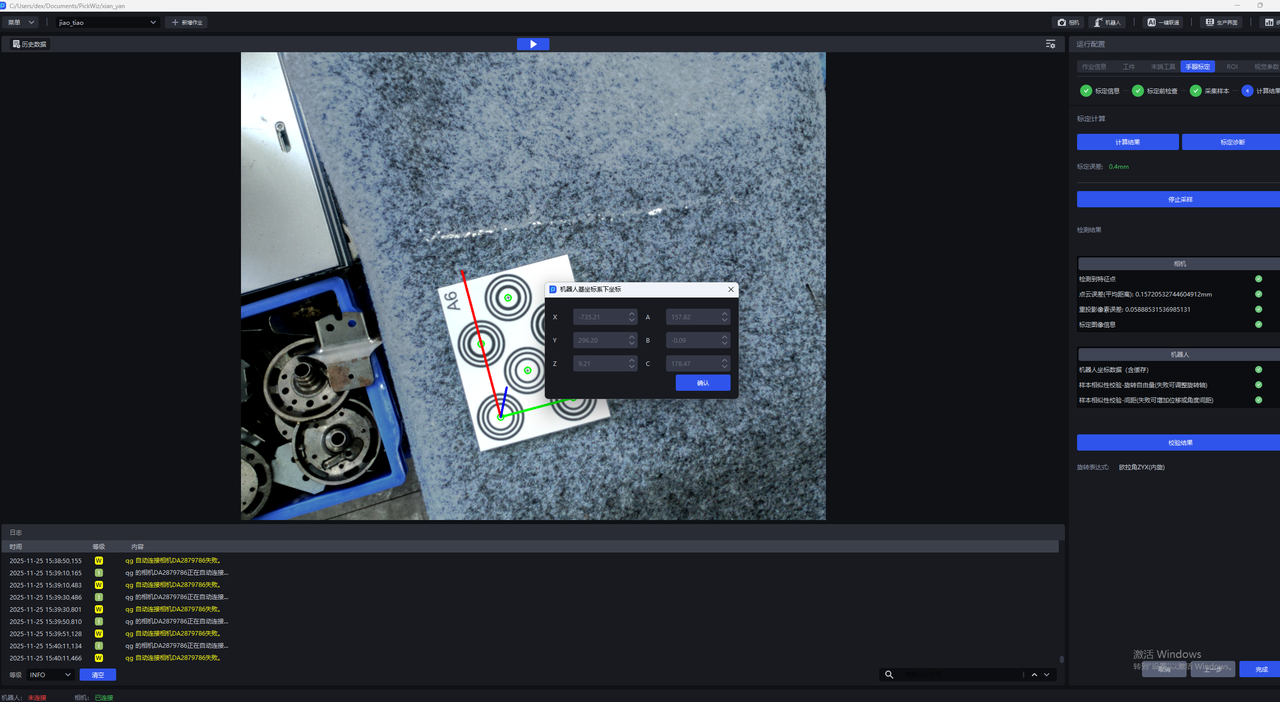
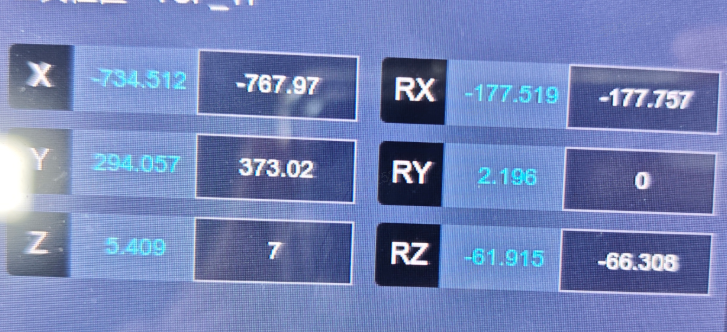
Robot actual point 3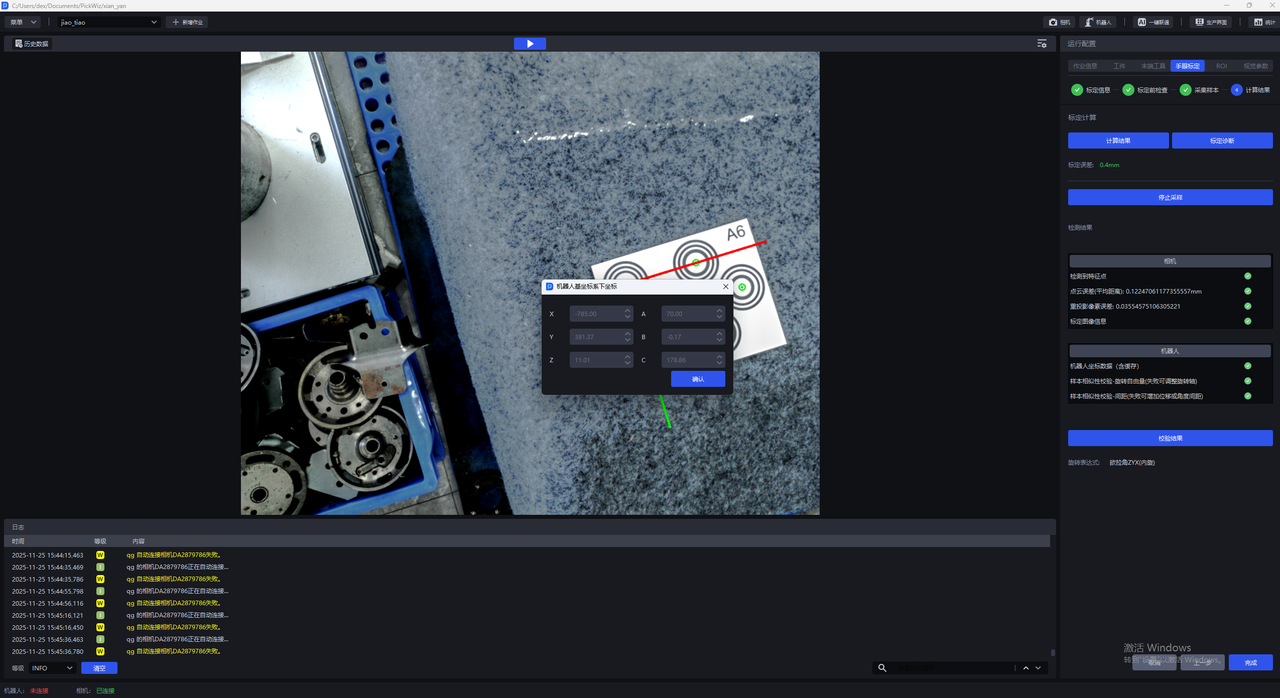
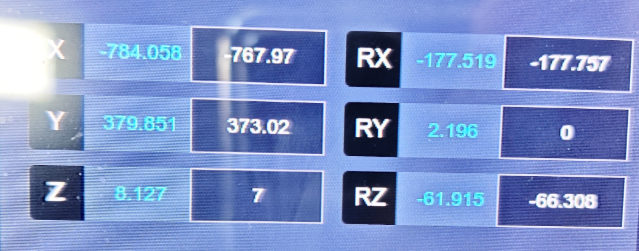
Robot actual point 4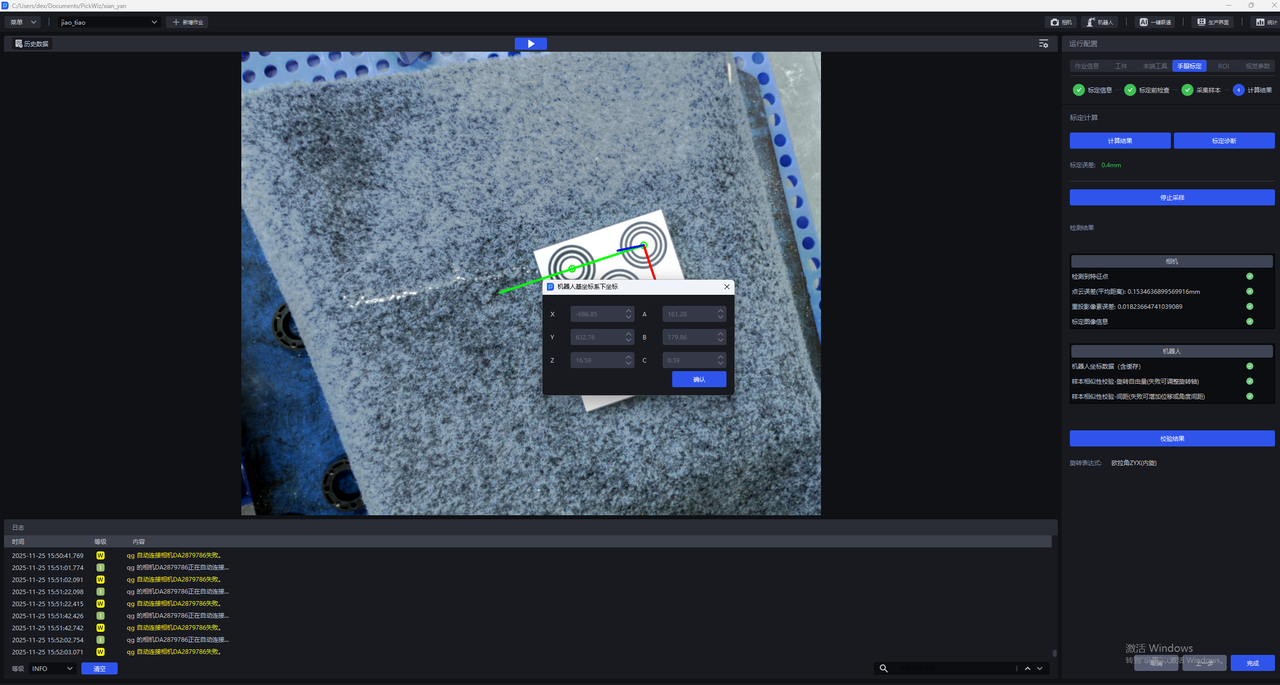
Robot actual point 5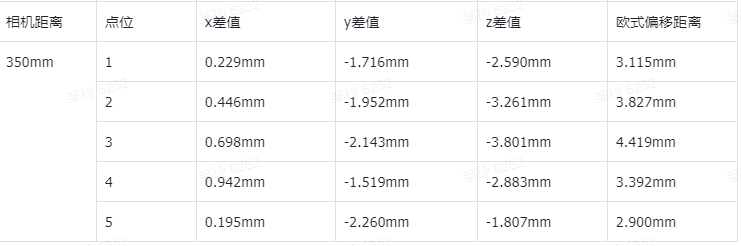
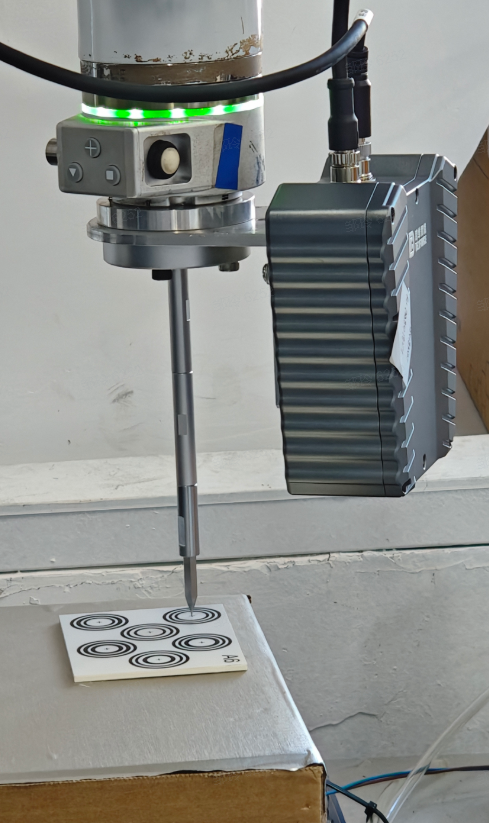
Probe Images 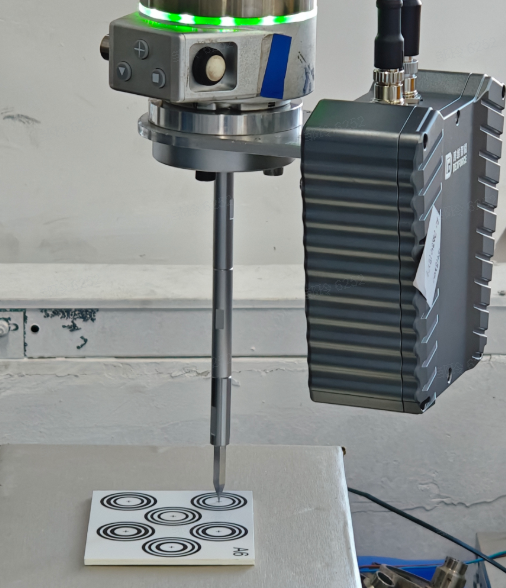
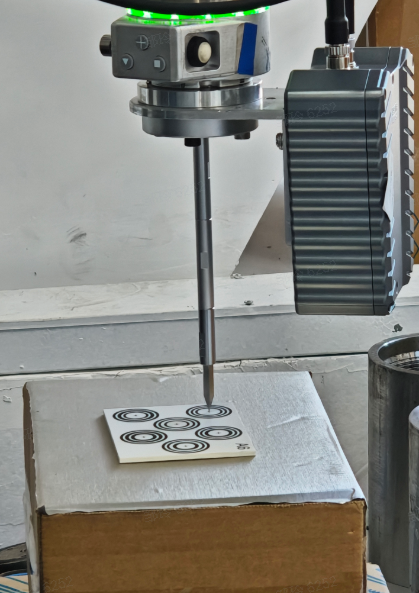
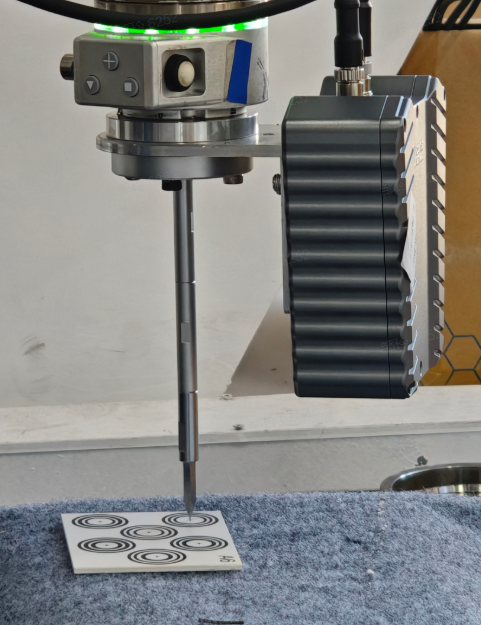
3. Target Object
- A new abnormal data filtering feature has been added to the target object Shadow Mode. It can extract and compare the features of recognized instances, automatically filter out abnormal data, and improve data annotation quality, thereby improving model training performance;
Due to the currently limited on-site test data, version V1.8.1 first ensures that the system workflow runs through and that this feature is usable. The algorithm performance still needs further verification and optimization;
This feature is disabled by default. There is currently no direct entry to enable this feature on the system frontend page. If needed, it can be enabled through the configuration file;
4. Vision Parameters
- A prior-model-based Instance Segmentation algorithm is pre-released. It can achieve 2D image Instance Segmentation through on-site target object Point Cloud templates, without requiring dedicated model training.
This algorithm is a pre-released algorithm. Version V1.8.1 first ensures that the system workflow runs through and that this algorithm is usable. Its performance still needs to be further verified and optimized in actual scenarios and real data;
This algorithm is disabled by default. There is currently no direct entry on the system frontend page to enable this algorithm. If needed, it can be enabled through the configuration file;
This algorithm currently supports use only in ordered/unordered/positioning assembly (matching only) scenarios for planar target objects, and is more recommended for scenarios with a clean Background. It is not suitable for scenarios with cluttered Backgrounds or shadows in the field of view;
- For the feature-matching-based pose estimation algorithm, a new algorithm implementation solution has been integrated for Project selection and verification, which can reduce the difficulty of function Parameter tuning and reduce function runtime.
This algorithm is a pre-released algorithm. Version V1.8.1 first ensures that the system workflow runs through and that this algorithm is usable. Its performance still needs to be further verified and optimized in actual scenarios and real data;
This algorithm is disabled by default. There is currently no direct entry on the system frontend page to enable this algorithm. If needed, it can be enabled through the configuration file;
This algorithm currently supports use only in ordered/unordered/positioning assembly (matching only) scenarios for planar target objects;
Function Optimizations
1. Camera
- The "general-purpose binocular model for depalletizing" in the imaging model has been updated. The model performance is more stable and improves abnormal Point Cloud collapse and floating Point Cloud issues.
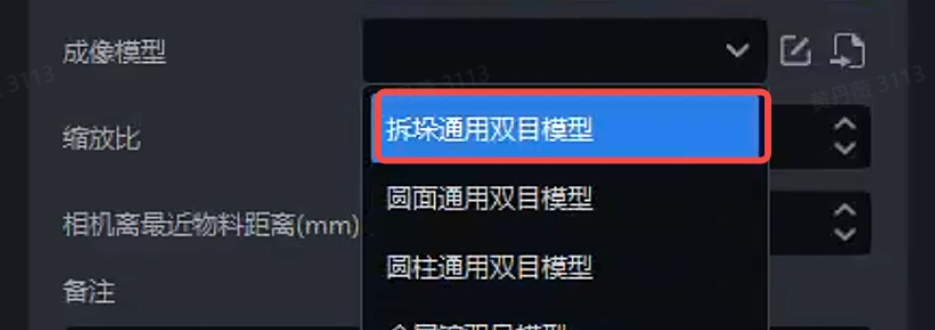
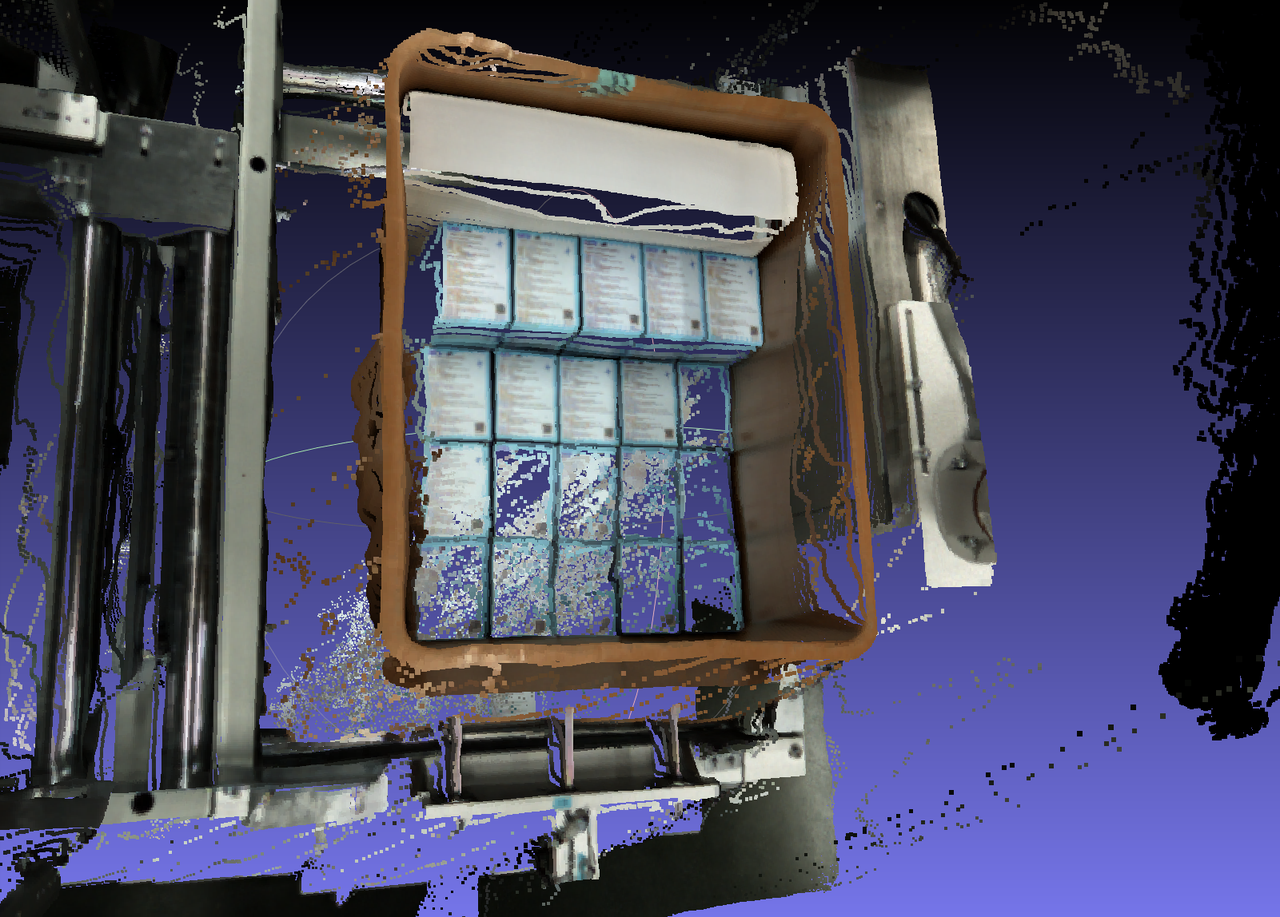
Before optimization
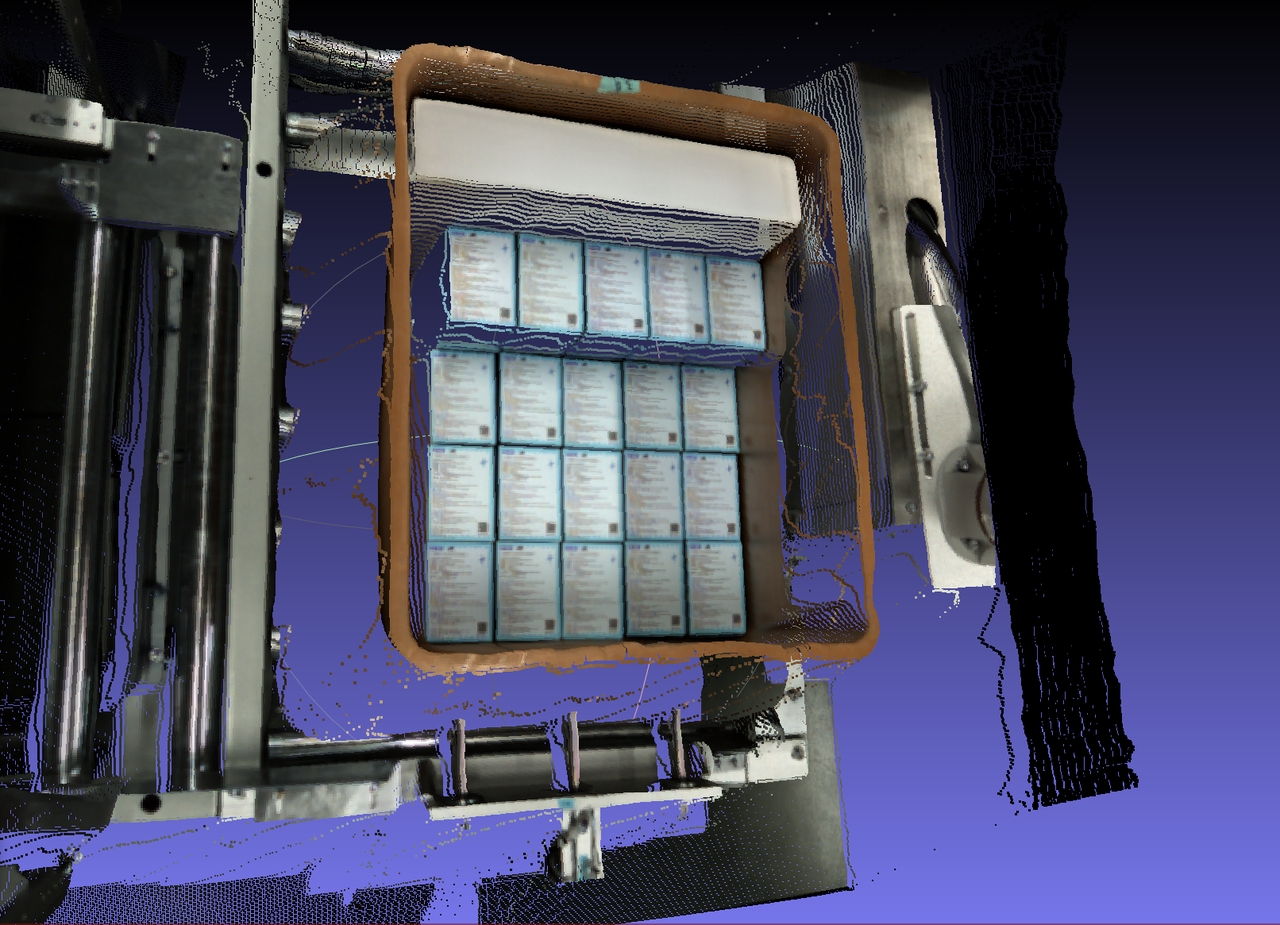
After optimization
- For cases where the target object image plane has dense repetitive horizontal textures, such as fresh-keeping boxes and ordered compressors, the binocular imaging model's adaptability to repetitive textures has been improved, alleviating the tendency of Point Clouds to collapse in such scenarios;
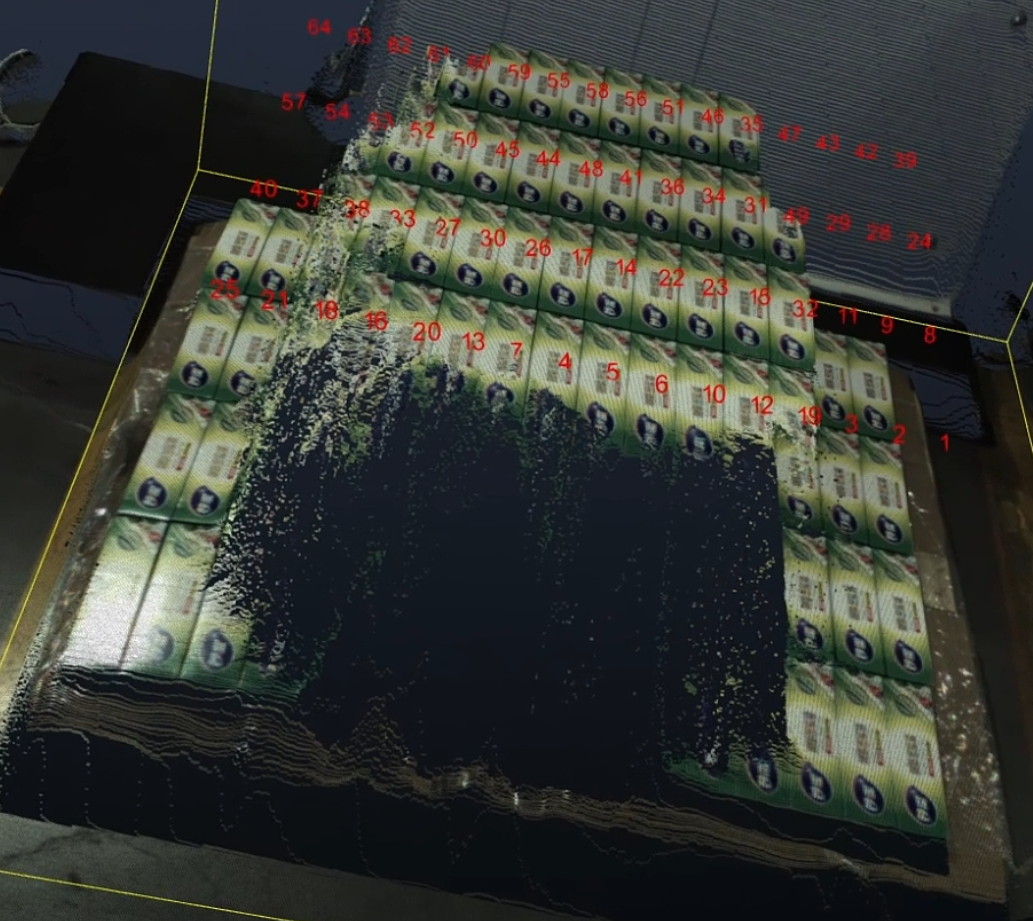
Before optimization
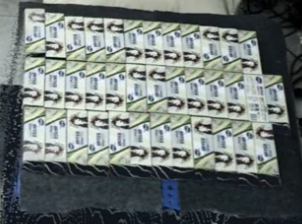
After optimization
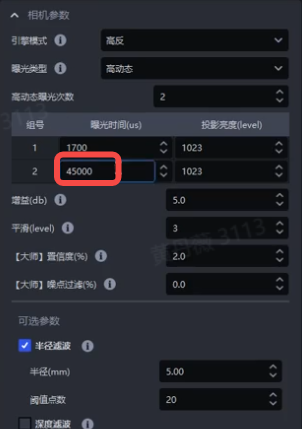
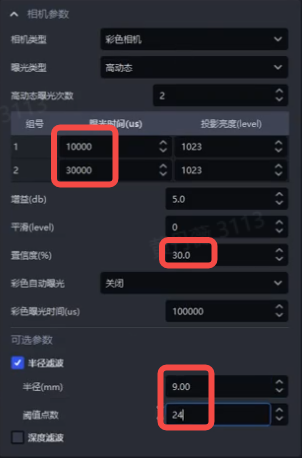
- Based on on-site experience in adjusting Camera Parameters for reference projects, the default values of the Camera Parameter templates have been updated so that the Camera Parameter templates better match the on-site operating conditions of key projects;
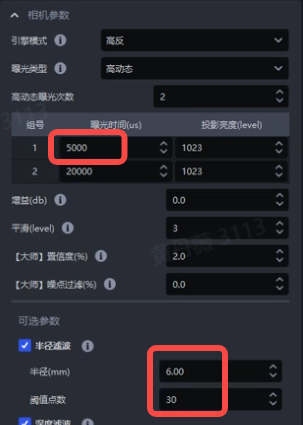
XEMA reflect_high(high-reflection large field of view)
XEMA black_high(black target object large field of view)
FINCH reflect(high-reflection target object)
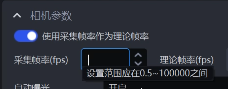
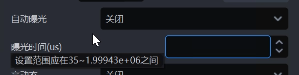
- The value ranges of binocular Camera configuration Parameters have been unified. In high-resolution Cameras, the setting range of acquisition frame rate has been changed to 0.5-100000, the setting range of exposure time has been changed to 35-1999430, the setting range of the auto-exposure lower limit time has been changed to 35-8287, and the auto-exposure upper limit time has been changed to 35-1999433;


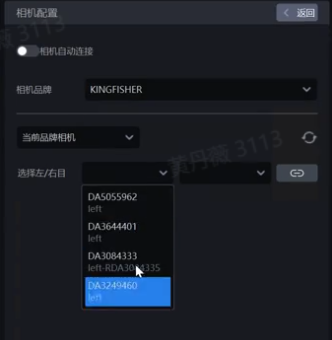
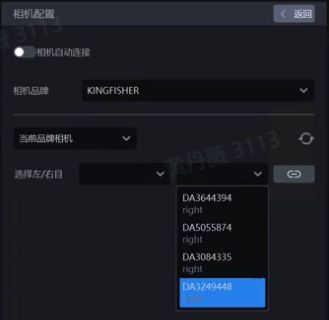
- When connecting a binocular Camera on the Camera configuration page, the frontend display of the left/right Camera dropdown boxes has been optimized. The left dropdown box can only select the left Camera, and the right dropdown box can only select the right Camera, avoiding misselection;
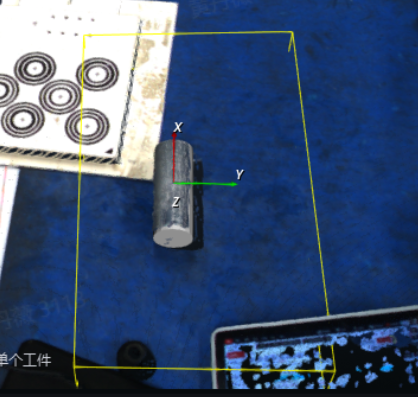
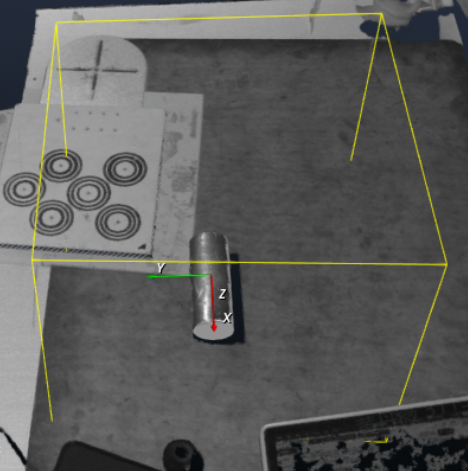
- When switching the color/monochrome coordinate system of the FINCH Camera on the "Task Information" interface, the previously configured eye-hand calibration Parameters are automatically converted, so repeated calibration is not required;
2. Robot
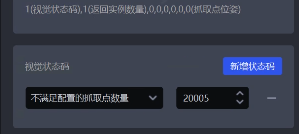
- It is now supported to set the vision status code for "the number of Pick Points does not meet the configuration" in the vision status code settings on the Robot configuration interface. When the number of instance Pick Points is less than the quantity configured in the "Number of Pick Points to Send" field under "Vision Calculation Configuration", the configured vision status code can be sent to the Robot as an alarm reminder;

3. One-click Connectivity
- For unordered binocular scenarios, one-click connectivity now supports rendering data from multiple bins, optimizing the bin imaging effect and reducing the Point Cloud collapse rate of bins in unordered scenarios with bins;
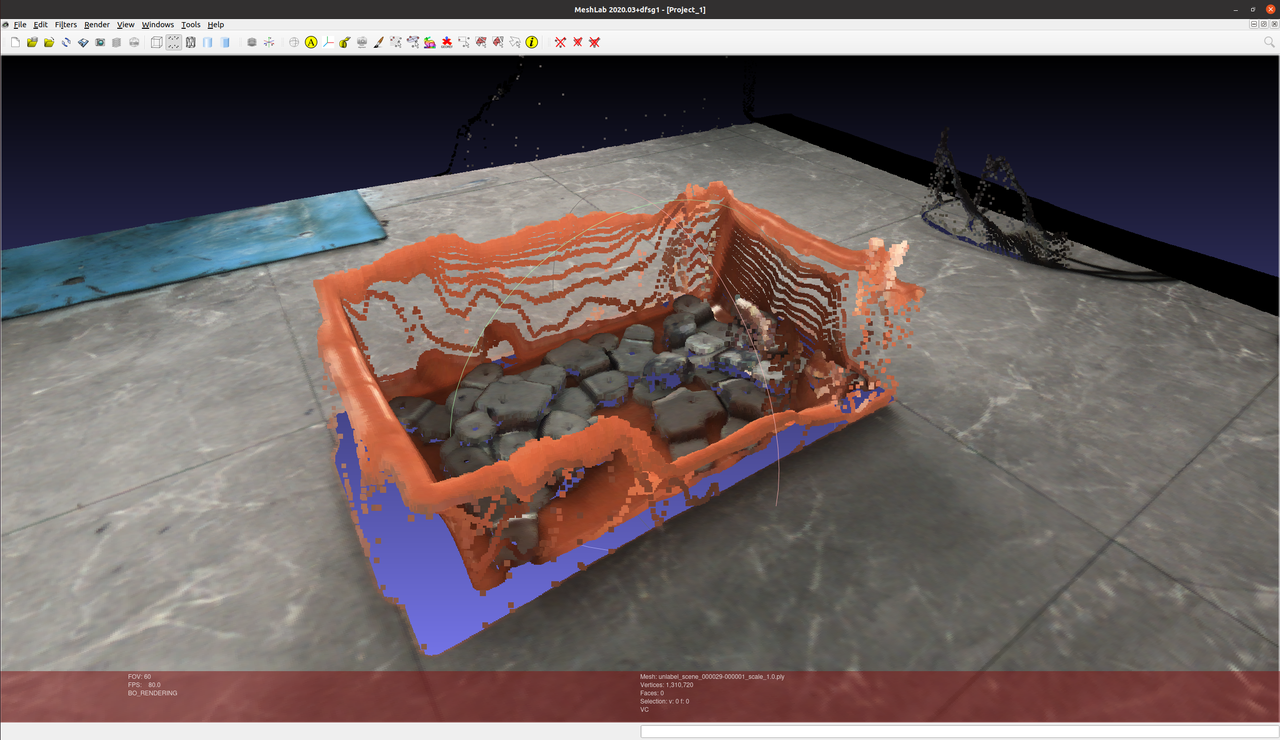
Before optimization
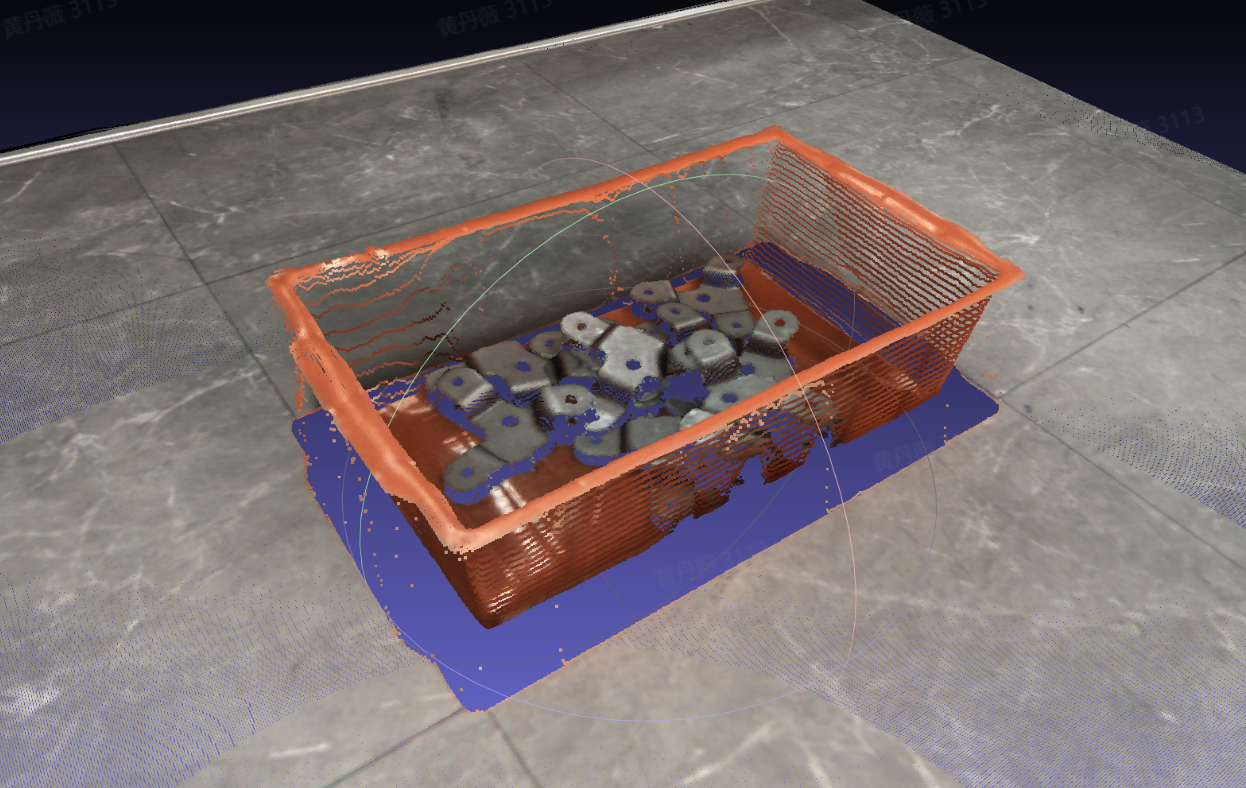
After optimization
4. Vision Parameters
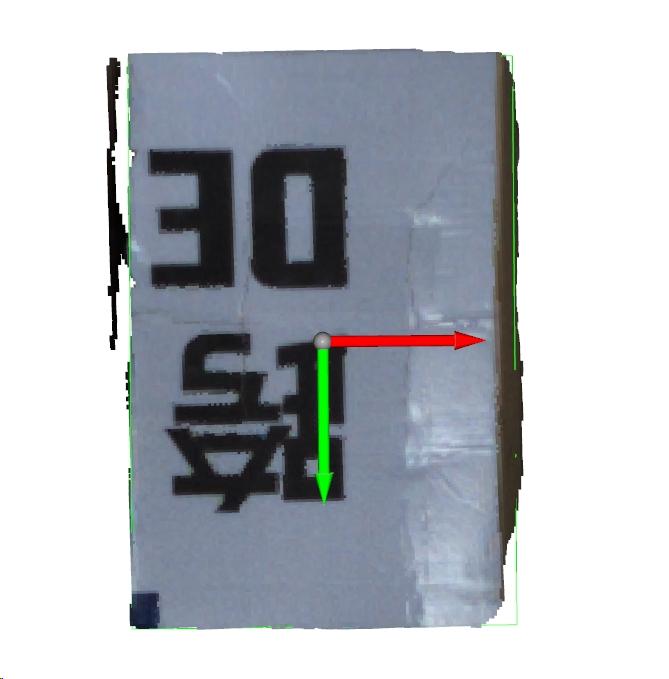
- For depalletizing scenarios, the score calculation method of the rectangle fitting algorithm has been optimized to avoid cases where abnormal rectangle fitting in extreme situations causes the provided Pick Point not to be at the center;
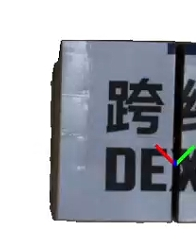
Before optimization
After optimization
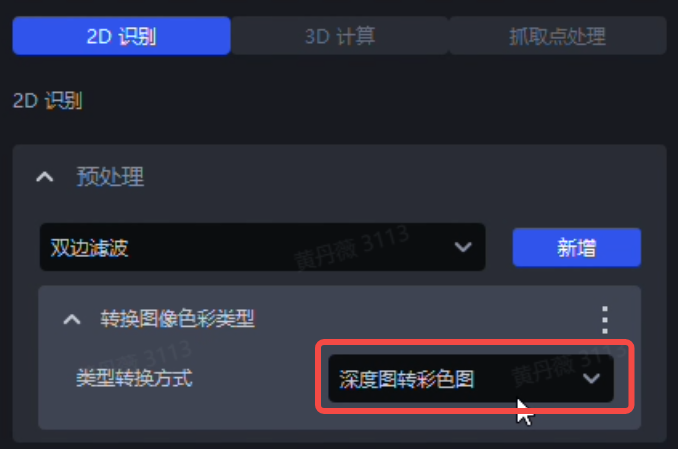
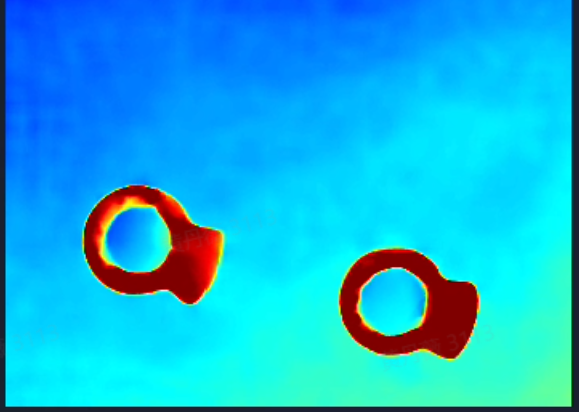
- The "Convert Image Color Type" function in 2D recognition has been optimized. When the type conversion method is set to "Depth Image to Color Image", the function converts the depth within the 2D ROI into an RGB image, thereby improving the difference between the target object foreground and the image Background, while also reducing function runtime;
Function location
Converted color image
- Color differentiation imposes extremely strict angle requirements on the 3D ROI area, so when using this type conversion method, ensure that the 3D ROI is as parallel as possible to the plane of the expected target object;
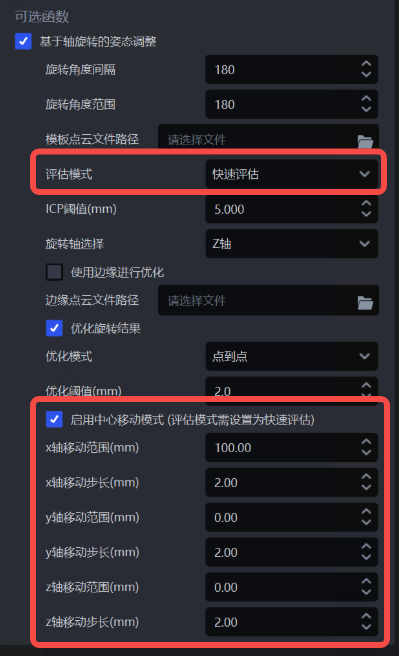
- When dealing with large planar target objects with slender aspect ratios, the template matching result of planar target objects may deviate. Therefore, the "Enable Center Shift Mode" feature has been added to the "Pose Adjustment Based on Axis Rotation" function under "3D Calculation". By checking Enable Center Shift Mode and entering the corresponding shift range and shift step size, deviations can be corrected; for details, see General Target Object Vision Parameter Adjustment Guide
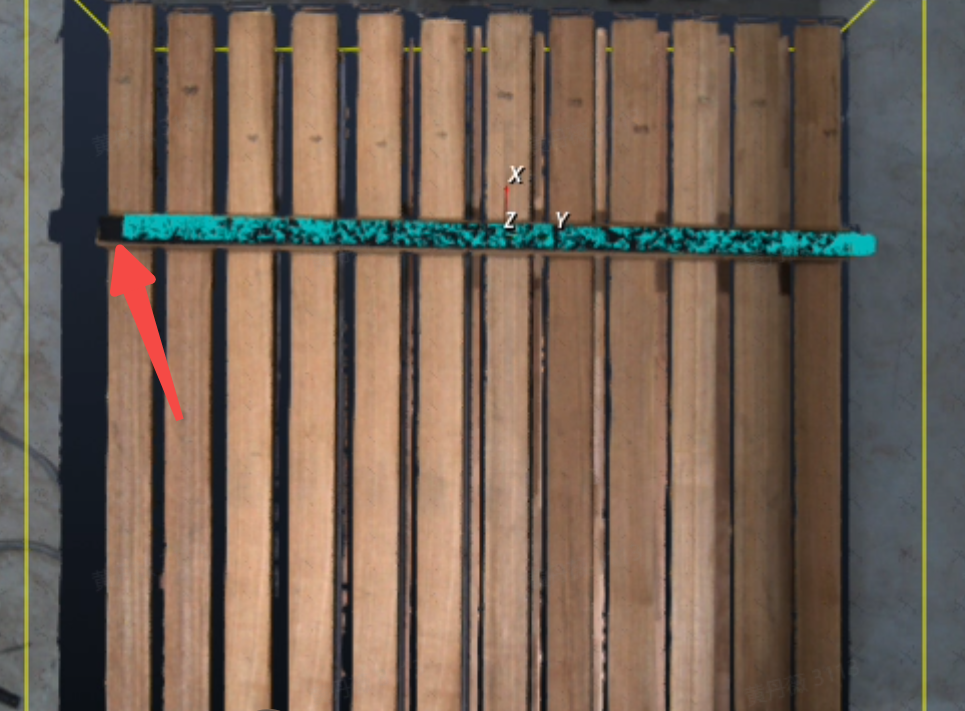
Before enabling Center Shift Mode
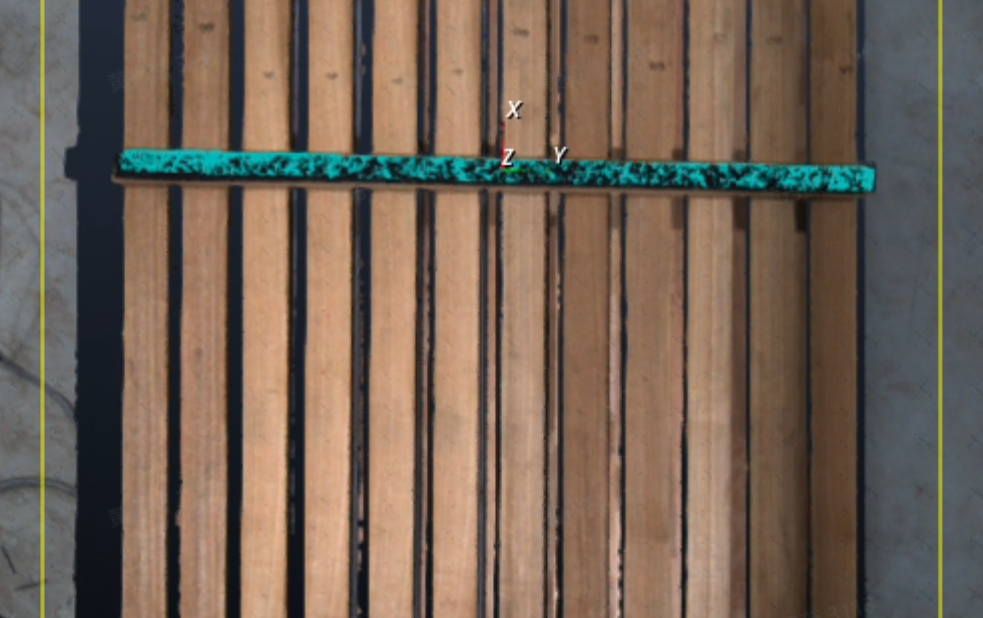
After enabling Center Shift Mode
When Enable Center Shift Mode is checked, ensure that the "Evaluation Mode" field is set to "Fast Evaluation"; otherwise, Center Shift Mode will not take effect;
Center Shift Mode traverses based on the two values of the configured shift range and shift step size to find the target object pose with the optimal fine matching score. This step may increase runtime. If the shift range is set too large and the shift step size is set too small, runtime will increase significantly;
5. Logs
- The system output now explicitly distinguishes the "Pick Point sequence number" and the "Pick Point ID" for the Pick Point of Target Object, and displays them separately in log records;

6. Others
The technical implementation of the vision classification module has been migrated from PickLight back into Glia. The classification effect remains unchanged, and the vision classification module can support more application scenarios in the future;
The ordered loading and unloading (parallelized) scenario for planar target objects now supports multi-template mode, which can recognize multiple incoming orientations of the same planar target object, thereby improving target object detection accuracy. For details, see Vision Parameter Adjustment Guide for Ordered Loading and Unloading (Parallelized) of Planar Target Objects;
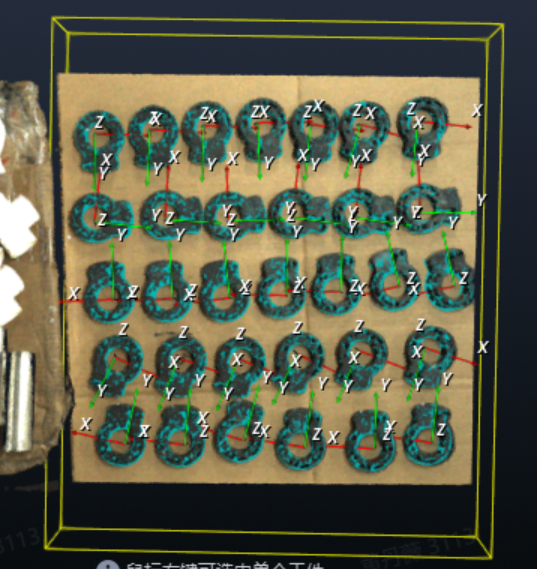
8G IPC
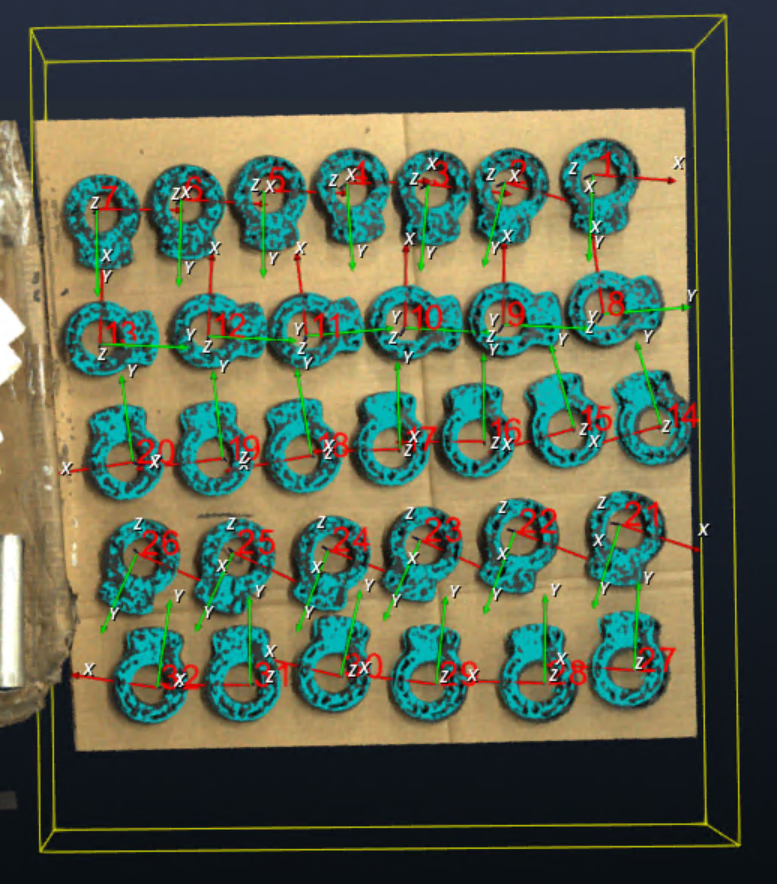
6G IPC
- This feature is recommended for use on 8G IPCs;
- During one-click connectivity and mask shadow mode training, if the issue can be resolved by modifying the training configuration, full modification of MixedAI-related configuration Parameters through Frozen_config is supported, eliminating the need to rely on R&D for training and code changes.
Issue Fixes
The following issues have been fixed:
- The issue of abnormal Point Cloud template generation caused by algorithm issues;
Source:[Defect]<Productization>Point Cloud template creation - create any Project, click Point Cloud template creation, import the standardized mesh file, click Generate Template, and the generated Point Cloud template for that target object is abnormal
- The error caused by the Instance Segmentation Mask exceeding the ROI area;
Source:[Issue Collection] (supplementary order) The unreasonable bounding box segmented in 2D is at the edge of the field of view, and changing the bounding box scaling ratio causes other abnormalities: out-of-range error
- The issue where restarting the software caused the configured Parameters in the Pick Point teaching function under vision Parameters to become invalid;
Source:[Defect]【BUG】After the frontend software restarts, the value of the components in the PoseInput component members is reset to the template default value
- The issue where the "Bin detection - delete Point Cloud in the central area of the container" function did not take effect due to algorithm issues;
Source:[Issue Collection] Deleting the Point Cloud in the center area of the container does not take effect
Known Issues
- Regarding the issue where switching the binocular high-resolution Camera from fixed exposure mode to auto-exposure mode causes an error the first time and returns to normal the second time, this is planned to be fixed in version 1.8.2;
Source:[Defect]<Productization>Camera - binocular high-resolution Camera, with theoretical acquisition frame rate set to 0.5 and exposure time set to 35, switching from fixed exposure to auto exposure causes an error the first time and works normally the second time
- The vision classification plugin currently does not support the vision accelerated computing feature, which is planned to be supported in version 1.8.2. The coordinate format issue sent to the Robot is also planned to be optimized in version 1.8.2;
Source:[Defect]<Productization>Run - create a carton depalletizing task, check vision classification for the plugin, set the Robot configuration vision detection send command to {info},${cls_id}, enable vision acceleration, and coordinates are not sent when running the task. After disabling vision acceleration, coordinates can be sent normally but multiple data items are sent, and the coordinate format is incorrect
Others
If the delivered on-site scenario requires supplemental lighting for the KINGFISHER Camera, refer to: KINGFISHER Camera Supplemental Lighting Solution Introduction.
The shipment BOM for shipped/new structured light Cameras can optionally include anti-laser marking optical filters.
Applicable scenarios
The on-site lighting environment contains laser light, causing the laser marking machine's direct or reflected light to enter the Camera (which will directly cause irreversible damage to the DMD chip in the optical engine inside the 3D Camera).
If there is laser in the Project scenario, pre-sales evaluation needs to make this clear when formulating the Project solution.