Robot Configuration and Communication Operation Guide
Robot configuration and communication means that the vision software PickWiz and Robot/PLC (Programmable Logic Controller) establish communication through communication protocols to ensure real-time and stable data transmission between Robot/PLC and PickWiz software.
PickWiz supports five communication methods: TCP server, TCP client, ModBus, Mitsubishi MC, and Siemens Snap7.
The TCP server uses PickWiz as the TCP server and Robot as the TCP client. When PickWiz communicates with Robot, it does not actively control the Robot side. Instead, the Robot side sends TCP instructions to PickWiz, and PickWiz returns response data after receiving the instructions. Therefore, using TCP communication requires users to write programs on the Robot side to communicate with PickWiz.
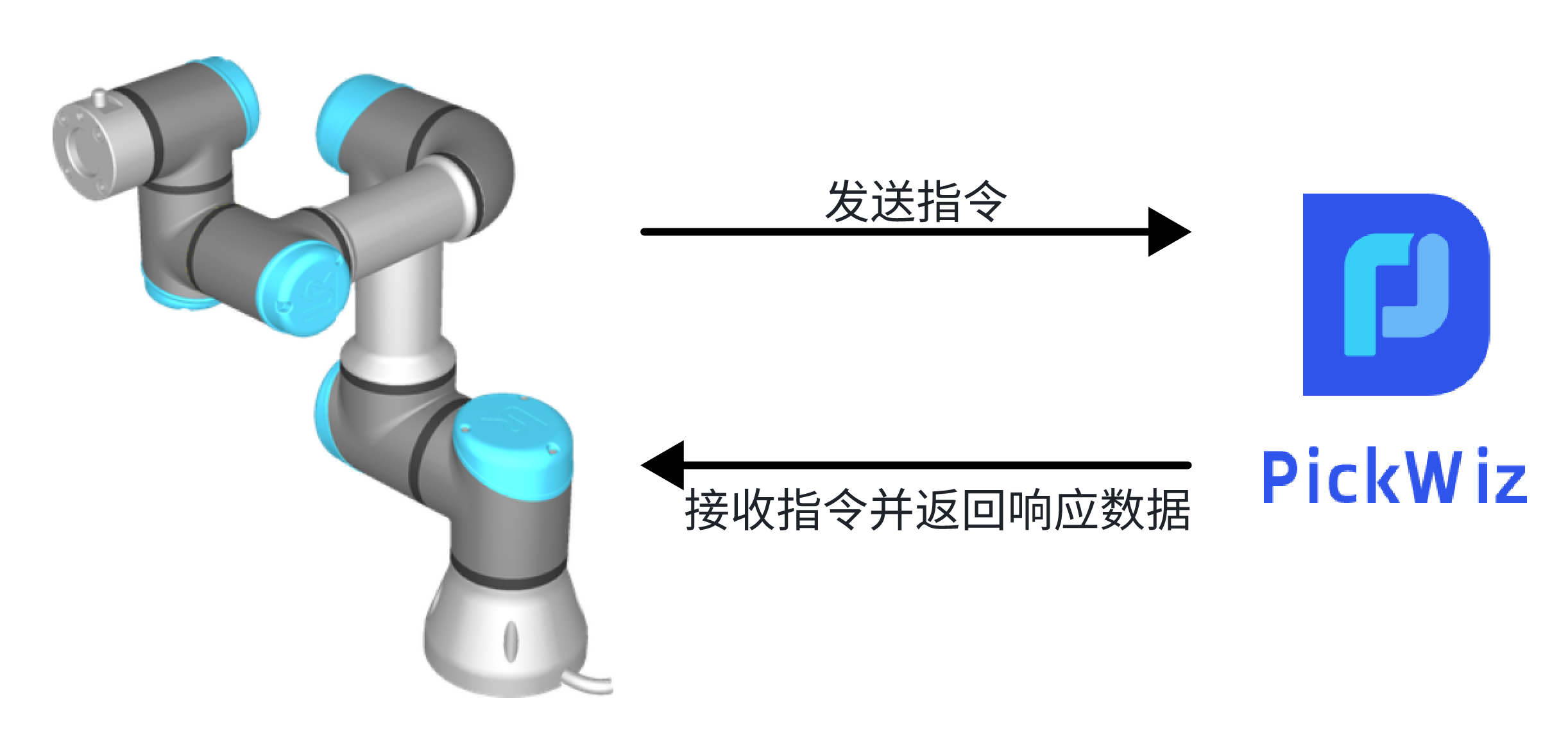
For details, please refer to: TCP server communication configuration
TCP client, ModBus, Mitsubishi MC, Siemens Snap7 are communication methods in which PickWiz serves as the client and Robot serves as the server. When PickWiz communicates with Robot, it actively controls Robot and sends instructions to Robot. After receiving the instructions, Robot executes the instructions and returns data.
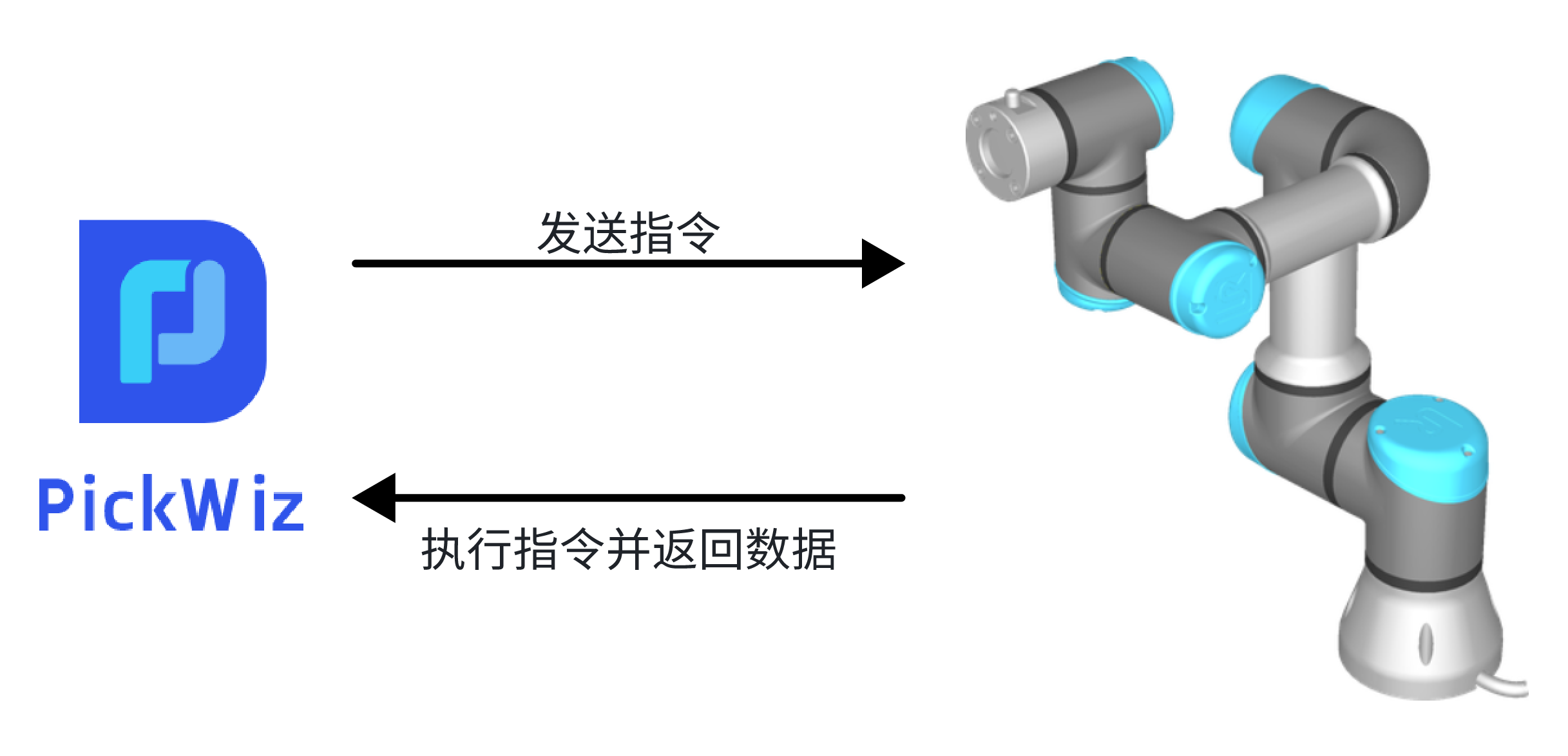
For details, please refer to:
TCP client communication configuration
ModBus communication configuration
Before configuring Robot communication, please import the Robot communication program and related configuration files into the Robot/PLC system, then use a network cable to connect the industrial computer and Robot/PLC, and confirm that the IP network segments of Robot/PLC and the industrial computer are consistent.
For the Robot/PLC brands that PickWiz is currently compatible with, please refer to: Robot Standard Program Document