Calibration Verification
Before calibration, the impact of the following three factors on calibration result errors must be eliminated:
First, there may be errors in the camera Intrinsic Parameter, including lens focal length, principal point coordinates, and distortion coefficients. These errors can distort image information and thus affect the accuracy of the calibration results. For such errors, camera accuracy needs to be corrected to ensure the accuracy of the Intrinsic Parameter.
Second, there may be errors in the Point Cloud captured by the camera, such as noise, missing data, or distortion. In this case, the Point Cloud cannot truly reflect the pose of the object. Usually, camera imaging parameters need to be adjusted to ensure that the Point Cloud can truly reflect the pose of the object and provide accurate data support for calibration.
Third, there may be errors in the Robot. Affected by the mechanical structure of the robotic arm and the precision of transmission components, the robotic arm itself has absolute accuracy limitations, causing deviations in the positioning of the end Tool and thus affecting the accuracy of the calibration results. Therefore, Robot accuracy verification is required to reduce the errors introduced into the calibration process by the robotic arm's accuracy limitations.
1. Correct Camera Accuracy
Before correcting camera accuracy, you should enable
View Overexposed Areasto check the exposure level of camera imaging. If there are overexposed areas, adjust theExposure TimeofSingle Exposureto ensure normal camera imaging exposure.After the correction is completed, the camera parameters should be switched back to the original configuration.
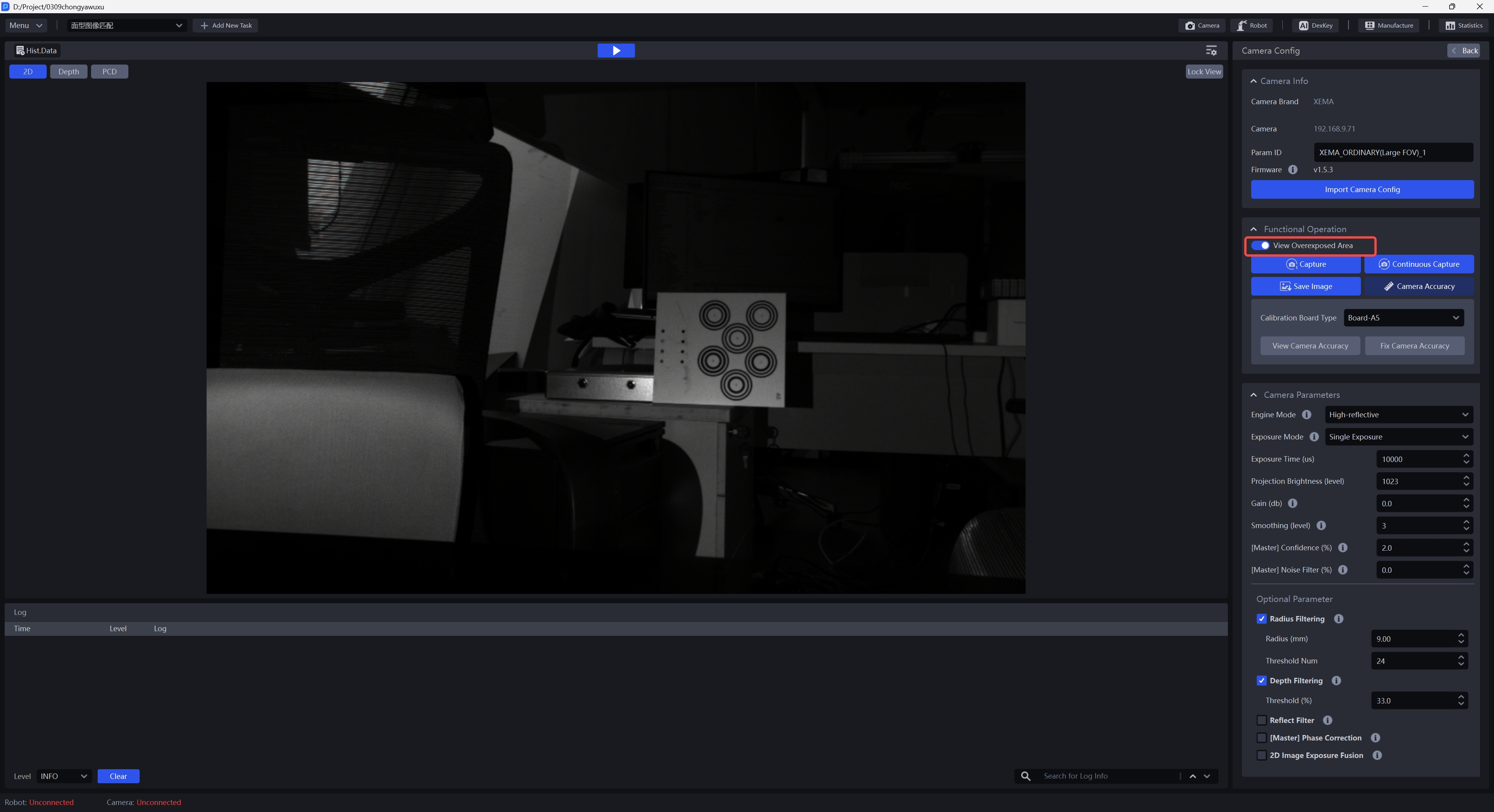
- Click
Fix Camera Accuracyon the camera configuration page
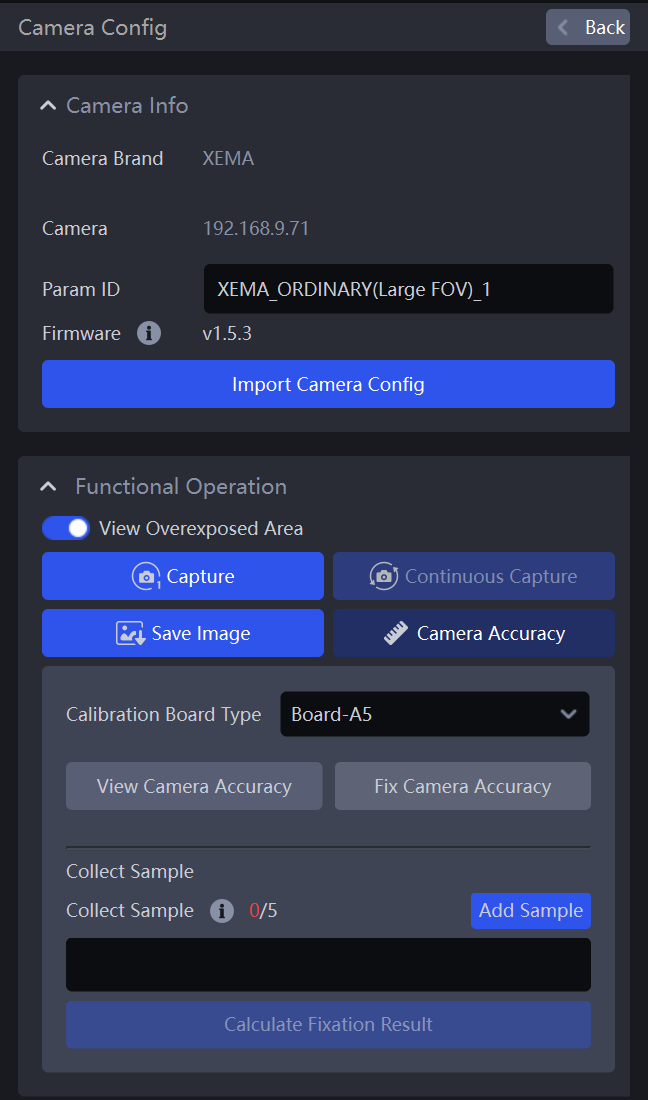
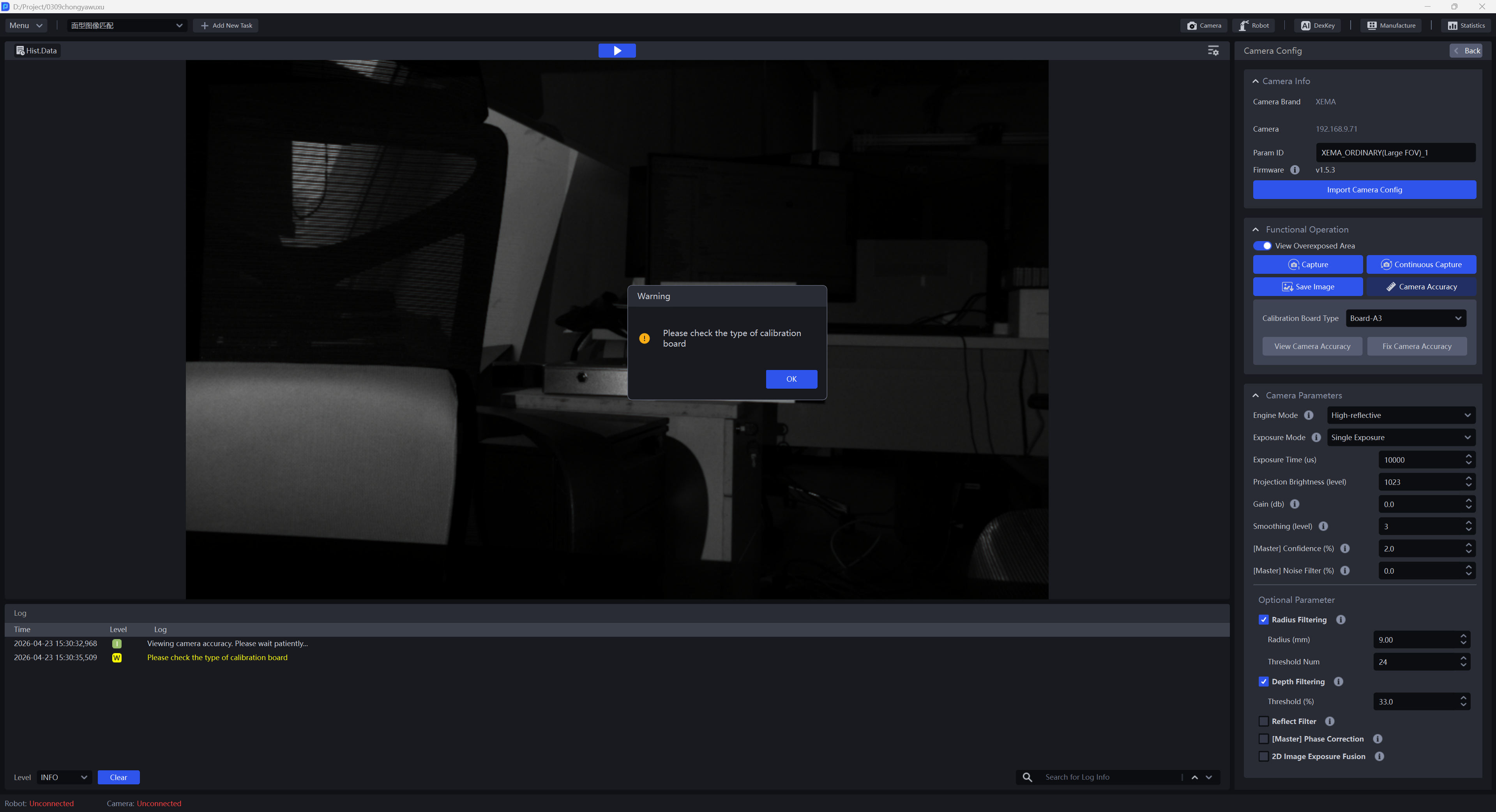
- Select the corresponding Calibration Board. If the selected Calibration Board does not match the actual one, a warning popup saying "Please check the Calibration Board type" will appear, as shown below. In the example below, the actual Calibration Board is A4. If the Calibration Board type is set to A3, a warning popup will appear.
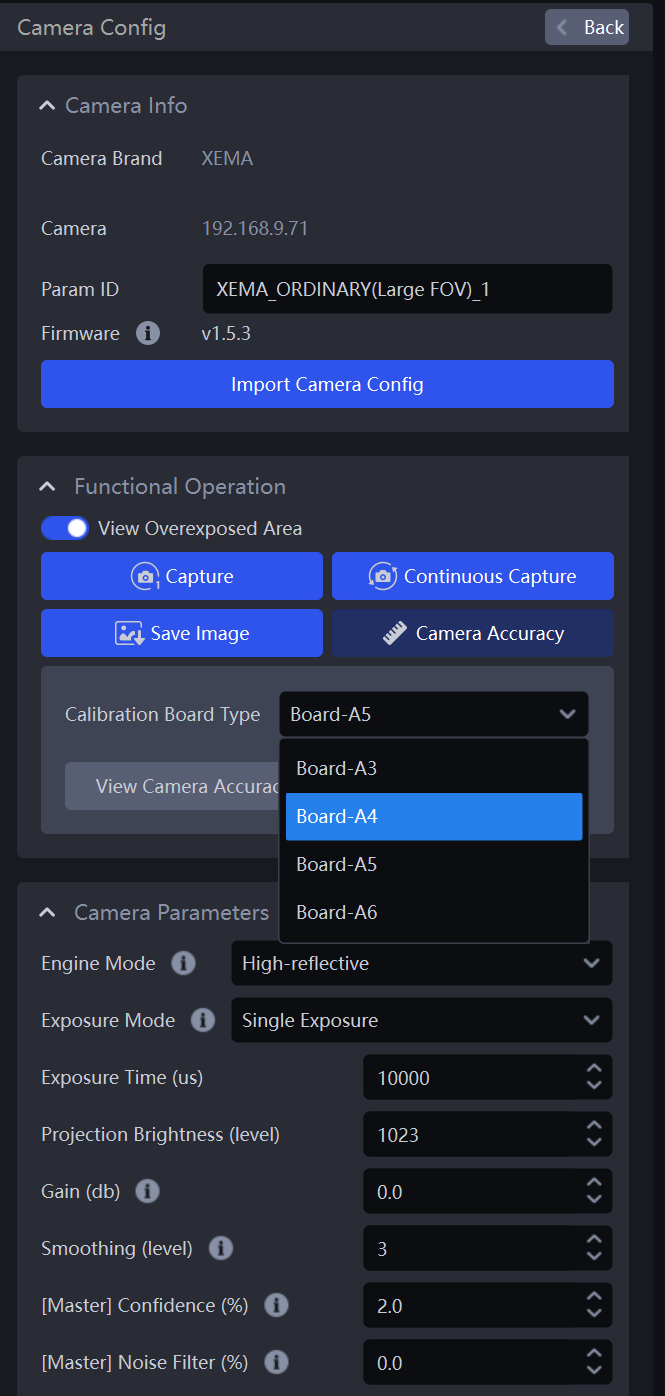
After selecting the correct Calibration Board type, click
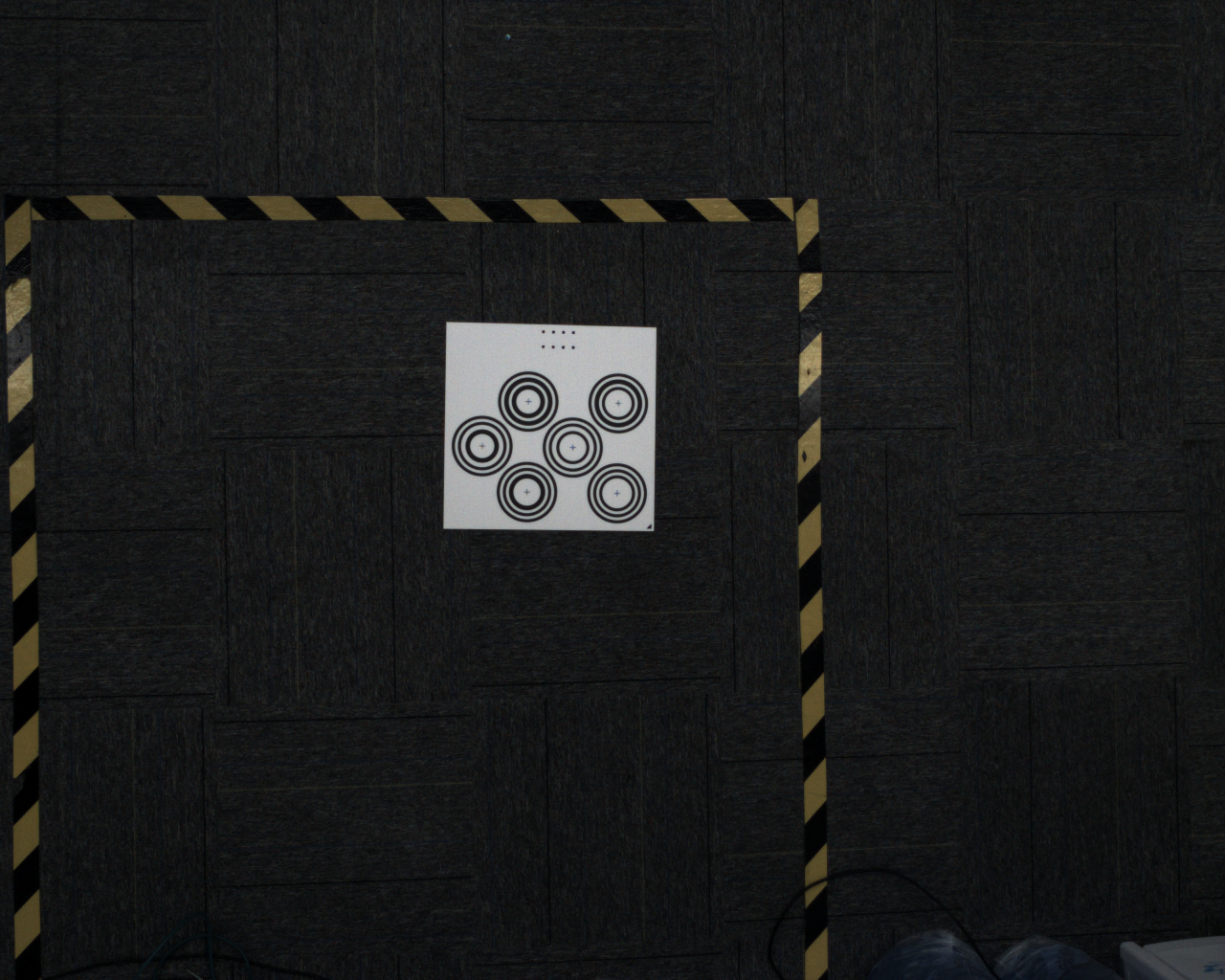
Fix Camera AccuracyPlace the Calibration Board horizontally in the center of the camera field of view, and click
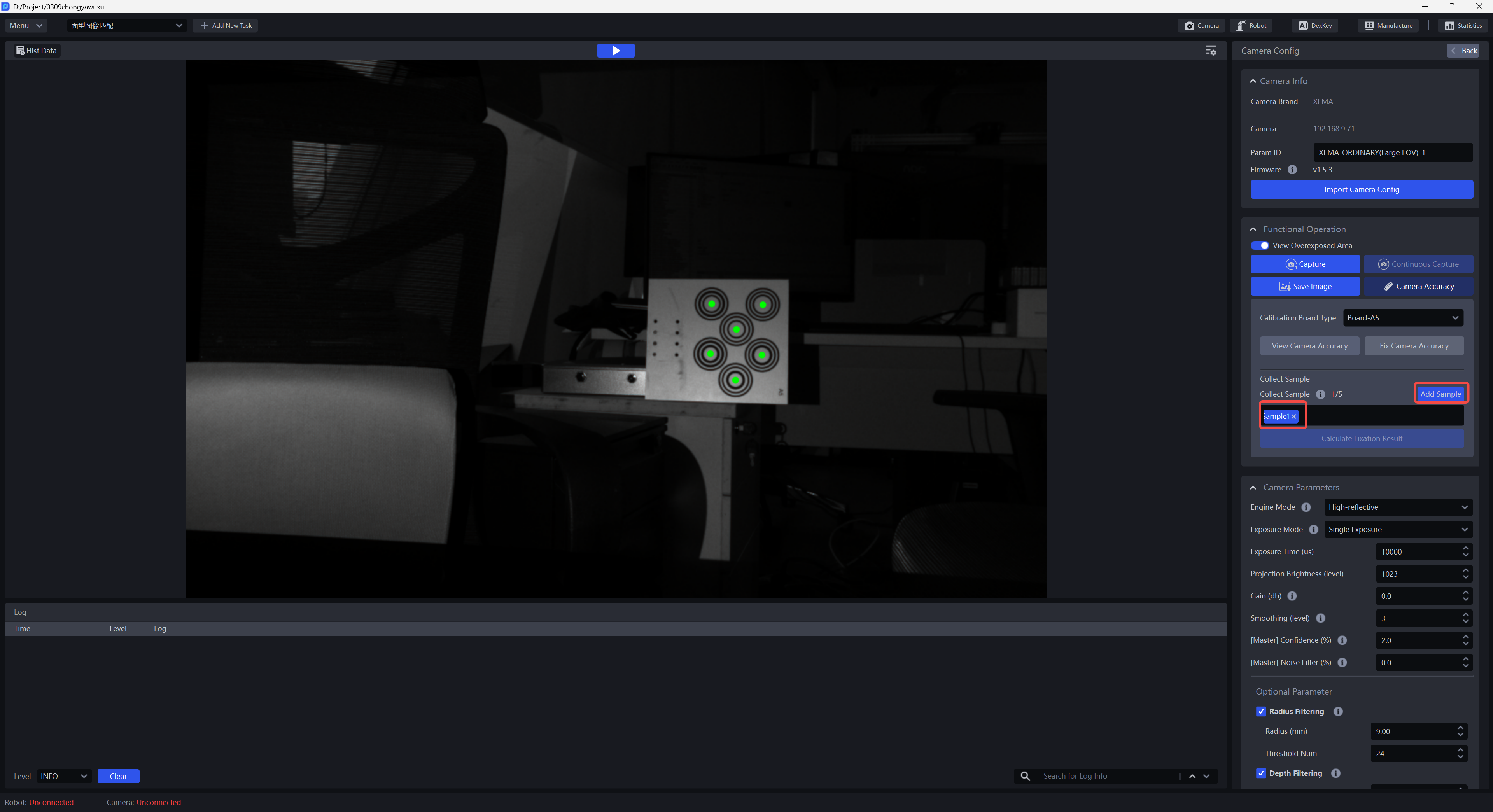
Add Sample. The camera starts sampling and verifying the sample. If the collected sample passes verification, it will be added belowCollect Sample, as shown below
Click Sample x to view the collected sample. The centers of all concentric circles on the Calibration Board of a verified sample turn green
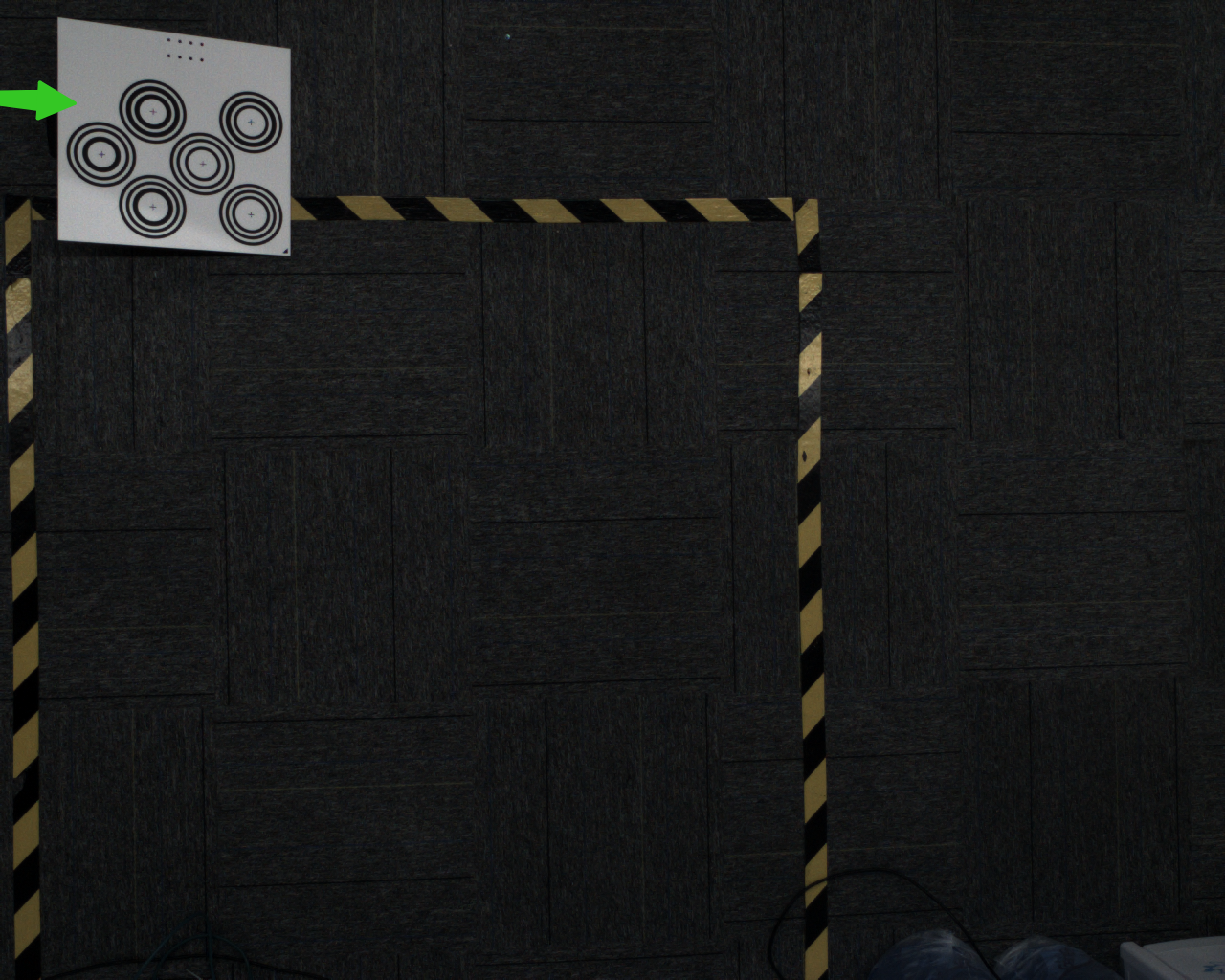
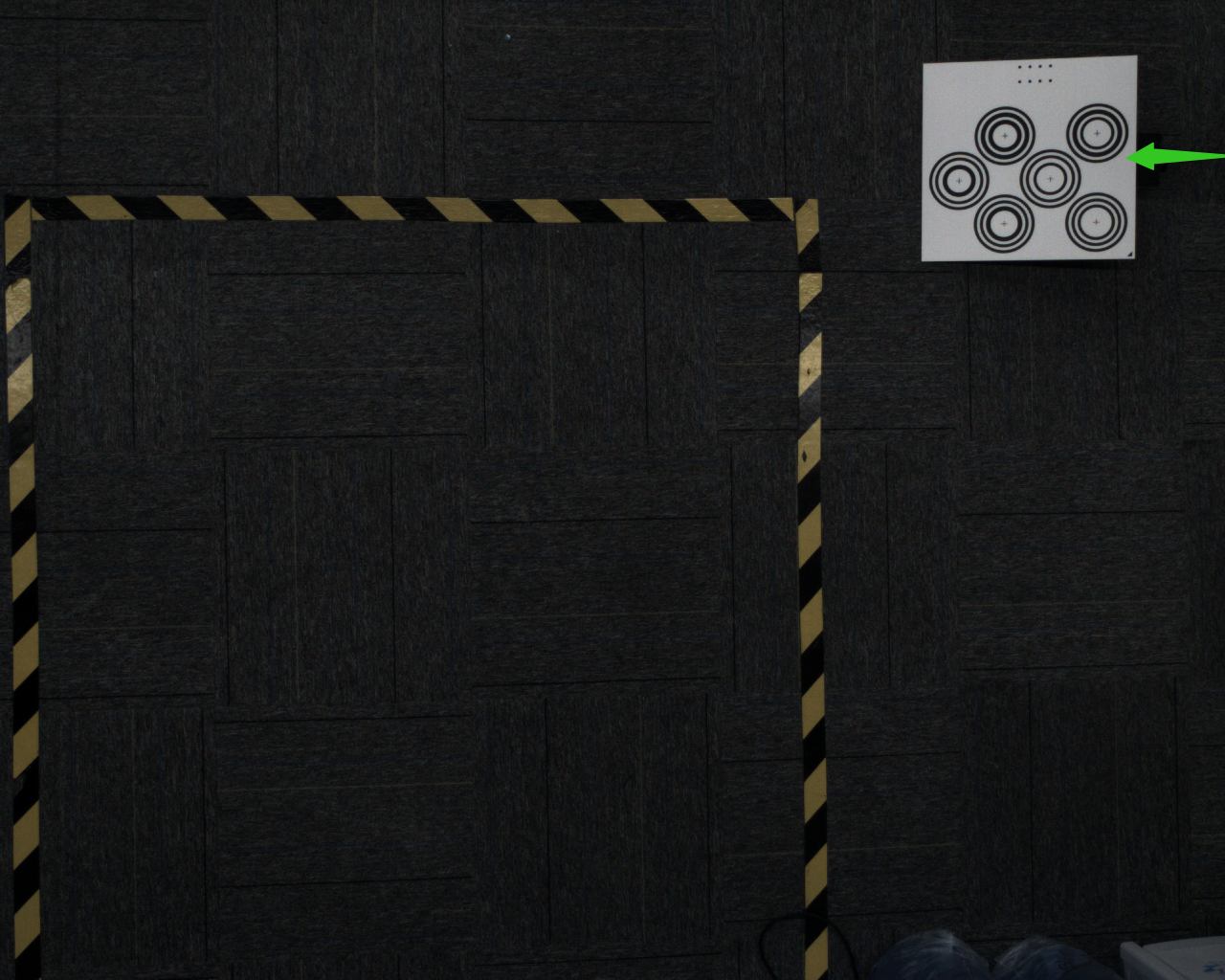
- Move the Calibration Board to the four corners within the camera field of view and click
Add Sample. At each corner, prop up the Calibration Board at an angle. The placement angle of the Calibration Board should be 15-30°, and the tilt angle should not be too large or too small
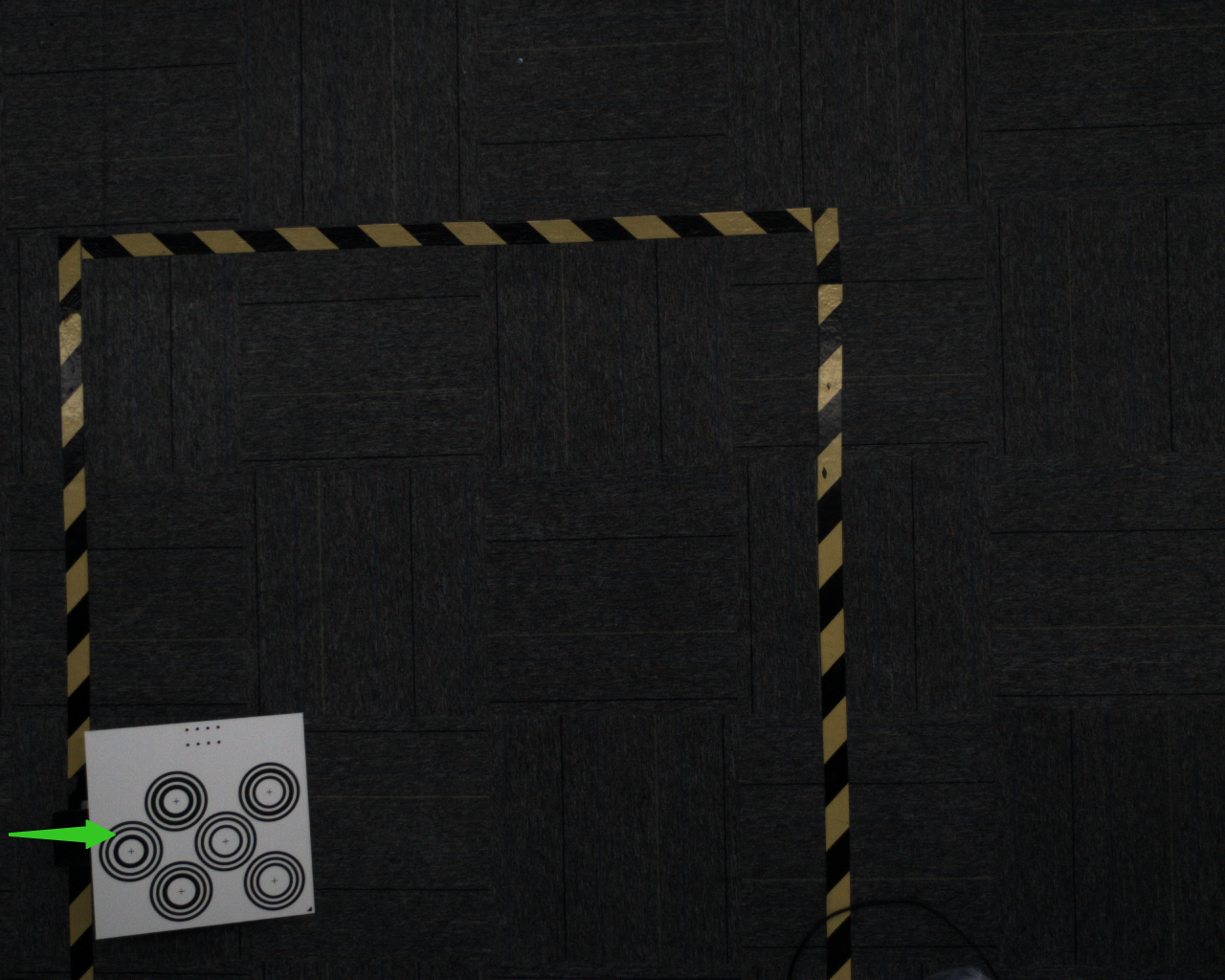
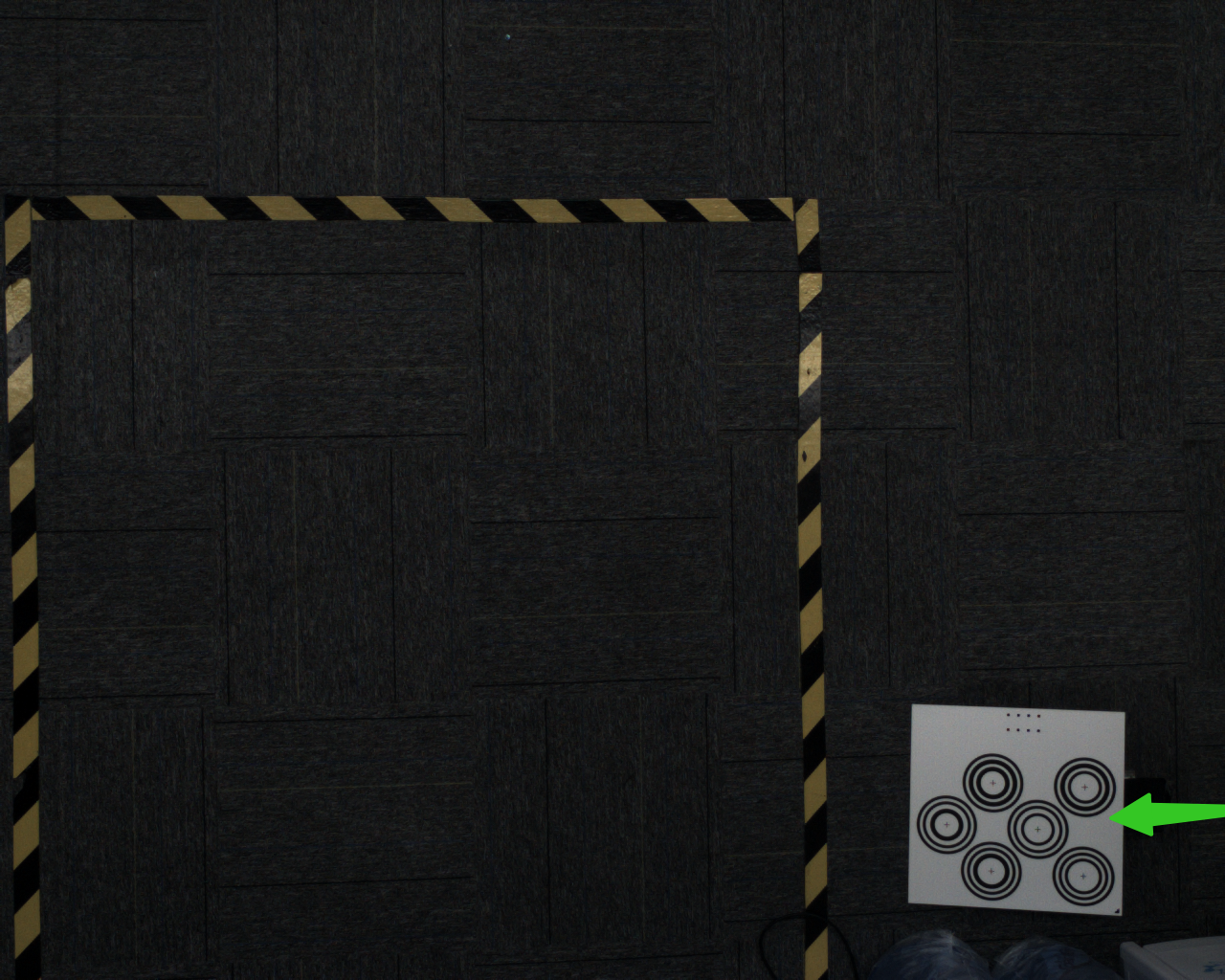
After adding 5 samples, click
Calculate Fixation ResultsAfter the correction is completed, a prompt box will pop up saying "The camera accuracy has been fixed, and theaccuracy is x px, which is within normal range,comfirm to override the current camera config."
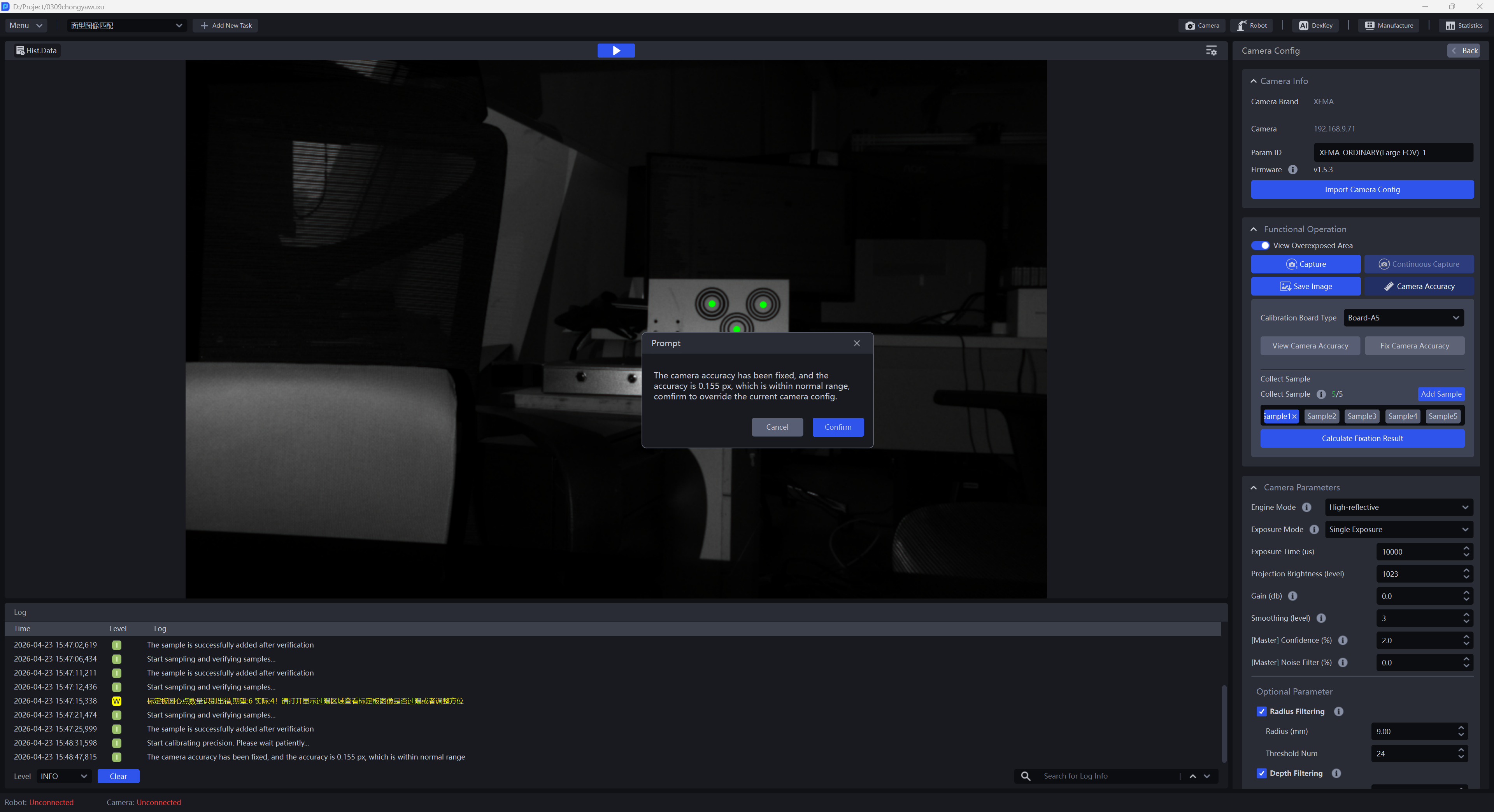
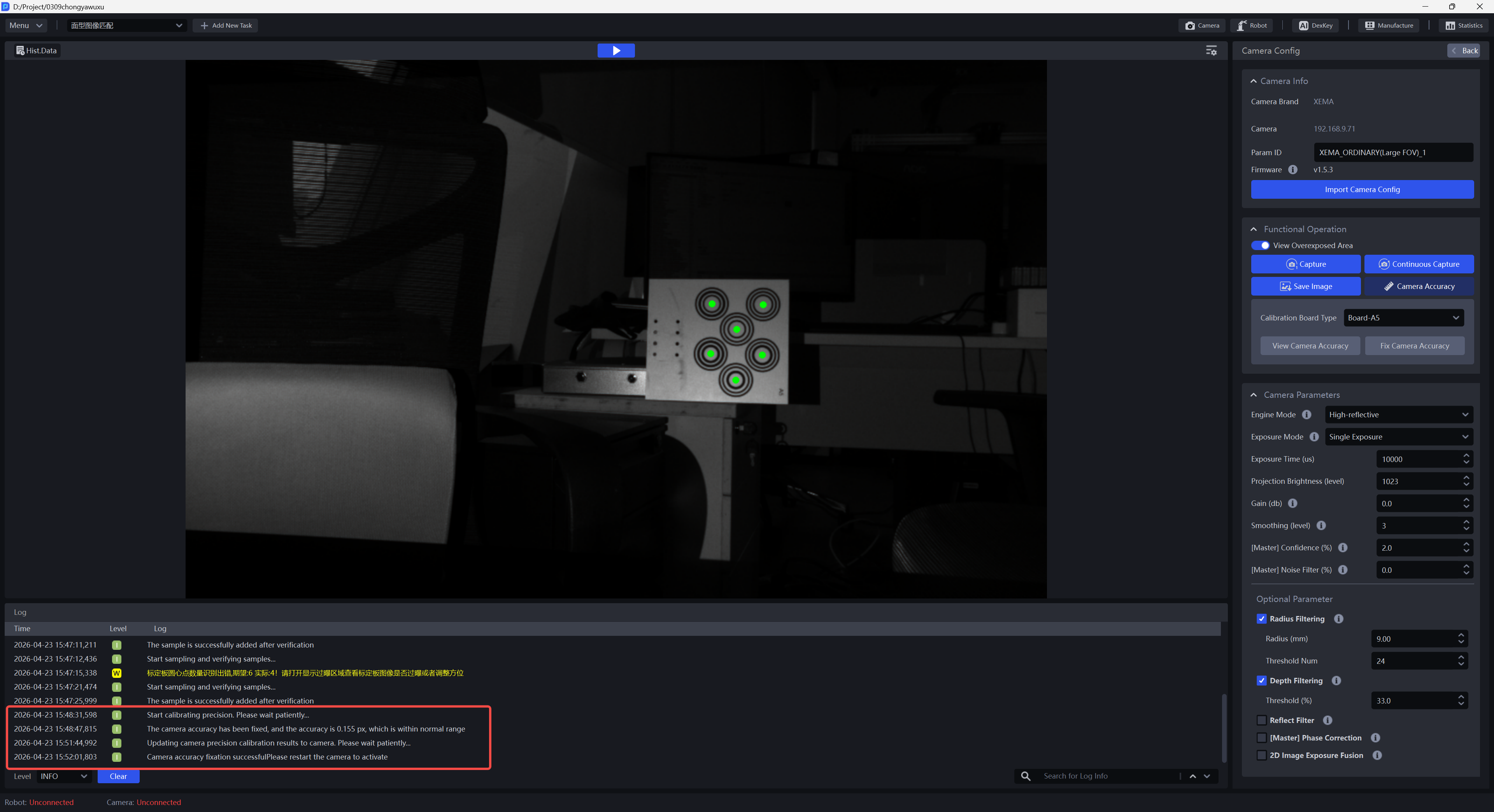
If you choose to overwrite the current camera parameter configuration, the camera accuracy correction result will be updated to the camera, and you need to restart the camera for it to take effect
2. Adjust Camera Imaging Quality
On the Camera Config page, for Xema, Finch, and Sparrow series cameras, refer to Camera Connection and Parameter Adjustment Guide to adjust camera parameters; for Kingfisher series cameras, refer to KINGFISHER Series Camera User Manual to adjust camera parameters until the Calibration Board exposure is normal, the amount of noise is reduced, and the imaging quality is improved.
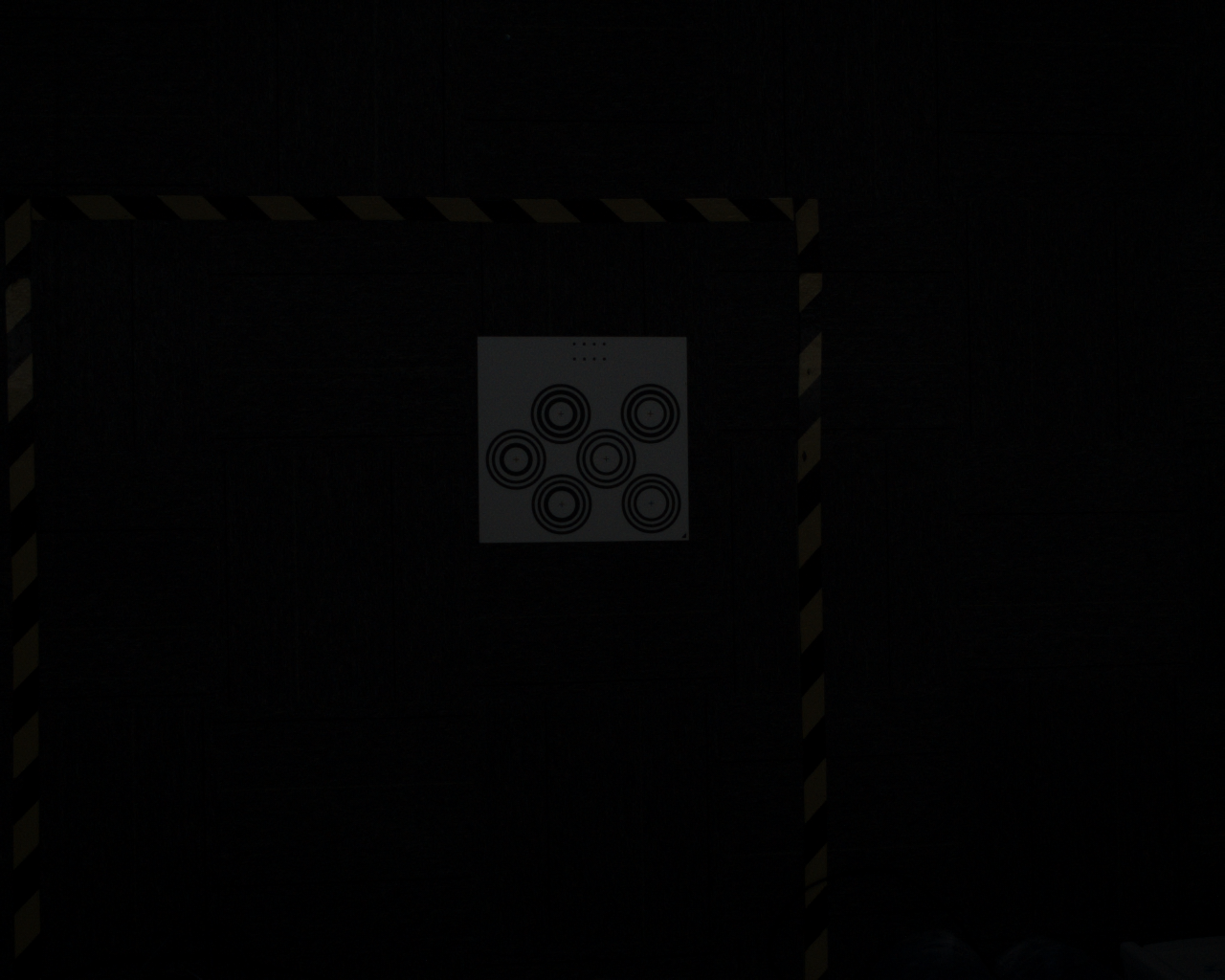
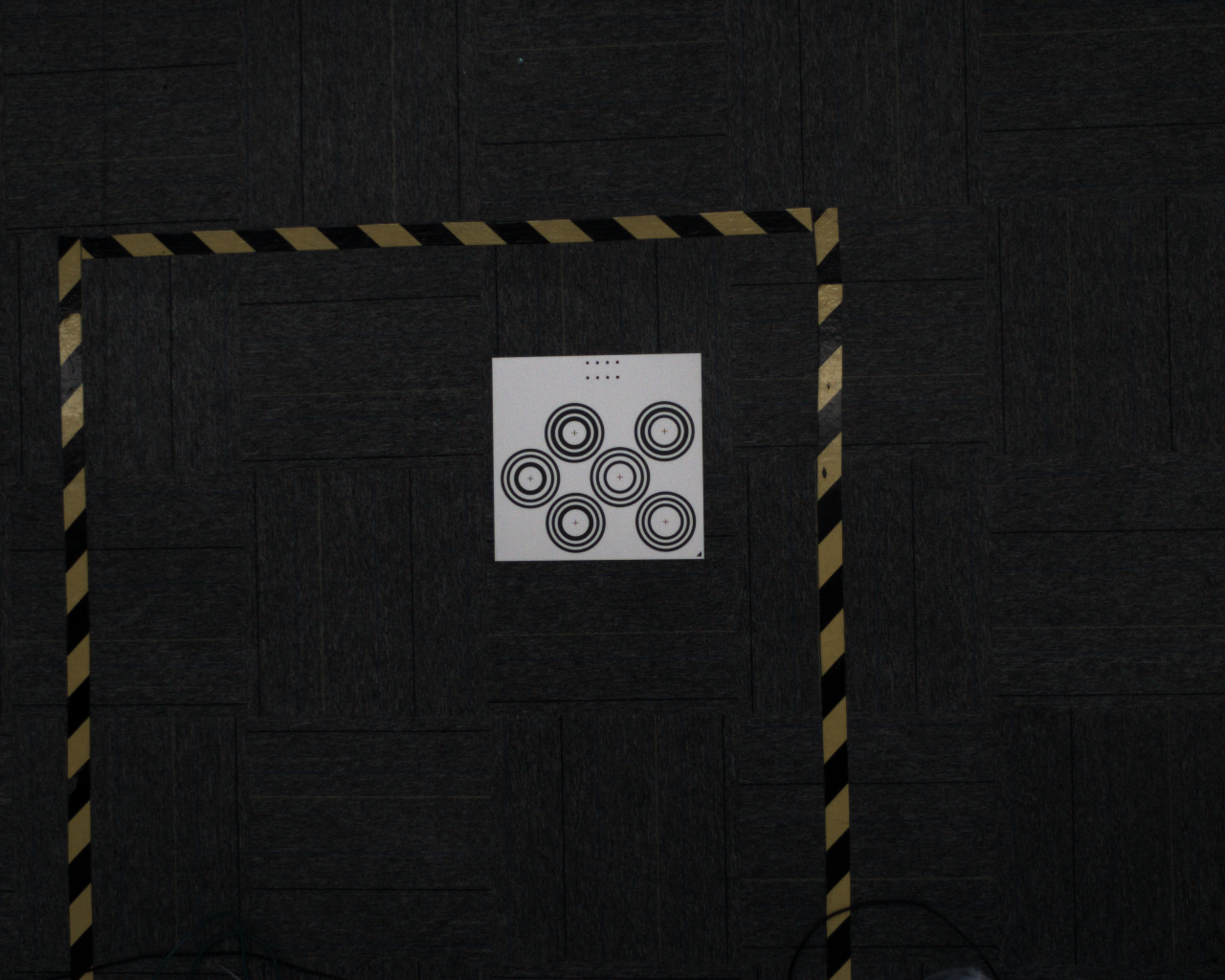
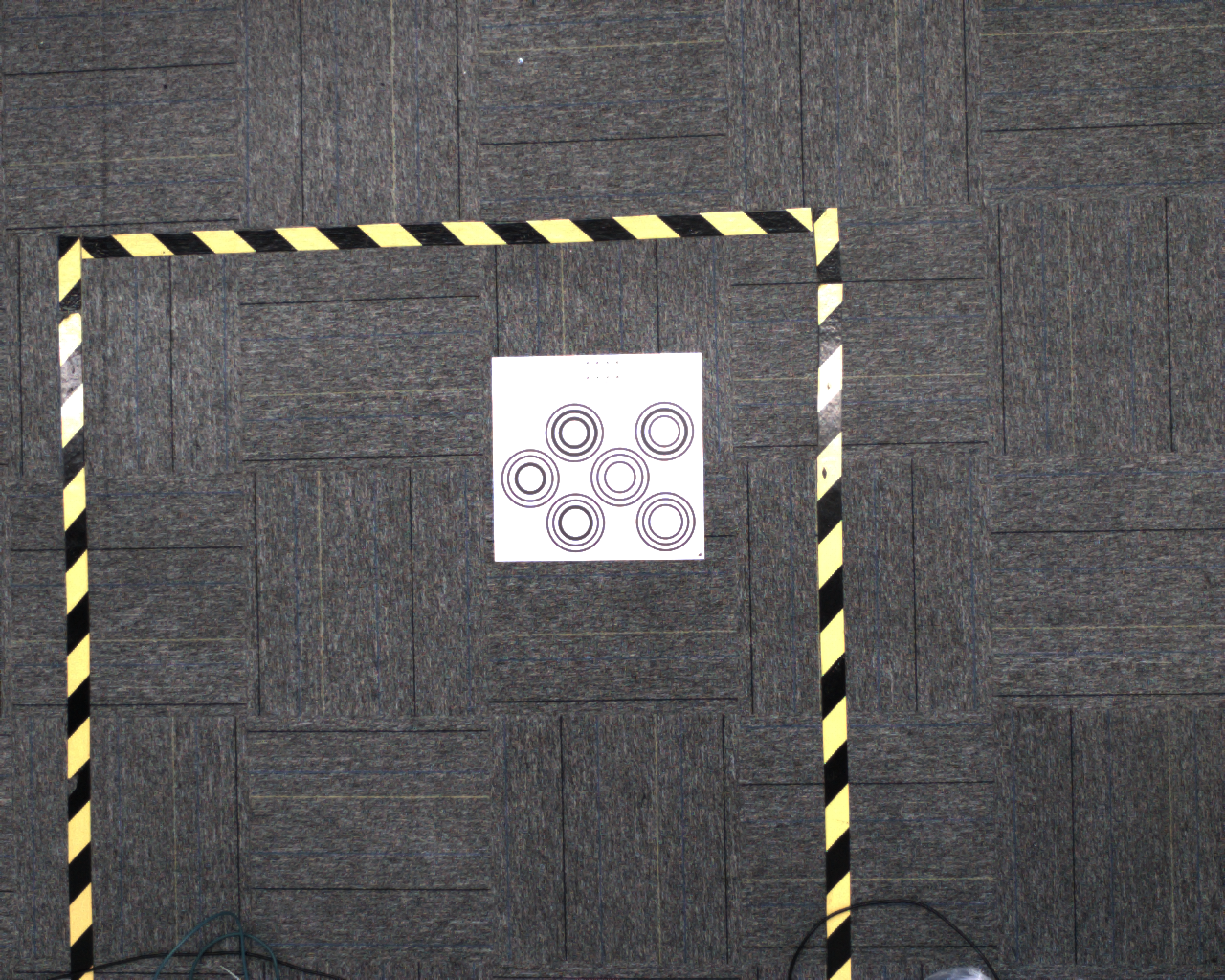
3. Robot Accuracy Verification
Before calibration, you need to confirm whether the Robot accuracy meets the Project requirements. If it does not, Robot accuracy must be verified before calibration;
If camera accuracy and imaging quality both meet the requirements but the calibration result error is still large, Robot accuracy verification is required.
3.1 Robot Accuracy Verification for Eye to hand
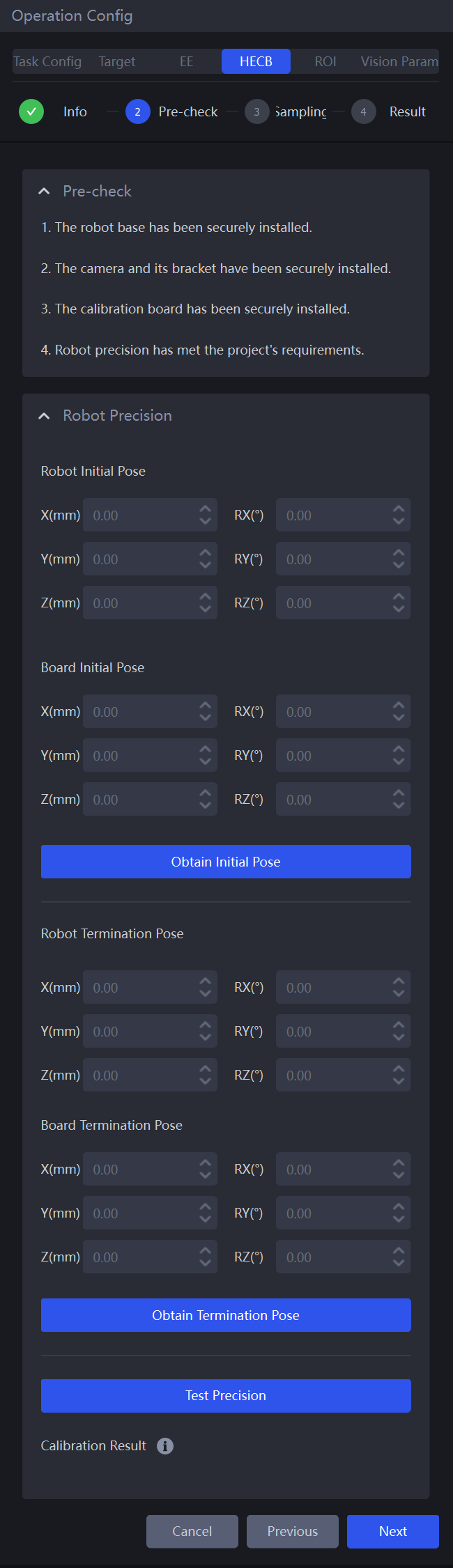
For Eye-to-Hand calibration, Robot accuracy verification is performed in the Pre-Check stage by enabling Robot Precision
- Step 1: Click
Obtain Initial Pose. The camera takes a picture to recognize the Calibration Board, andBoard Initial Posewill be updated with the corresponding Calibration Board pose. If the camera cannot recognize the Calibration Board, control the robotic arm carrying the Calibration Board to move and recognize the Calibration Board again.
If Get Coordinates Online is Yes, PickWiz sends a pose request command to the Robot, and the Robot sends the current end pose of the robotic arm to PickWiz. Robot Initial Pose will be updated with the current end pose of the robotic arm.
If Get Coordinates Online is No, you need to manually enter the current end pose of the robotic arm.
- Step 2: Control the robotic arm carrying the Calibration Board to translate over a long distance, and click
Get Final Pose. The camera takes a picture to recognize the Calibration Board, andCalibration Board Initial Posewill be updated with the corresponding Calibration Board pose. If the camera cannot recognize the Calibration Board, control the robotic arm carrying the Calibration Board to translate and recognize the Calibration Board again.
During Robot accuracy verification, control the robotic arm carrying the Calibration Board to translate along the X or Y direction, without any rotation in any direction
If Get Coordinates Online is Yes, PickWiz sends a pose request command to the Robot, and the Robot sends the current end pose of the robotic arm to PickWiz. Robot Final Pose will be updated with the current end pose of the robotic arm.
If Get Coordinates Online is No, you need to manually enter the current end pose of the robotic arm.
- Step 3: Click the
Test Precisionbutton to view the Robot verification accuracy (absolute accuracy ratio). This value must not be greater than 0.005; otherwise, it can be considered that there is a problem with the absolute accuracy of the robotic arm. (The calculation method of this ratio is(1 - distance translated by the Calibration Board / distance translated by the robotic arm)).
3.2 Robot Accuracy Verification for Eye in hand
For Eye-in-Hand calibration, Robot accuracy verification is completed before calibration.
Step 1: Lay the Calibration Board flat on a horizontal work platform, move the end of the robotic arm so that it is vertically aligned with the center of one concentric circle on the Calibration Board, record the current position of the Calibration Board as the Initial Pose of the Calibration Board, and record the pose on the Robot teach pendant as the Initial Pose of the Robot
Step 2: Translate the Calibration Board over a long distance along the X or Y direction, and control the robotic arm to translate in the same direction as the Calibration Board so that the end of the robotic arm is vertically aligned with the same circle center on the Calibration Board. Record the position of the same circle center on the translated Calibration Board as the terminal position of the Calibration Board, and record the pose on the Robot teach pendant as the terminal pose
After translation, the end of the robotic arm should be vertically aligned with the same circle center on the Calibration Board
The end of the robotic arm should translate along the X or Y direction without any rotation in any direction
Step 3: Calculate the translation distance of the end of the robotic arm from the Initial Pose to the terminal pose, and manually measure the translation distance of the Calibration Board from the Initial Pose to the terminal position using a graduated distance measurement tool
Step 4: Robot accuracy = (translation distance of the robotic arm end from the Initial Pose to the terminal pose) / translation distance of the Calibration Board measured manually. If the calculated Robot accuracy is ≤0.005, the Robot accuracy is considered to meet the requirements; otherwise, it is considered not to meet the requirements.