Introduction to 3D Vision Guidance Solutions
1. Solution Introduction
The 3D vision guidance solution captures and understands the 3D information of Target Objects and Scene Objects in the real environment through a 3D Camera, determines the relative vision pose relationship between the 3D Camera and the Robot through eye-hand calibration, and relies on the PickWiz vision system to establish real-time and reliable data transmission with the 3D Camera and the Robot, enabling accurate Robot picking and meeting the needs of various industrial scenarios such as sack and carton depalletizing, Random Picking, Ordered Loading and Unloading, and Positioning and Assembly.
Dexforce uses 2D recognition and detection methods to extract instances from the Scene, applies 3D localization to extract feature information from the instances and match them accurately, and configures the functions related to recognition and picking according to actual needs, thereby customizing suitable vision guidance solutions for different task scenarios.
The currently supported 2D recognition solutions and 3D Matching solutions are shown in the table below:
| Solution | Model | Features | Limitations | Examples |
|---|---|---|---|---|
| 2D recognition solutions: Segment instances from the Scene | General Model |
| The General Model may detect unwanted workpieces. To retain only the workpieces you want to recognize, instance filtering is required. | 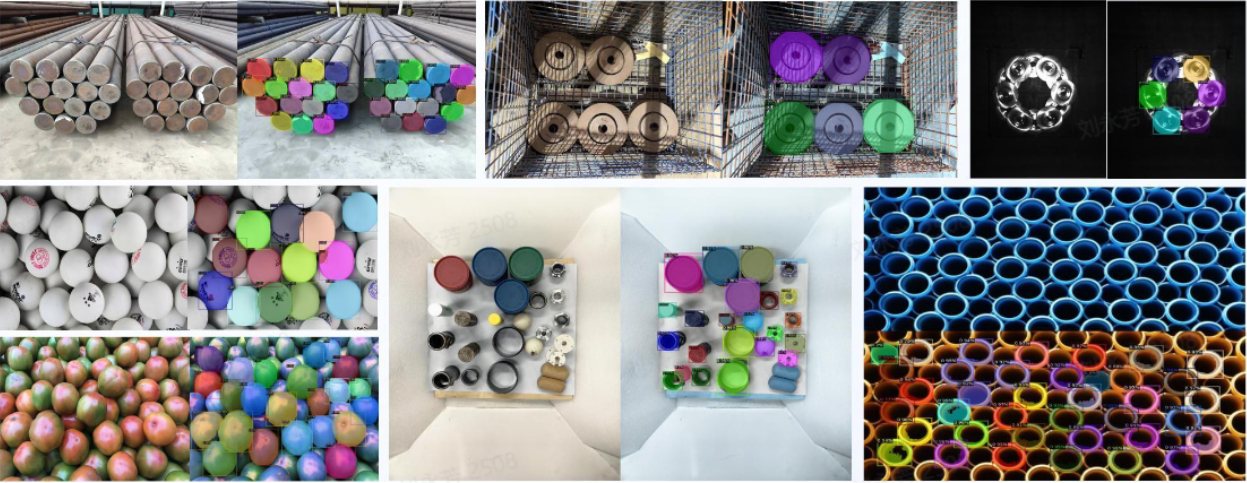 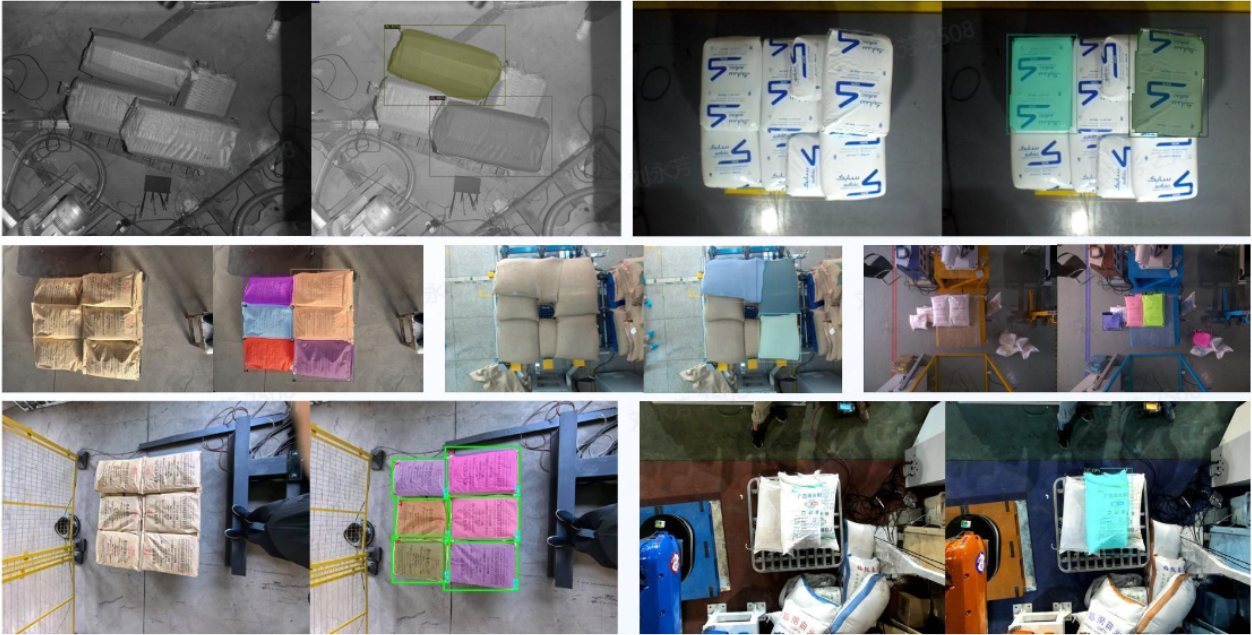 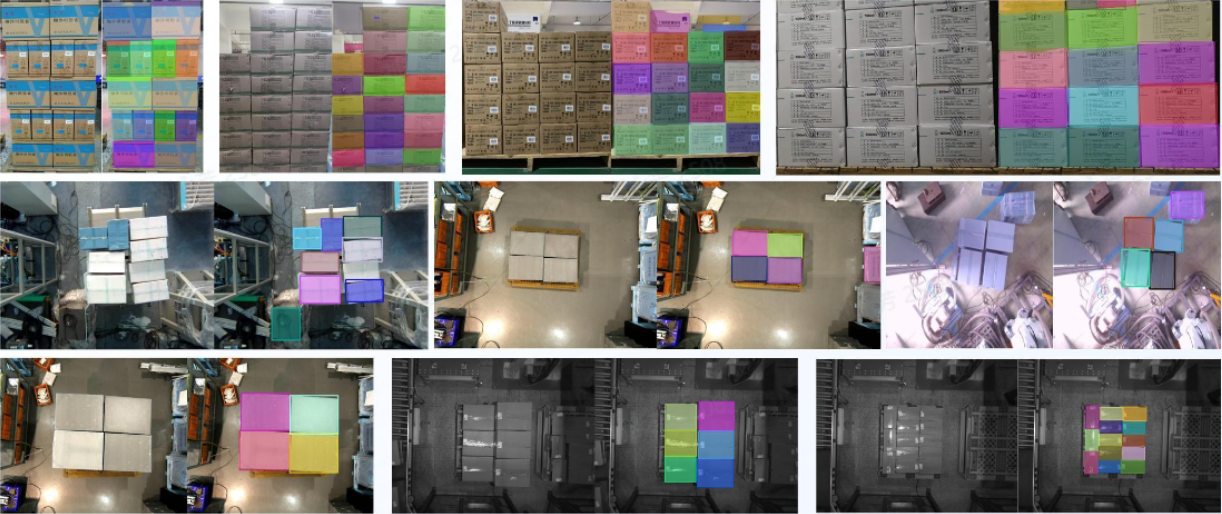 |
| CAD-based Synthetic Data Training (One-click Connection) |
|
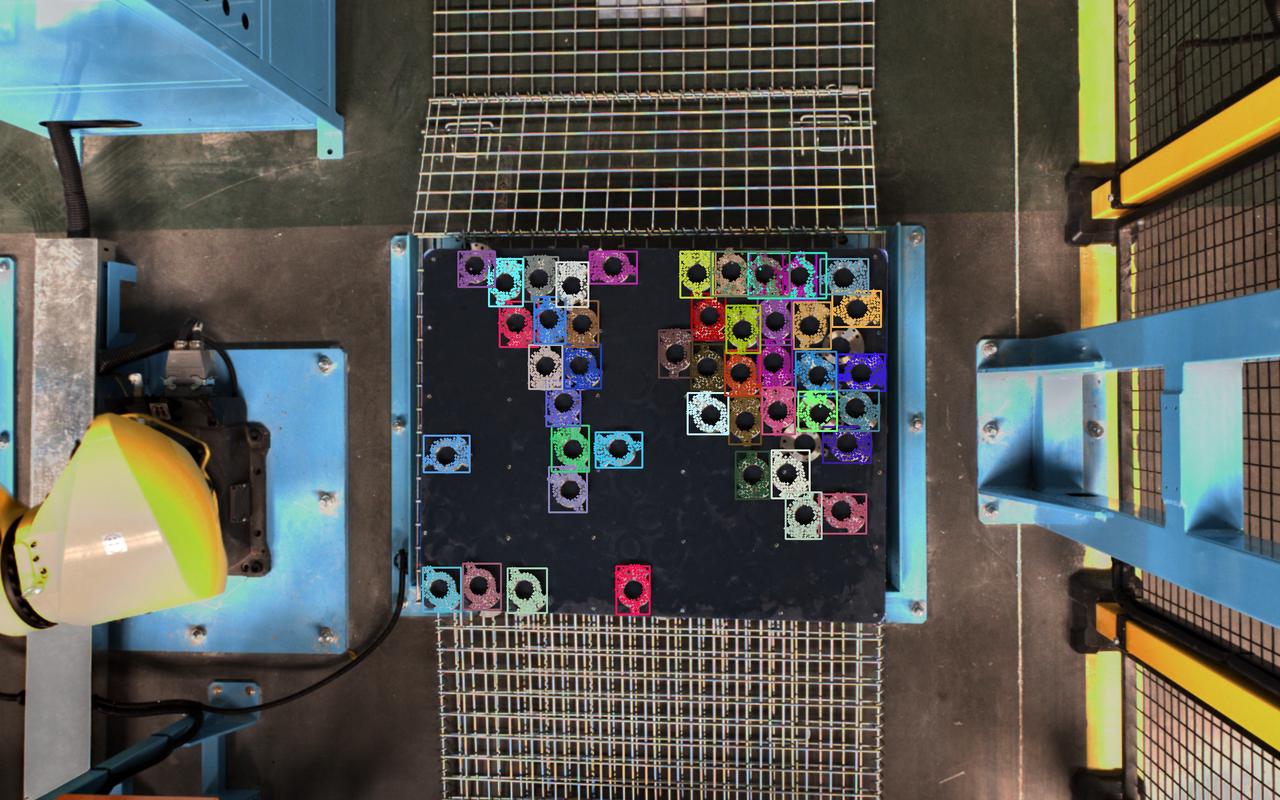
| Data rendering: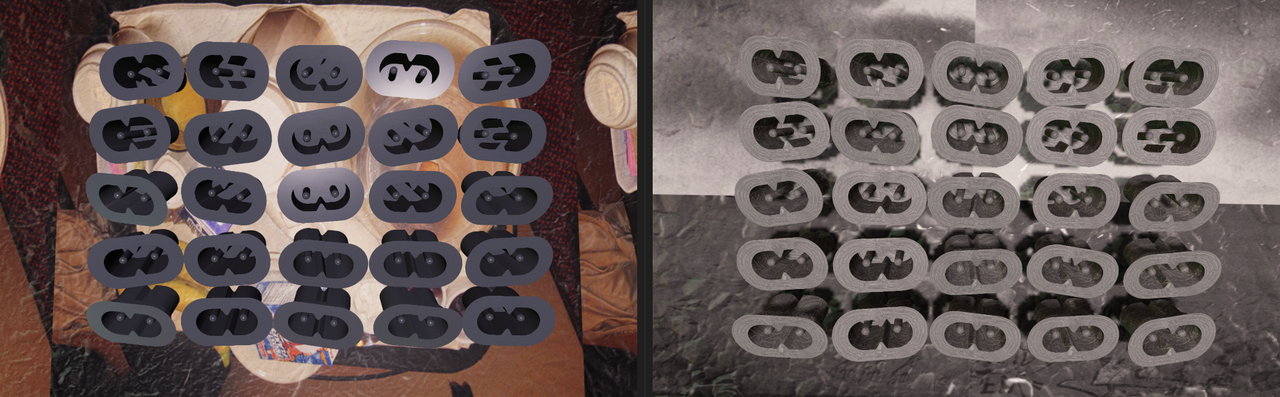 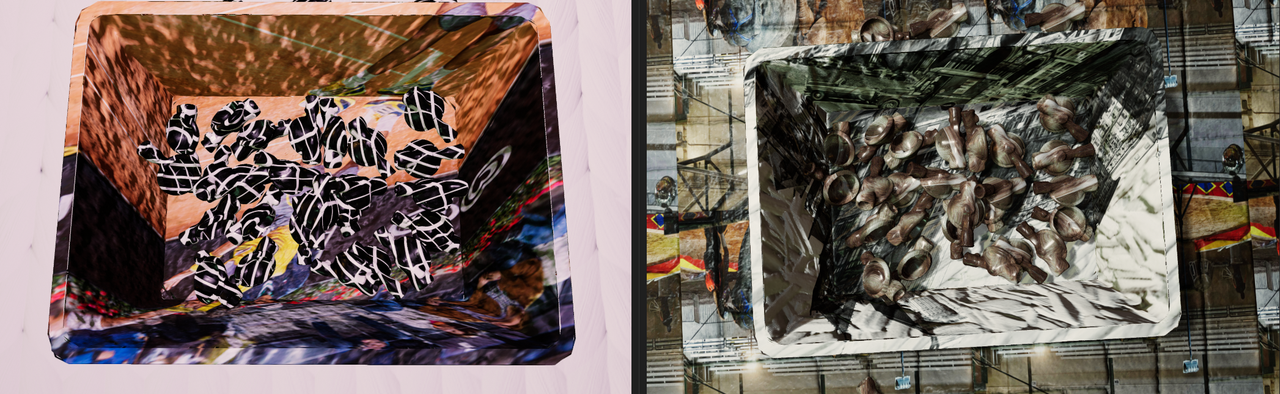 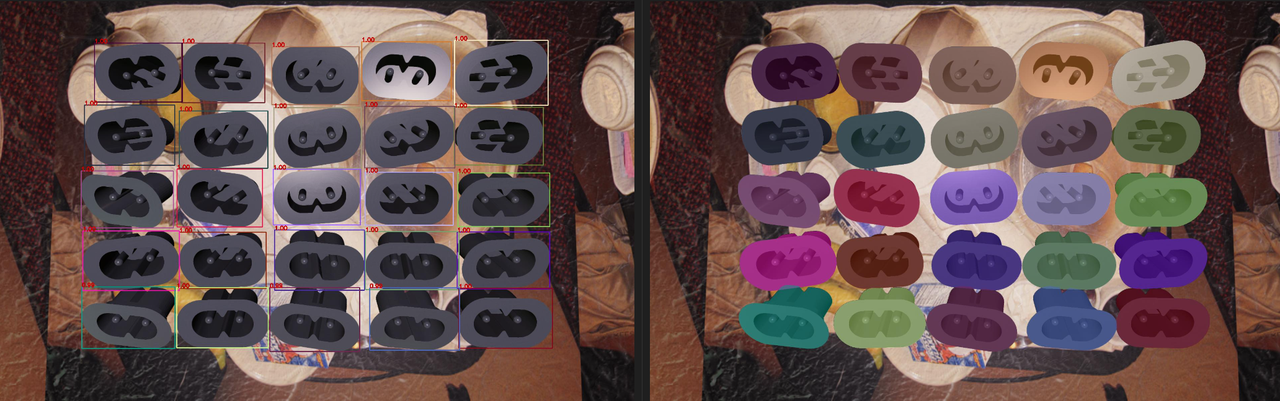 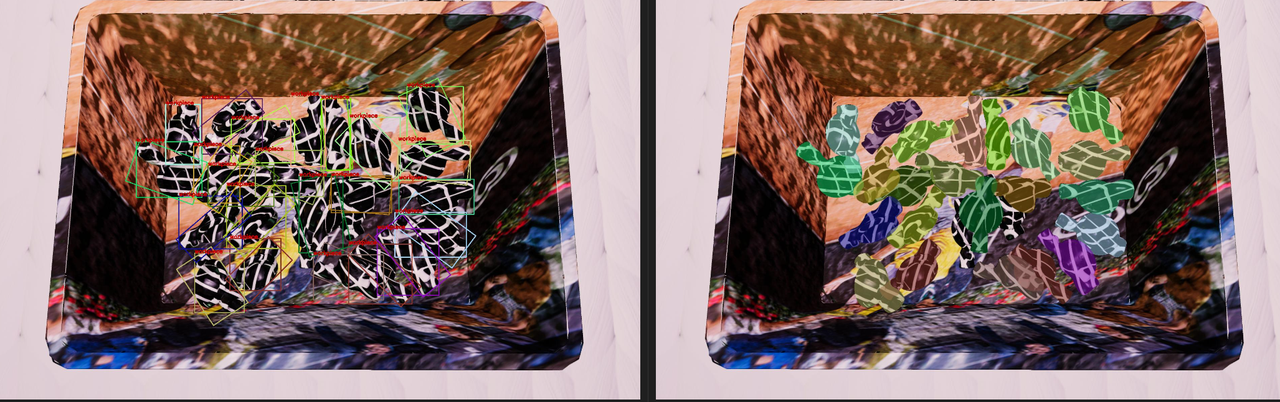 Actual Inference: 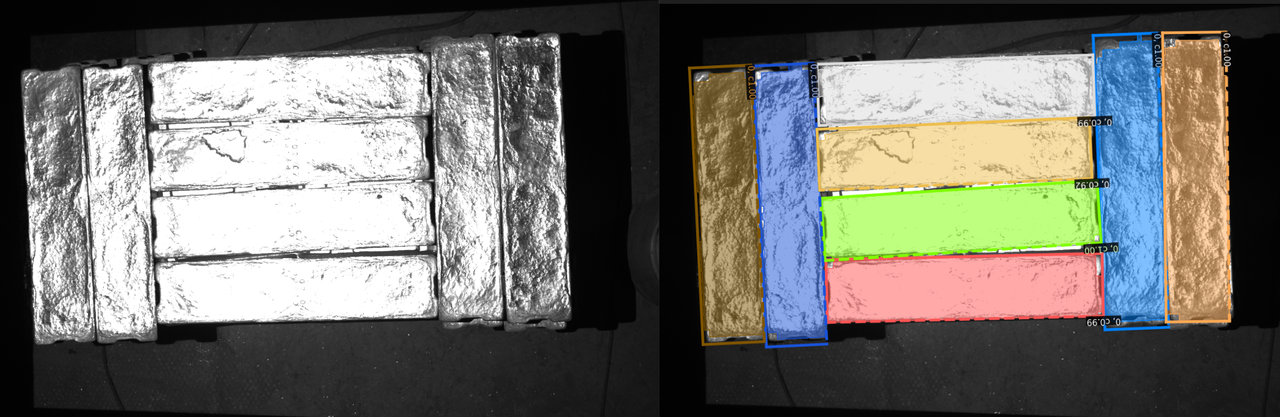 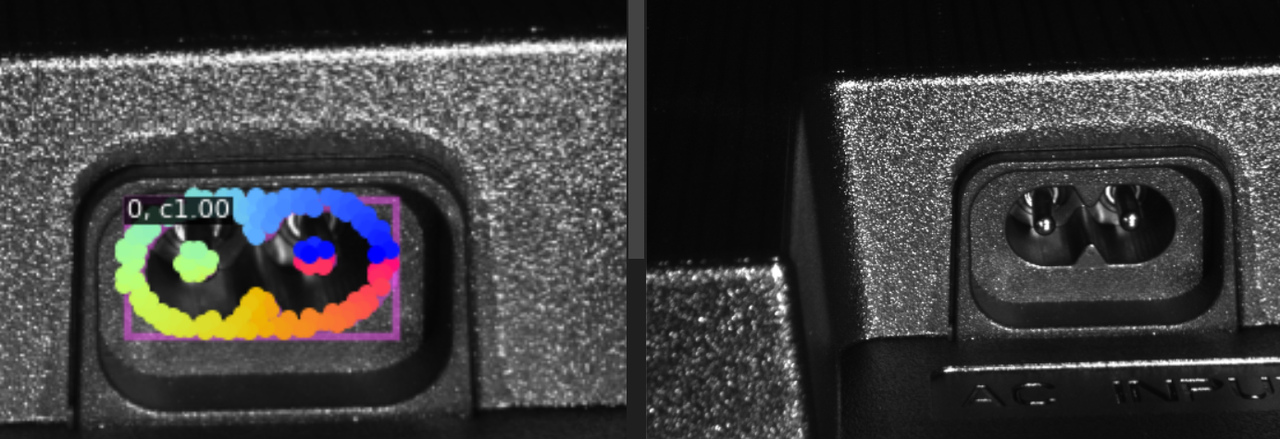 | |
| Point Cloud Segmentation |
|
| 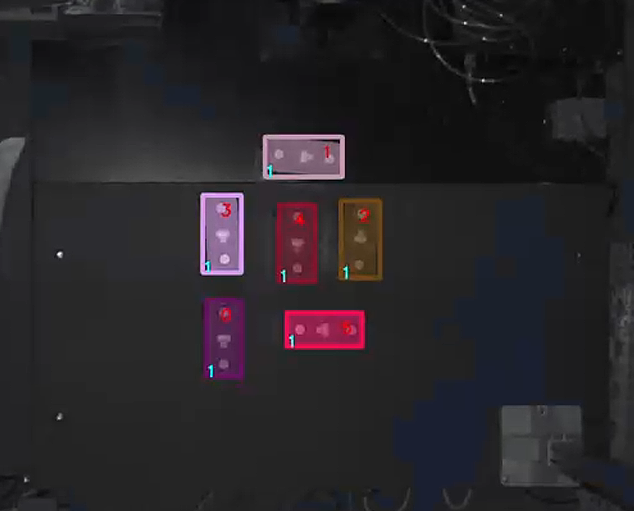 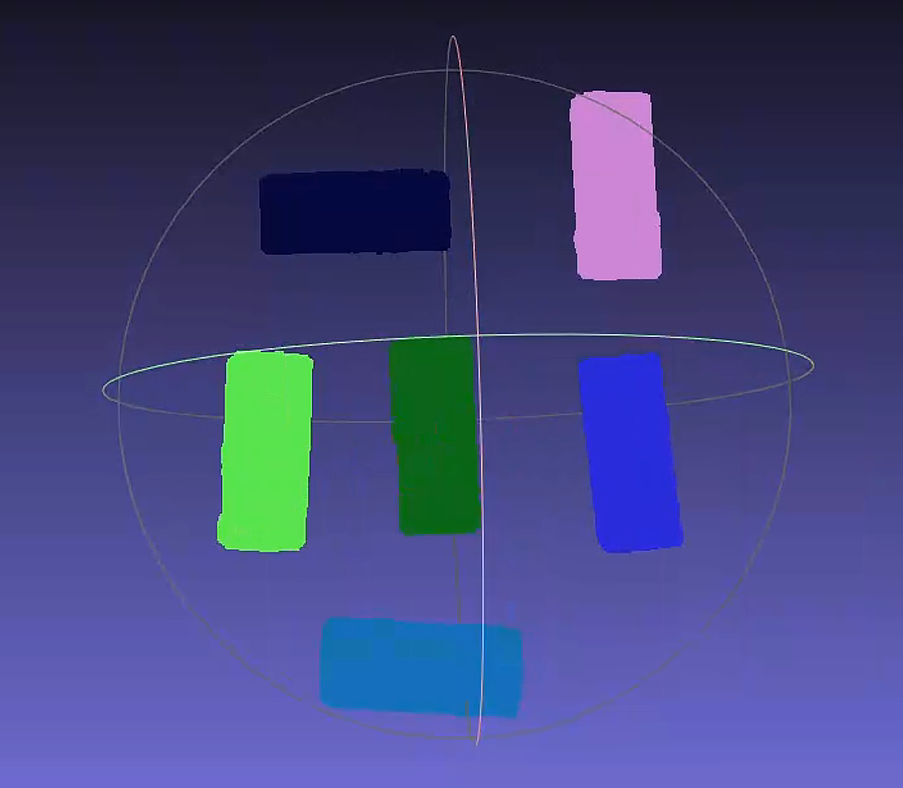 | |
| 3D Matching solutions: Calculate the pose of the instance in the Camera coordinate system | Mask-based Pick Point Generation |
| / | 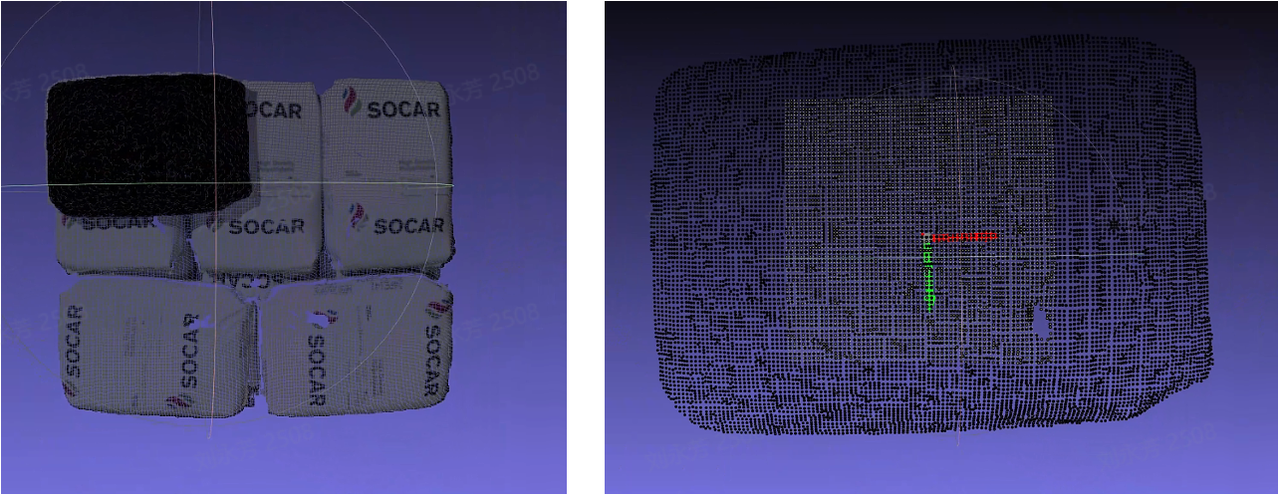 |
| Basic Geometric Shape Fitting |
| / |  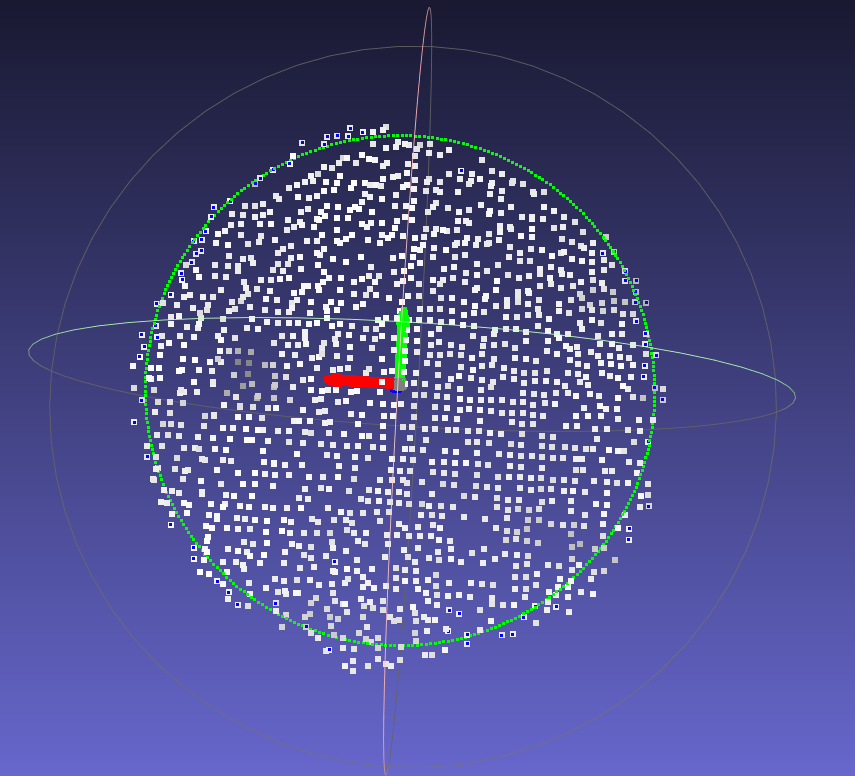 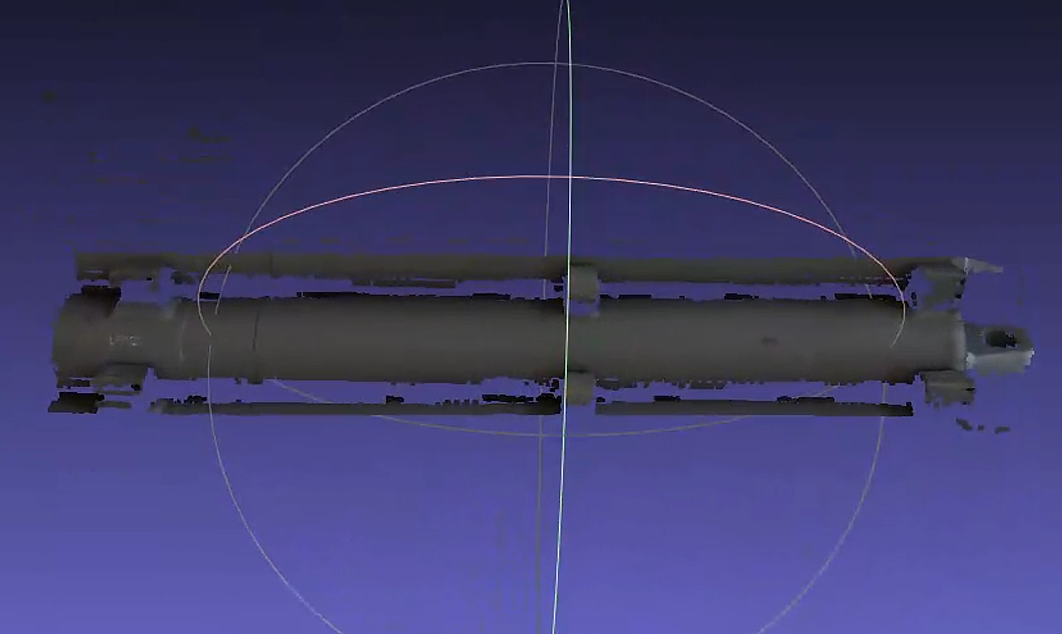 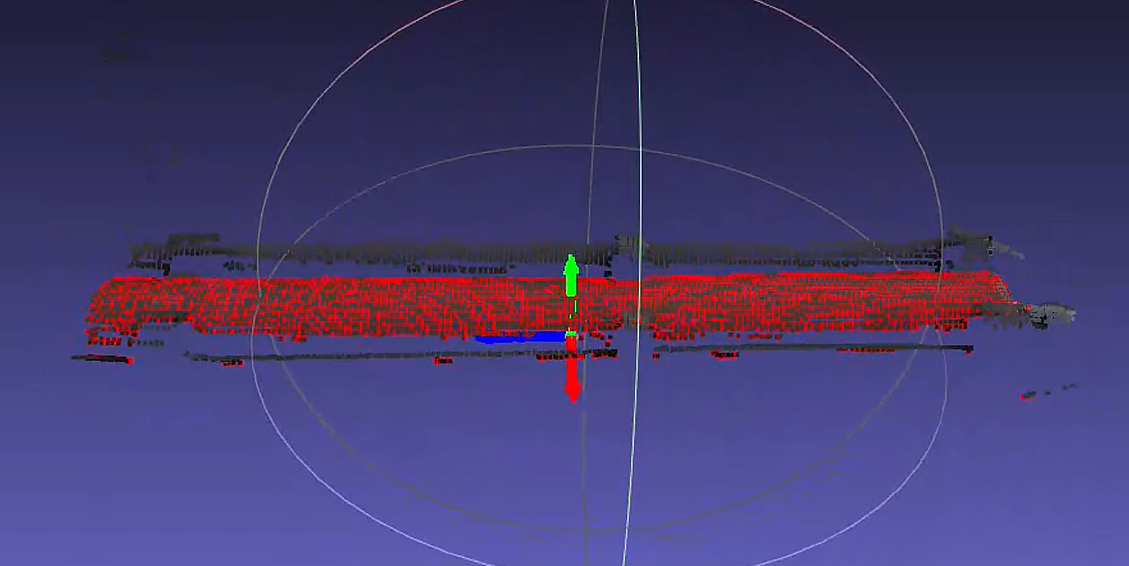 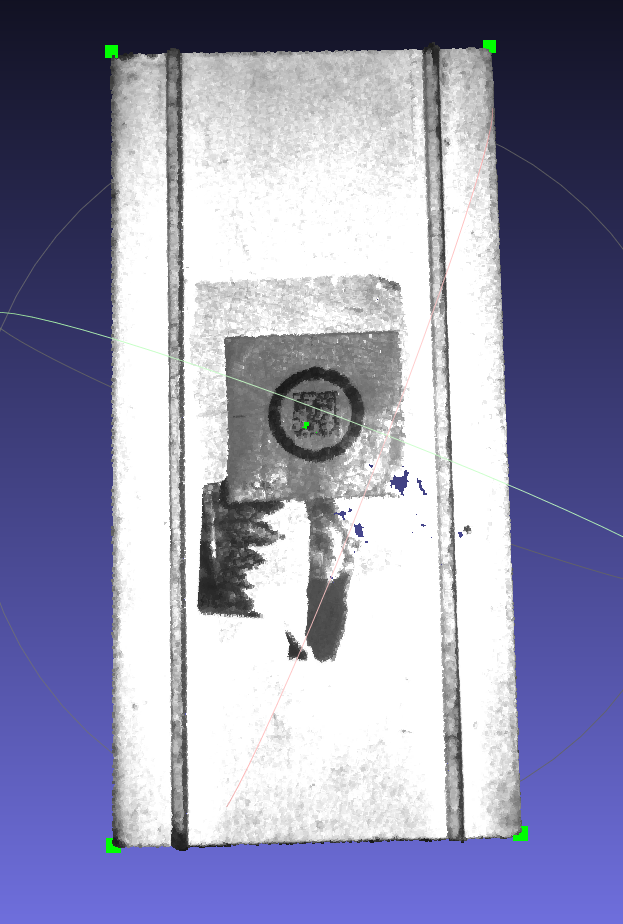 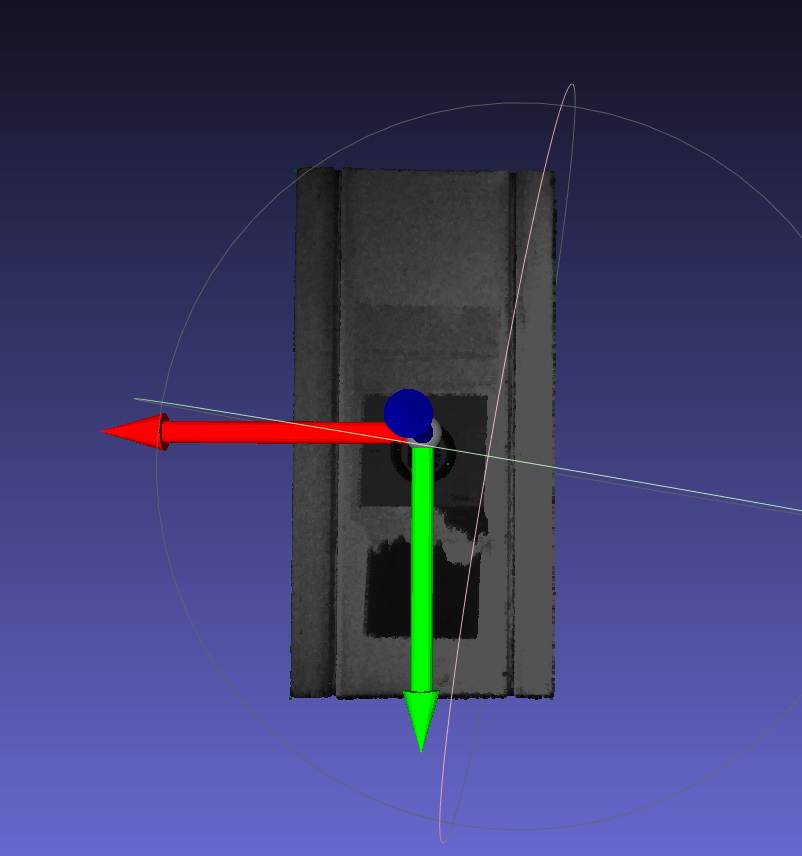 | |
| Rigid Transformation |
|
| 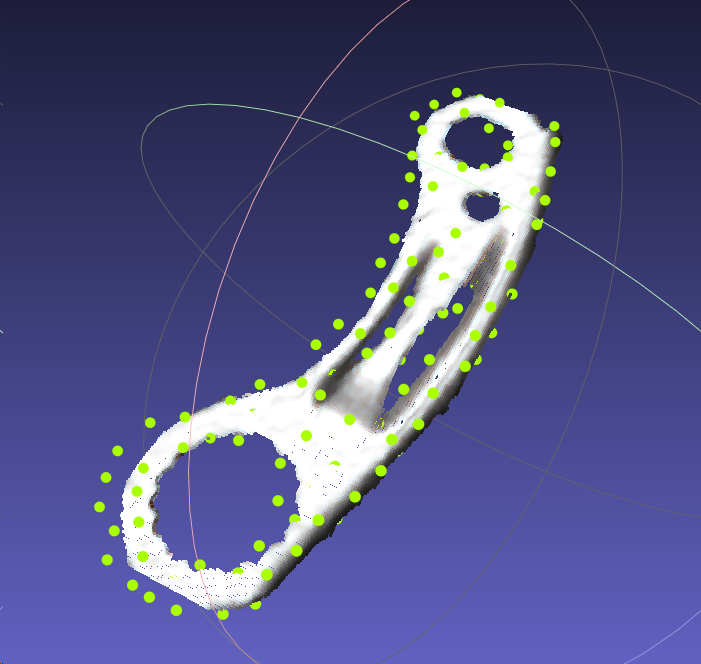 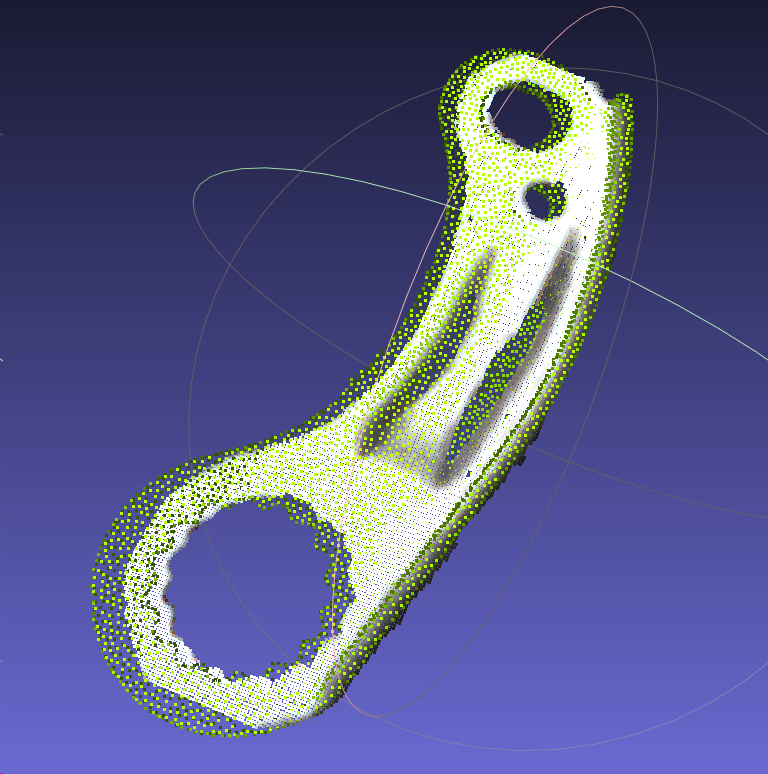  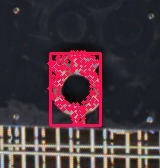 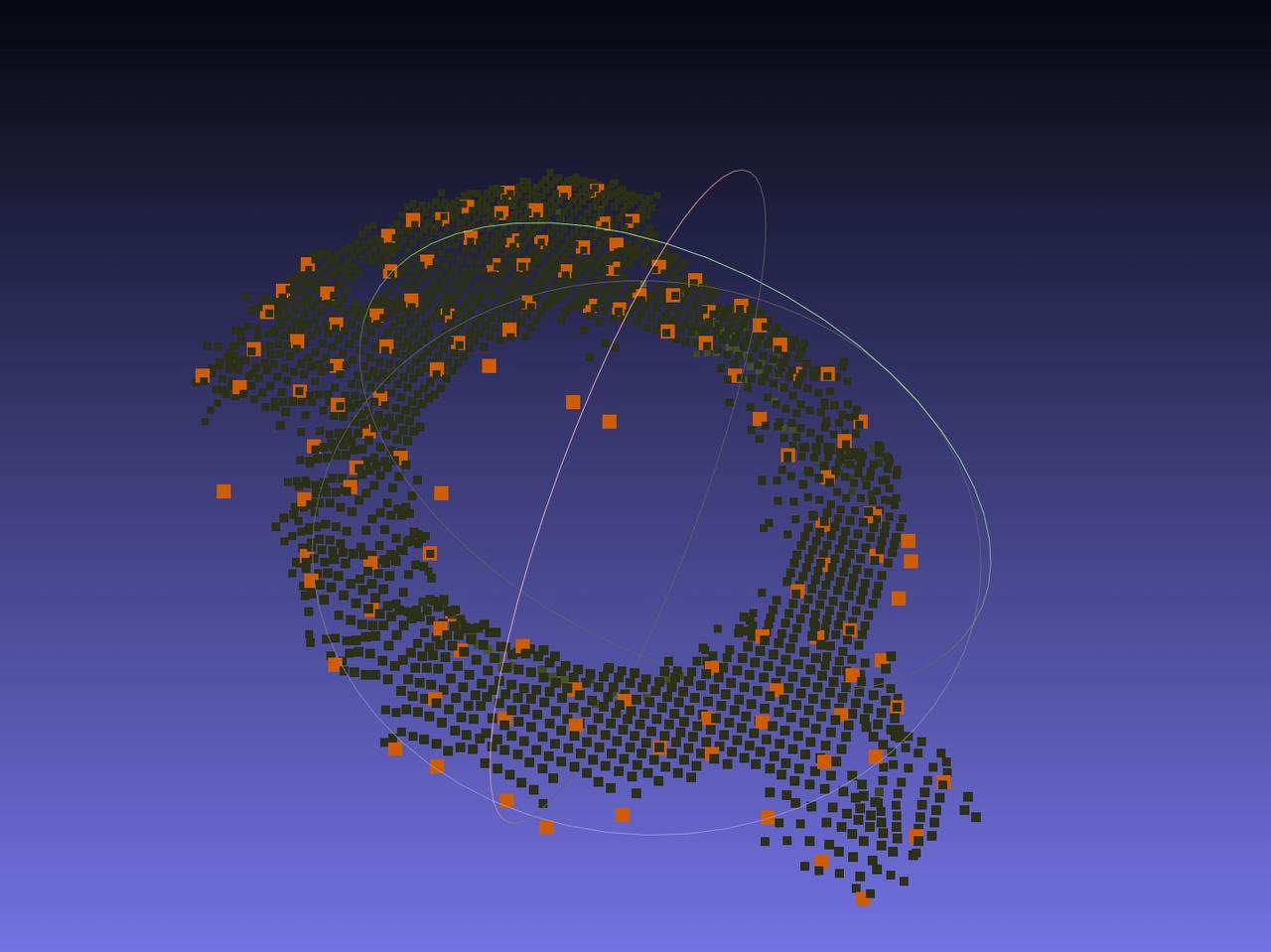  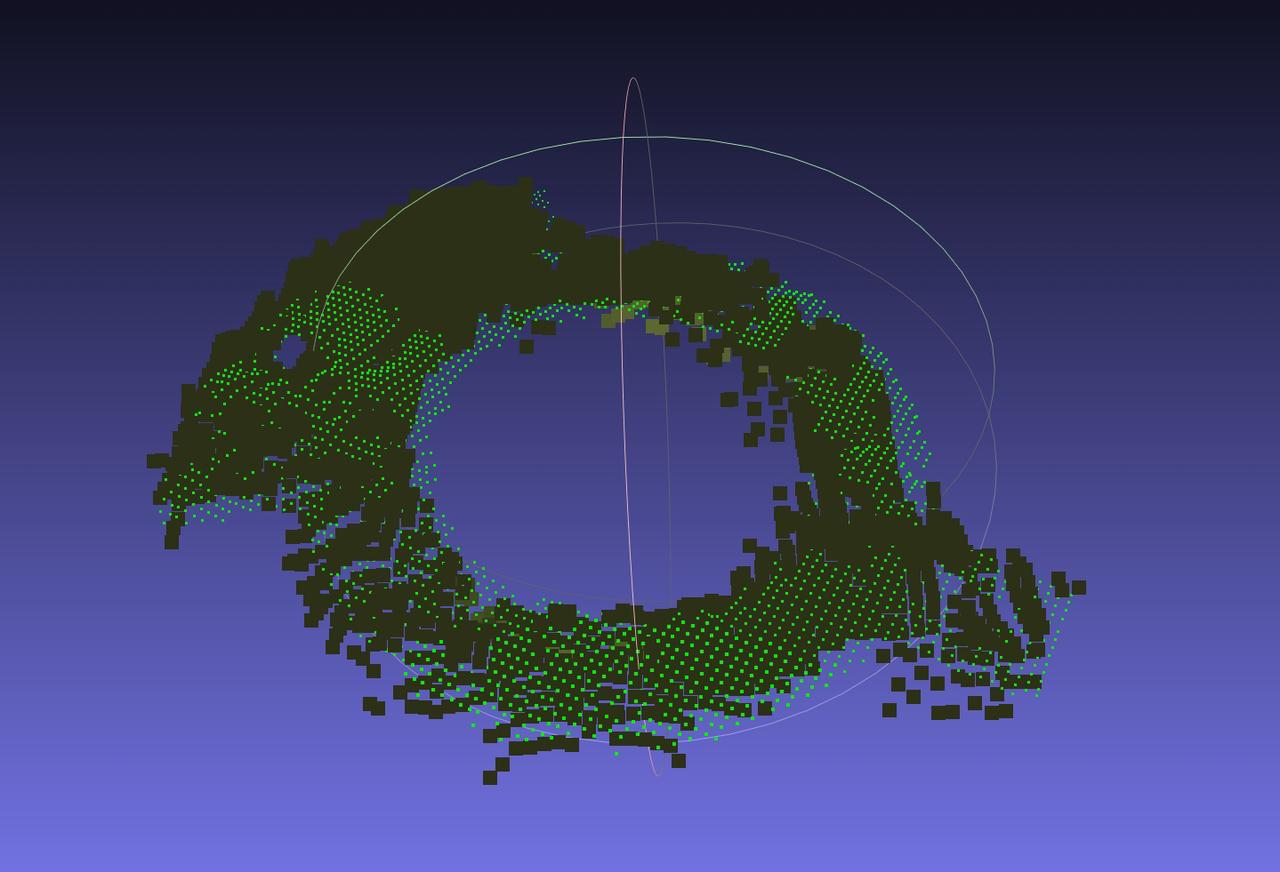 Unsuitable scenario: identical front and back shapes 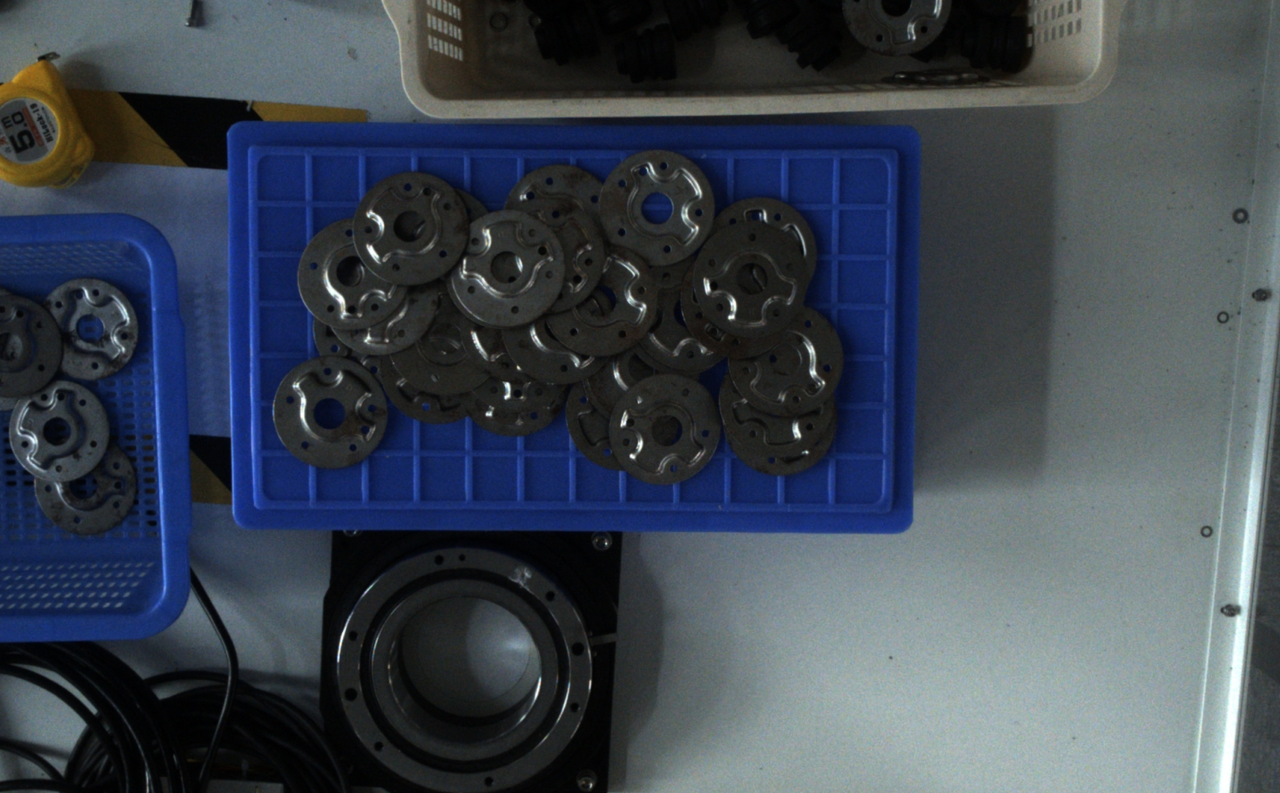 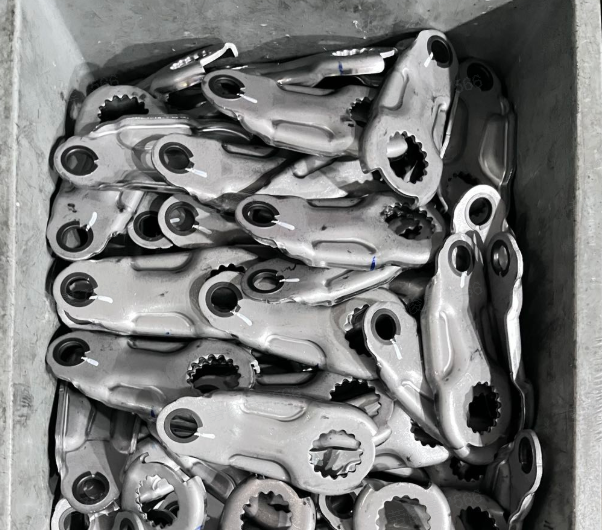 | |
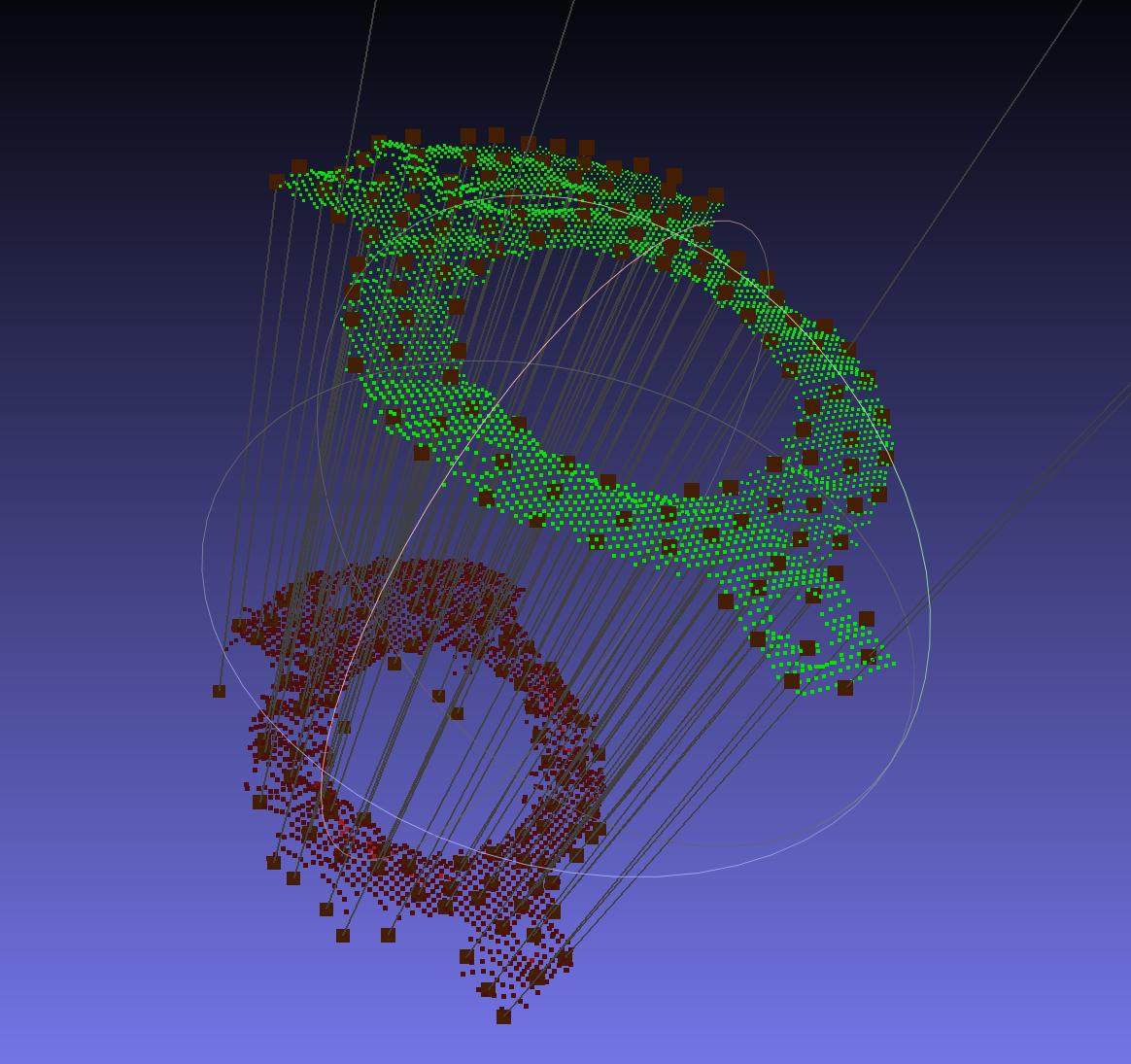
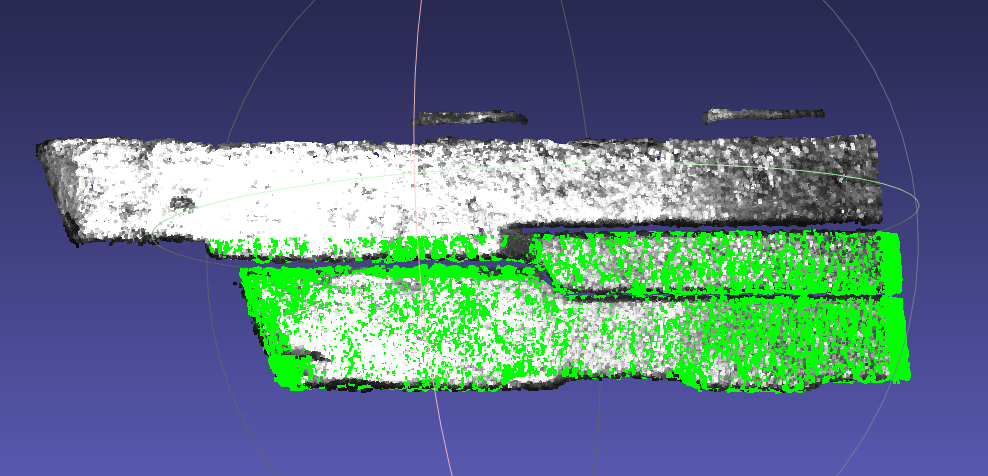
| 3D Registration | Suitable for workpieces of different types, shapes, or sizes, and applicable to almost all scenarios |
| 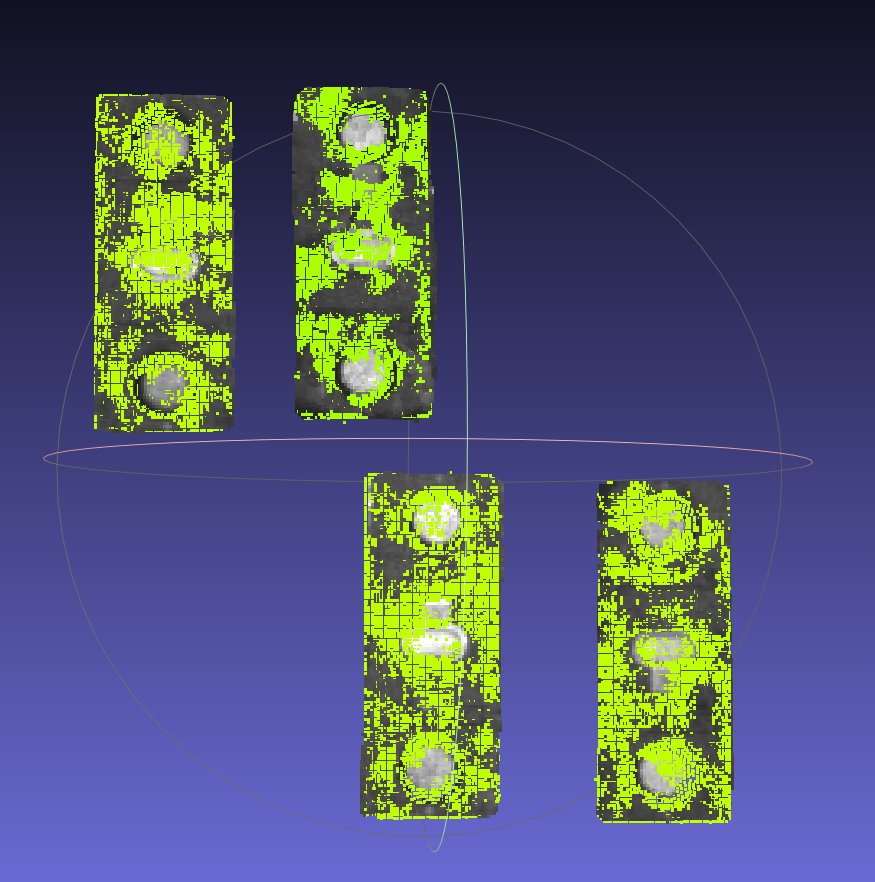  |
In addition, Dexforce fully considers the special needs of different industrial scenarios and provides some optional functions for 3D vision guidance solutions:
Vision Classification: Uses 2D depth features to classify instances. For usage, refer to Guide to Using Vision Classification
Principle: When calling PickWiz recognition, users manually select and classify images, extract the depth feature information of the images, and establish a category database. When calling PickWiz recognition, the features of the input image are extracted and compared with the features in the database to find the category that best matches the instance image.
Application scenarios: sack / carton classification, workpiece orientation classification, workpiece front-back classification, etc.
Recognition Type: Uses One-click Connection to train a Deep Learning model capable of recognizing multiple materials. It is suitable for scenarios with many workpiece types and similar shapes. For usage, refer to Guide to Using Recognition Type
Collision Detection: Detects collisions between the Tool and the bin to avoid collisions with the bin during Robot picking. For usage, refer to Guide to Using Collision Detection
Principle: Extract the bin Point Cloud of the actual Scene, calculate the template Point Cloud of the bin by using the bin dimensions entered in the Scene Object and quadrilateral fitting, and then perform fine matching between the fitted template Point Cloud and the bin Point Cloud of the actual Scene to obtain the final bin pose.
Large-range movement of the bin is allowed.
Deformed bins (concave inward or bulging outward) are not supported.
Recognize Front and Back (via Point Cloud Template): Sets two workpiece template Point Clouds, estimates the poses of both templates, and finally outputs the pose with the highest score. It is often used in scenarios where the orientation of incoming workpieces is inconsistent and may be front side up or back side up. For usage, refer to Guide to Using Recognize Front and Back (via Point Cloud Template).
Recognize Local Features: If a certain local feature of a workpiece remains basically unchanged between different workpieces and under different deformations of the same workpiece, this local feature can be used to localize the workpiece. For usage, refer to Guide to Using Recognize Local Features
Instance Optimization: Uses large models to optimize the Masks after model recognition. It is commonly used in scenarios where the instance Masks are incomplete or excessive after recognition by the General Model / One-click Connection Vision Model. For usage, refer to Guide to Using Instance Optimization
Divider and Bottom Support Detection: Picks dividers and bottom supports after workpiece picking is completed. For usage, refer to Guide to Using Divider and Bottom Support Detection
2. Solution Selection
Please select the appropriate task type in PickWiz according to the production scenario and workpiece type:
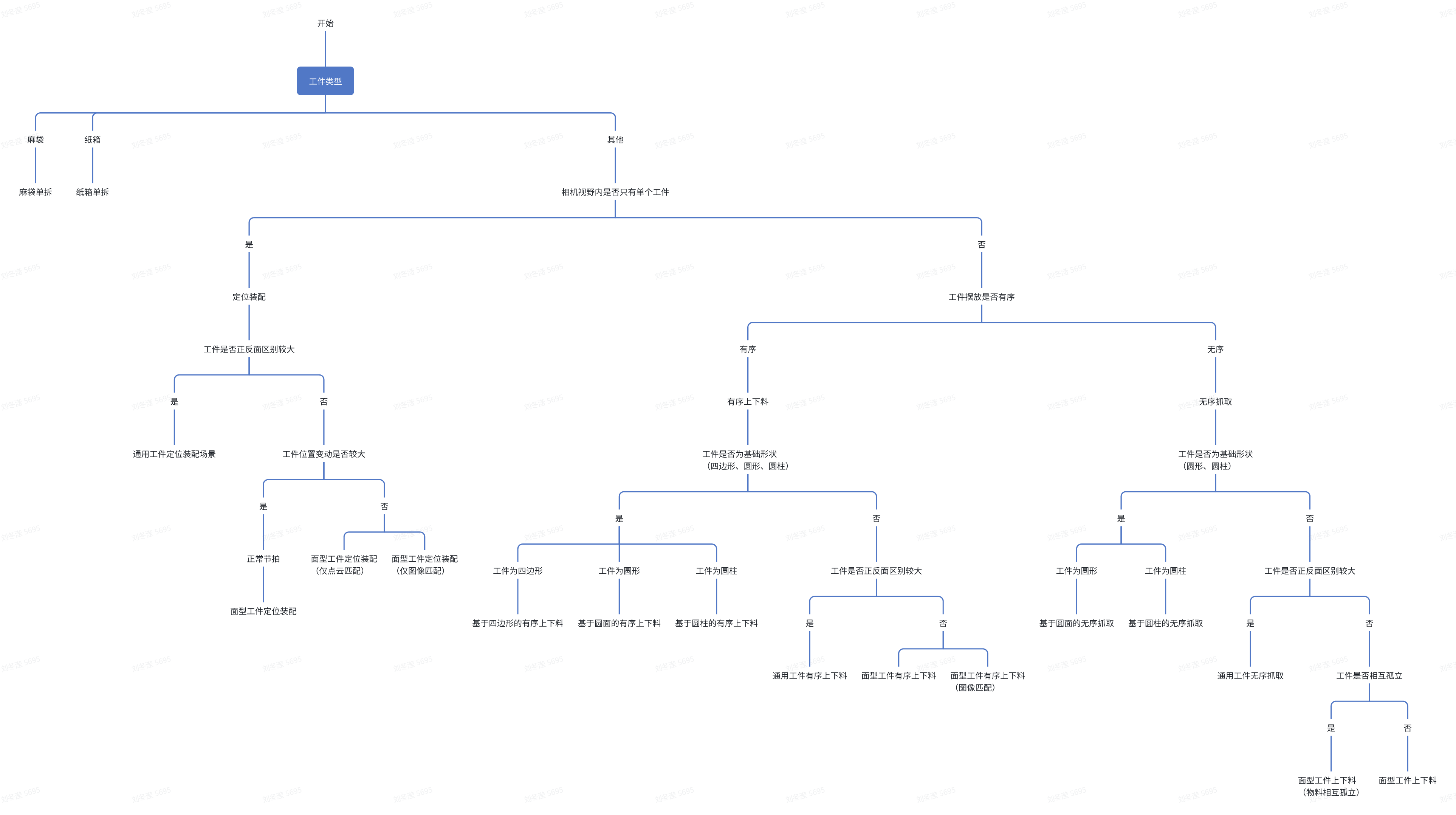
The 2D recognition solutions and 3D Matching solutions applied to each task type are shown in the table below:
| Scene | task Type | Site Requirements | 2D Recognition Solution | 3D Matching Solution | |
|---|---|---|---|---|---|
| Depalletizing | Single Sack Depalletizing | Single-type sacks with internal filling; avoid empty bags | General Sack Model | Mask-based Pick Point Generation | |
| Single Carton Depalletizing | Single-type cartons; avoid close adhesion and highly reflective tape | General Single-carton Depalletizing Model | Mask-based Pick Point Generation | ||
| Ordered Loading and Unloading | General Workpiece Ordered Loading and Unloading | Large front-back differences, orderly placement, single-type incoming materials, high workpiece consistency, and accessible workpiece CAD | CAD-based Synthetic Data Training (One-click Connection) | Rigid Transformation | |
| Circle-based Ordered Loading and Unloading | Circular-surface workpieces, orderly placement, high-quality Point Clouds, and workpieces with clear edges | General Circle Model | Circle Shape Fitting | ||
| Surface-type Workpiece Ordered Loading and Unloading | Surface-type workpieces, orderly placement, high workpiece consistency, and accessible workpiece CAD | CAD-based Synthetic Data Training (One-click Connection) | 3D Registration | ||
| Surface-type Workpiece Ordered Loading and Unloading (Parallelized) | Surface-type workpieces, orderly placement, high workpiece consistency, and accessible workpiece CAD | CAD-based Synthetic Data Training (One-click Connection) | 3D Registration | ||
| Surface-type Workpiece Ordered Loading and Unloading (Image Matching) | Surface-type workpieces, orderly placement, high workpiece consistency, and accessible workpiece CAD | Example-based Instance Segmentation | Feature Matching | ||
| Cylinder-based Ordered Loading and Unloading | Cylinder workpieces, orderly placement, high-quality Point Clouds, and workpieces with clear edges | Cylinder height-to-radius ratio does not exceed 4:1 | General Short-cylinder Model | Cylinder Shape Fitting | |
| Cylinder height-to-radius ratio exceeds 4:1 | General Long-cylinder Model | Cylinder Shape Fitting | |||
| Quadrilateral-based Ordered Loading and Unloading | Planar quadrilateral workpieces, orderly placement, single-type incoming materials, flat surfaces, and workpieces with clear edges | General Quadrilateral Model | Quadrilateral Fitting | ||
| Random Picking | General Workpiece Random Picking | Large front-back differences, random placement, high workpiece consistency, and accessible workpiece CAD | CAD-based Synthetic Data Training (One-click Connection) | Rigid Transformation | |
| Surface-type Workpiece Random Picking | Surface-type workpieces, random placement, high workpiece consistency, and accessible workpiece CAD | CAD-based Synthetic Data Training (One-click Connection) | 3D Registration | ||
| Surface-type Workpiece Loading and Unloading (Materials Isolated from Each Other) | Workpieces are separated from each other, and the workpiece Point Clouds have no adhesion at all | Point Cloud Segmentation | 3D Registration/ Mask-based Pick Point Generation | ||
| Circle-based Random Picking | Circular-surface workpieces, random placement, high-quality Point Clouds, and workpieces with clear edges | General Circle Model | Circle Shape Fitting | ||
| Cylinder-based Random Picking | Cylinder workpieces, random placement, high-quality Point Clouds, and workpieces with clear edges | Cylinder height-to-radius ratio does not exceed 4:1 | General Short-cylinder Model | Cylinder Shape Fitting | |
| Cylinder height-to-radius ratio exceeds 4:1 | General Long-cylinder Model | Cylinder Shape Fitting | |||
| Positioning and Assembly | General Workpiece Positioning and Assembly | Only a single workpiece within the Camera field of view, large front-back differences, and accessible workpiece CAD | CAD-based Synthetic Data Training (One-click Connection) | Rigid Transformation | |
| Surface-type Workpiece Positioning and Assembly | Only a single surface-type workpiece within the Camera field of view, large position changes, and accessible workpiece CAD | CAD-based Synthetic Data Training (One-click Connection) | 3D Registration | ||
| Surface-type Workpiece Positioning and Assembly (Point Cloud Matching Only) | Only a single surface-type workpiece within the Camera field of view, with small position changes | / | 3D Registration | ||
| Surface-type Workpiece Positioning and Assembly (Image Matching Only) | Only a single surface-type workpiece within the Camera field of view, with small position changes | / | Feature Matching | ||
*Notes:
Corner-picking solution:
- The model recognizes the carton and obtains the Mask of the carton
- Image / Point Cloud preprocessing adjusts the Mask and removes the noise portion
- Perform quadrilateral fitting on the Mask to obtain the fitted quadrilateral information (vertices, length and width information)
- Extract the four vertices of the quadrilateral and sort them according to the image
xyorder to distinguish upper-left, upper-right, lower-left, and lower-right - If the carton body vertex option is selected, set the upper-left vertex on the long side of the carton as the upper-left vertex of the body, and reorder the vertices according to the length and width information
- Perform plane fitting on the Mask to obtain the plane equation
- Project the image coordinates onto the fitted plane based on the Intrinsic Parameter to obtain the final 3D coordinates of the vertex to be picked